
Your taste profile tells the Recipe Crafter what you can and cannot eat, and what you love, so you never have to type "no peanuts" into a craving again. Set it once; it is used for every recipe the Crafter makes for you.
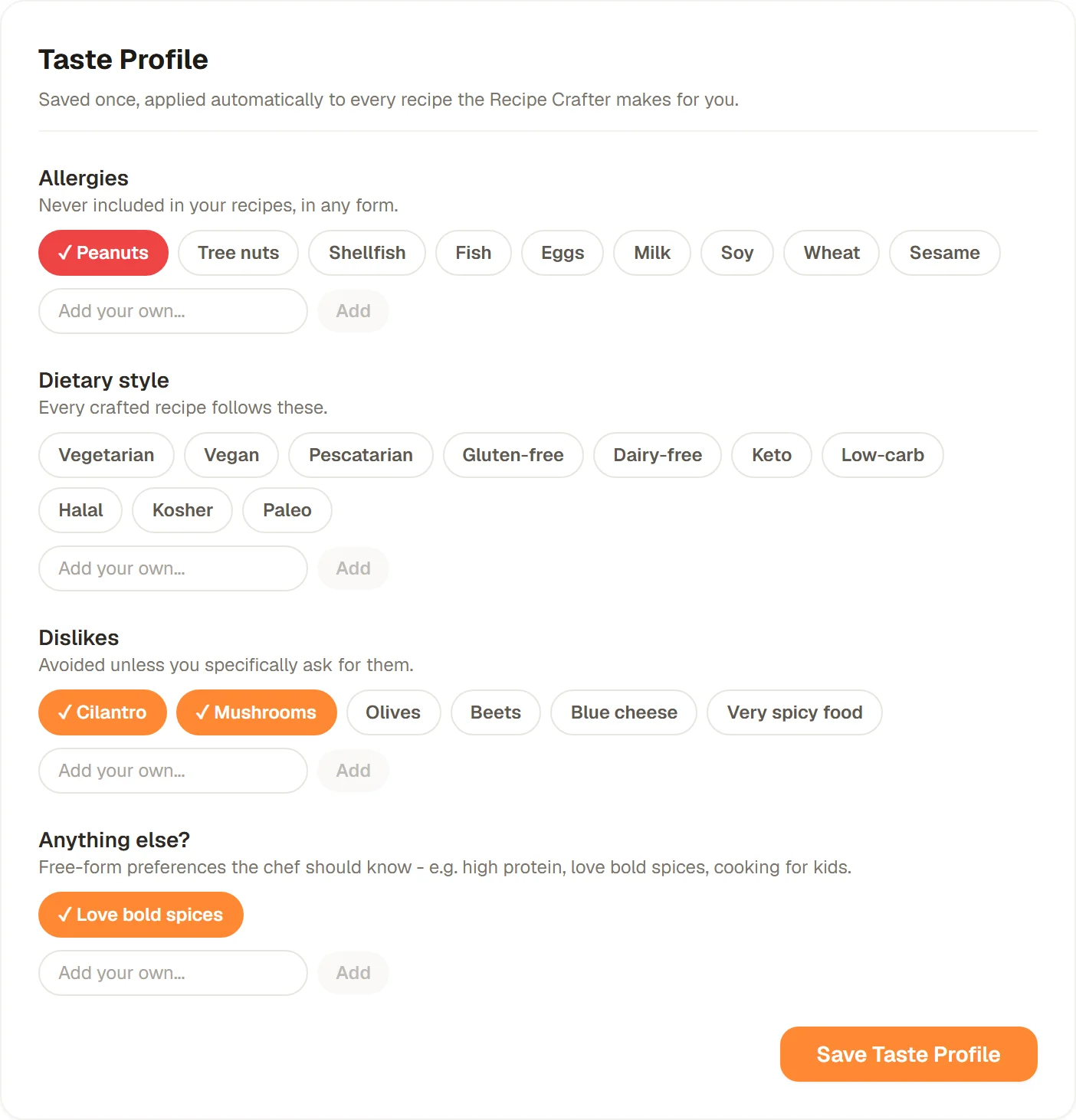
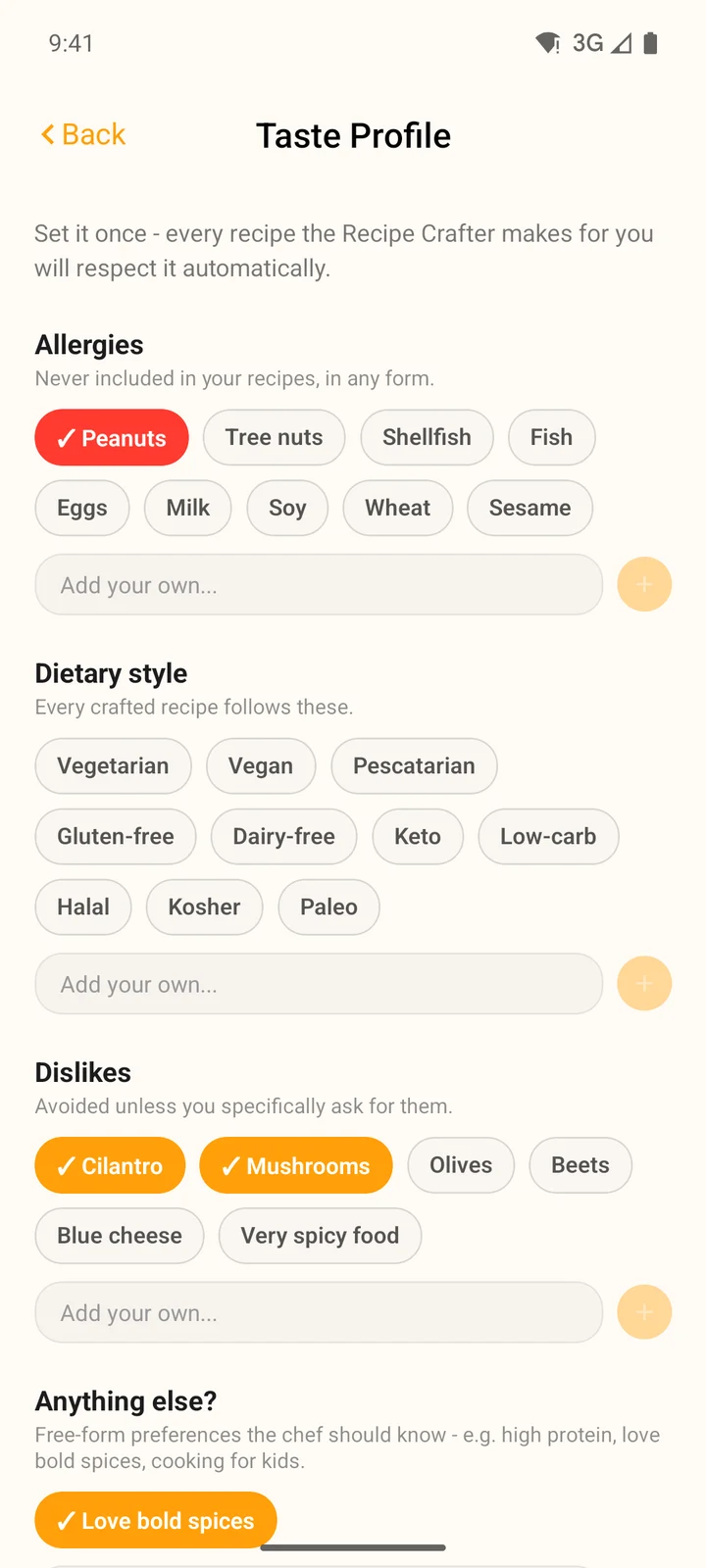
A taste profile with a peanut allergy, two dislikes and a love of bold spices.
The four parts
Allergies
- What it does
- Never included in your recipes, in any form
- Examples
- Peanuts, tree nuts, shellfish, eggs, sesame
Dietary style
- What it does
- Every crafted recipe follows it
- Examples
- Vegetarian, pescatarian, gluten-free, halal, keto
Dislikes
- What it does
- Left out unless you ask for them in your craving
- Examples
- Cilantro, mushrooms, olives, very spicy food
Anything else?
- What it does
- Extra preferences the Crafter keeps in mind
- Examples
- High protein, love bold spices, cooking for kids
| What it does | Examples | |
|---|---|---|
| Allergies | Never included in your recipes, in any form | Peanuts, tree nuts, shellfish, eggs, sesame |
| Dietary style | Every crafted recipe follows it | Vegetarian, pescatarian, gluten-free, halal, keto |
| Dislikes | Left out unless you ask for them in your craving | Cilantro, mushrooms, olives, very spicy food |
| Anything else? | Extra preferences the Crafter keeps in mind | High protein, love bold spices, cooking for kids |
Tap a suggestion to choose it (it turns red for allergies, orange for the rest). Missing something? Type it into Add your own... and press Enter, or tap Add (the + button in the app).
Where to set it
At the bottom of the Recipe Crafter, tap Allergies or preferences? Set your taste profile. It opens on top of the Crafter, so nothing you already typed is lost. Make your choices and tap Save Taste Profile.

Once saved, the row reads Taste profile applied. Tap Edit to change it.

Click your avatar at the top right, then Profile and taste. Taste Profile is the first section of the page.
Tap More, then Taste profile. Choose your items and tap Save Taste Profile.
You can also open it from the Recipe Crafter: tap the orange + button, then Recipe Crafter, and tap the taste profile row at the bottom.
What happens when you craft a recipe
- When you tap Craft my recipe, the first thing the Crafter shows is Applying your taste profile..., and the plan it shows you lists your preferences, like "No peanuts" and "Avoiding cilantro".
- Allergies are left out in every form, including sauces and toppings that contain them.
- Dislikes give way only when you ask for them yourself. A craving for "mushroom risotto" still gets mushrooms.
- Your taste profile is saved to your account, so the website and the apps always use the same one.