
Some of the food creators you follow keep their recipes on CookEase. Each one has a creator page: their photo, a few words about them, links to their social profiles and the recipes they chose, every one written out in full so you can save it and cook along.
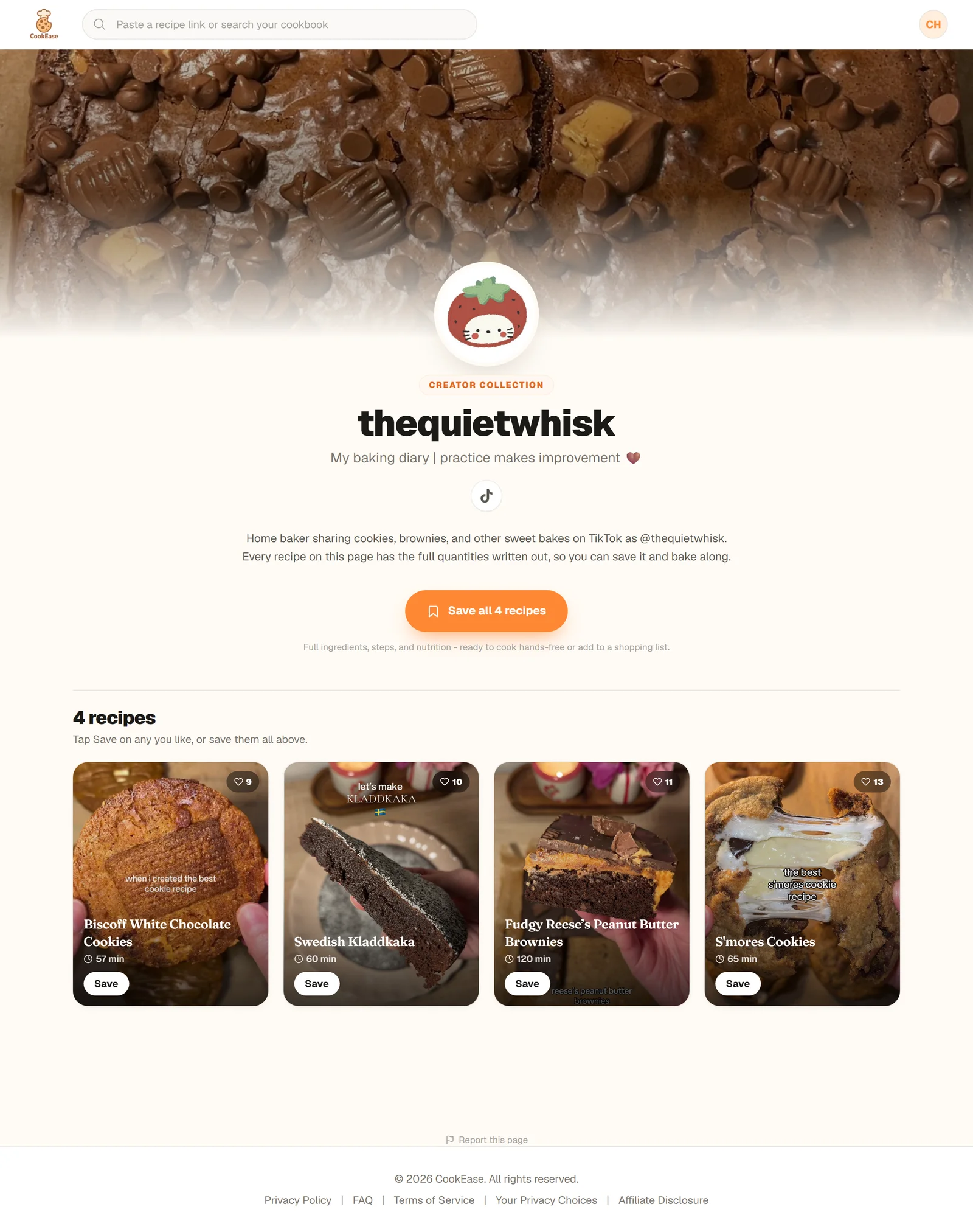
A creator page: who they are, their recipes, and one button to save the lot.
Find a creator page
- On Discover: the row at the top, Cook along with creators, has a card for each creator. Tap one to open their page. See Discover.
- From a creator's video or bio: creators link to their page, which looks like cookeaseapp.com/creators/ followed by their name. On a phone with the CookEase app, the link opens straight in the app.
Save the whole collection
Under the creator's introduction, tap Save all 4 recipes (the number matches the collection). CookEase shows a short progress screen while it adds them, then confirms with a message such as 4 recipes saved to your cookbook.
- Some already saved? They are skipped and do not use a save, and the button reads Save the other 2. Once you have every recipe it says You have all 4 of these.
- Just a few? Every tile has its own Save button, and tapping a tile opens the full recipe first.
- Up to 30 at a time. Save all handles up to 30 recipes in one go.
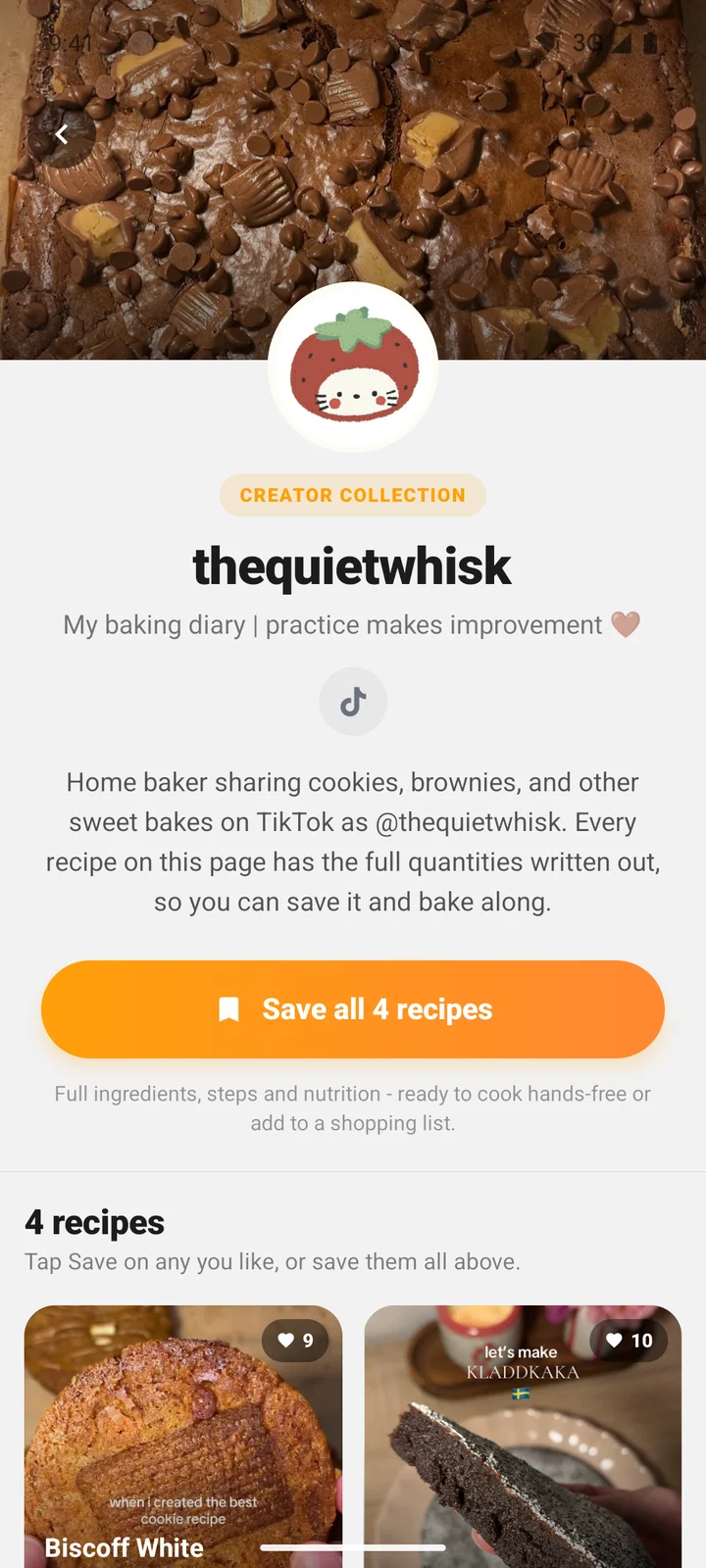
Creator pages look the same in the app.
If you do not have enough saves left
Each recipe you save from a creator page uses one Discover save. Free accounts start with 5, every friend you invite adds 5, and CookEase Pro has no limit.
Save all is all or nothing. If you pick more recipes than you have saves left, nothing is saved yet, and a sheet titled Save all 4 in one tap explains how many you picked and how many saves you have. You can then choose:
- Go Pro, to save the whole collection now and everything after it.
- Save 1 now (with however many you have left), to save that many from the collection.
- Not now, to close the sheet. CookEase keeps your picks and finishes saving them once you have room, for example after you invite a friend.
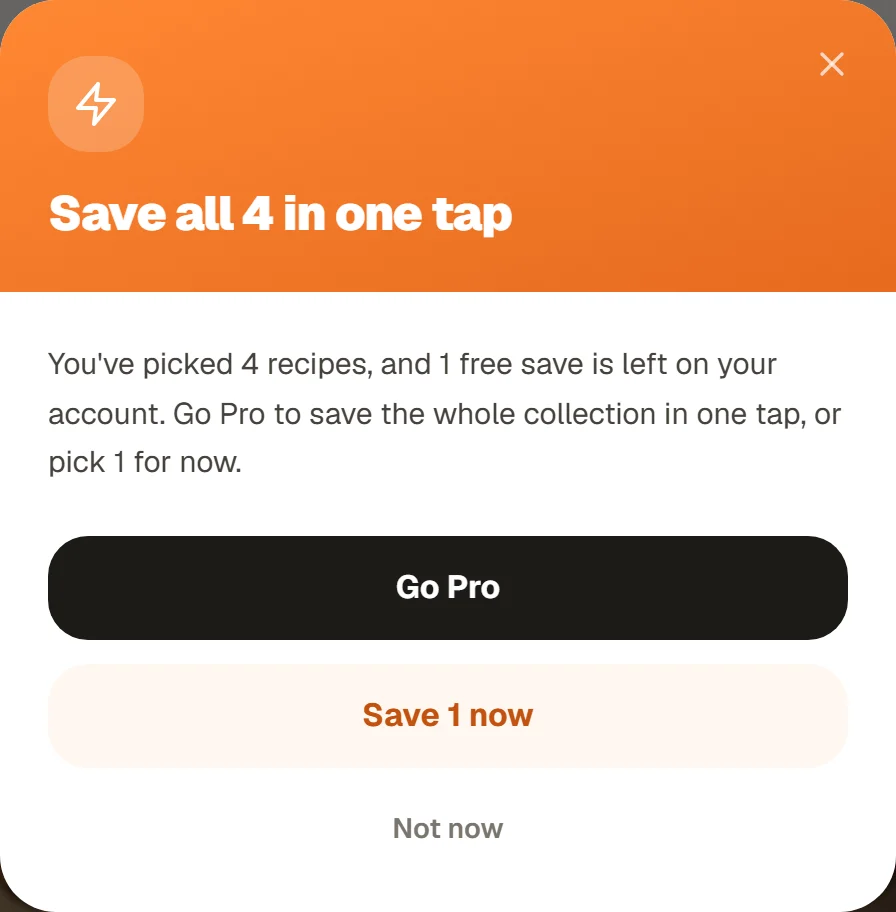
The sheet names both numbers so the choice is clear.
Tap Save all with too few saves and the sheet appears instead.
Visiting without an account
Anyone can open a creator page and read the whole collection, no account needed. Tap Save all or Save on a recipe and CookEase asks you to sign up (it is free). Once you are in, you come back to the creator page and the recipes you picked are saved for you, so nothing is lost on the way.
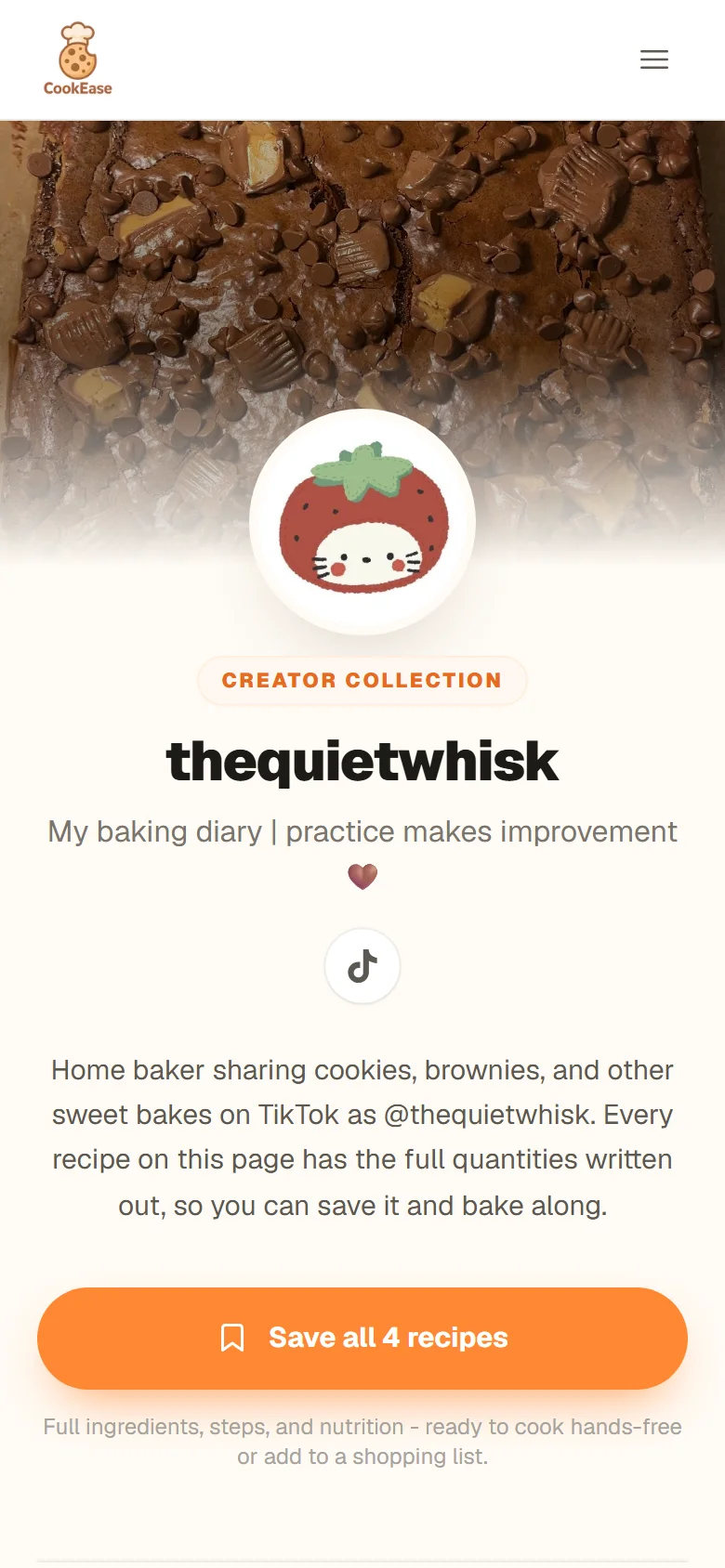
Opened from a link on a phone, before signing up.