
Recipe pages bury the recipe under photos, ads and a story about someone's grandmother. Paste the page's link into CookEase and you keep only what you cook from. On the website, the quickest way is the field at the top of every page.
Paste a link into the field at the top of any page and choose Save this recipe to your cookbook.
How to save a recipe page
- 1
Copy the page address
Open the recipe in your browser and copy the address from the address bar. - 2
Paste it at the top of CookEase
Click the field that says "Paste a recipe link or search your cookbook" (or press Ctrl or Cmd + K) and paste. Pasting a link starts the save right away. If you type the address instead, choose Save this recipe to your cookbook. - 3
Or use the Save a recipe button
On your Cookbook, click Save a recipe. The Save a Recipe window opens on Web Link: paste the address into Recipe URL and click Save a Recipe.
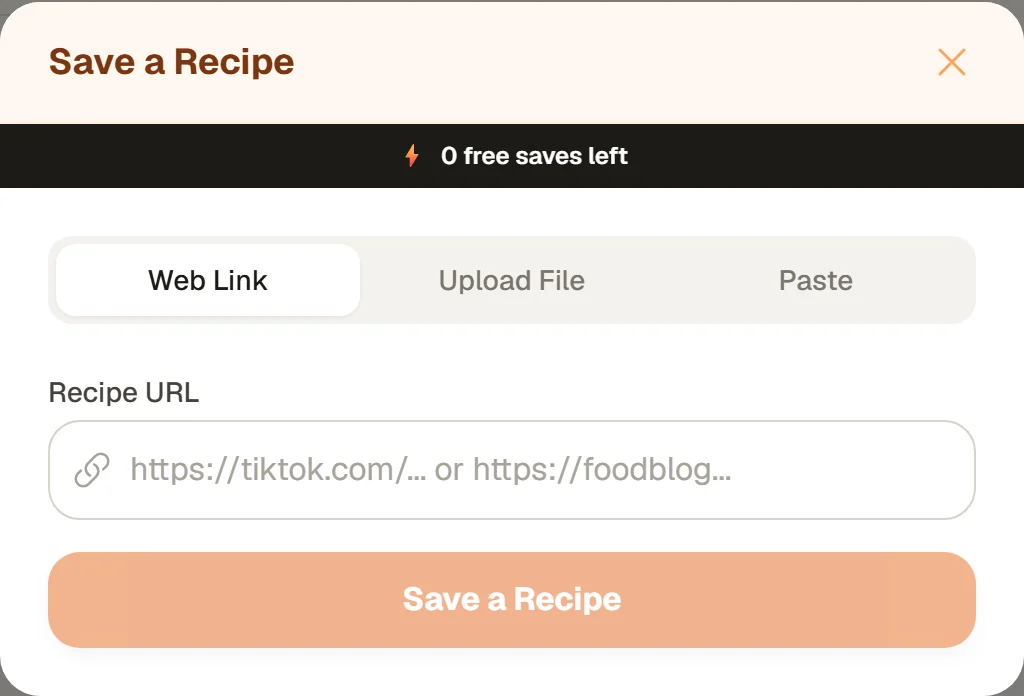
The Save a Recipe window. Free accounts see how many saves they have left at the top.
- 1
Share it from your browser
The quickest way: in Safari or Chrome, tap Share and choose CookEase. The app opens and starts saving. The social apps guide shows how to keep CookEase at the front of the share list. - 2
Or paste the link
Copy the page address, open CookEase and tap the orange + button, then Save a Recipe. On the Link tab, tap PASTE, then Save Recipe.
The orange + button, then Save a Recipe.
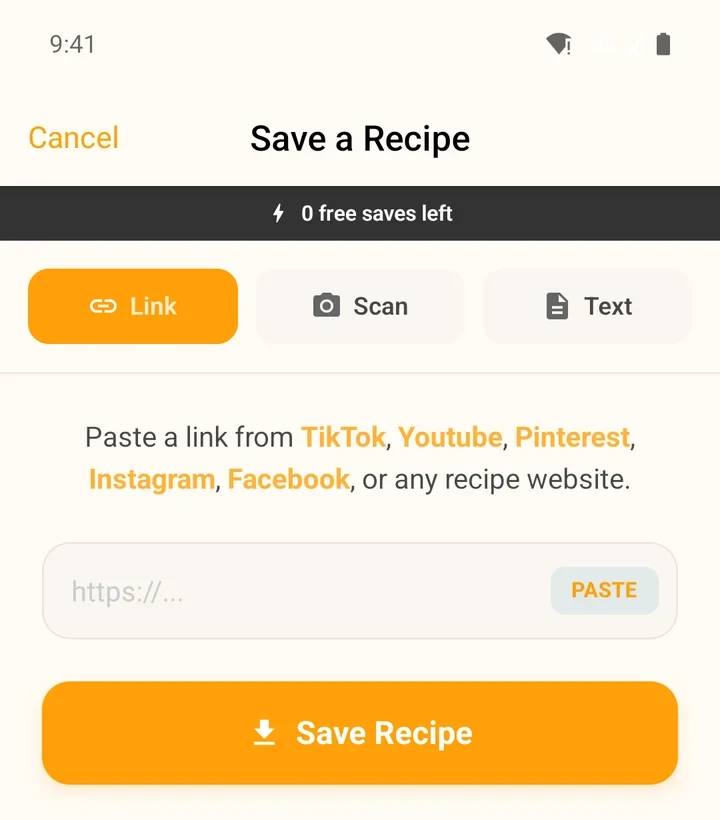
The Link tab. PASTE drops in whatever you copied.
What happens next
A recipe card writes itself while CookEase reads the page: Opening the link..., Reading the recipe..., then the title, photo and ingredients appear. Most pages take a few seconds; a slow site can take a minute, and you do not have to wait for it (see saving in the background).
When it lands you see Recipe Saved! with Add to Cookbook (Optional). Tick a cookbook, make a new one with Create new cookbook..., or just tap Done.
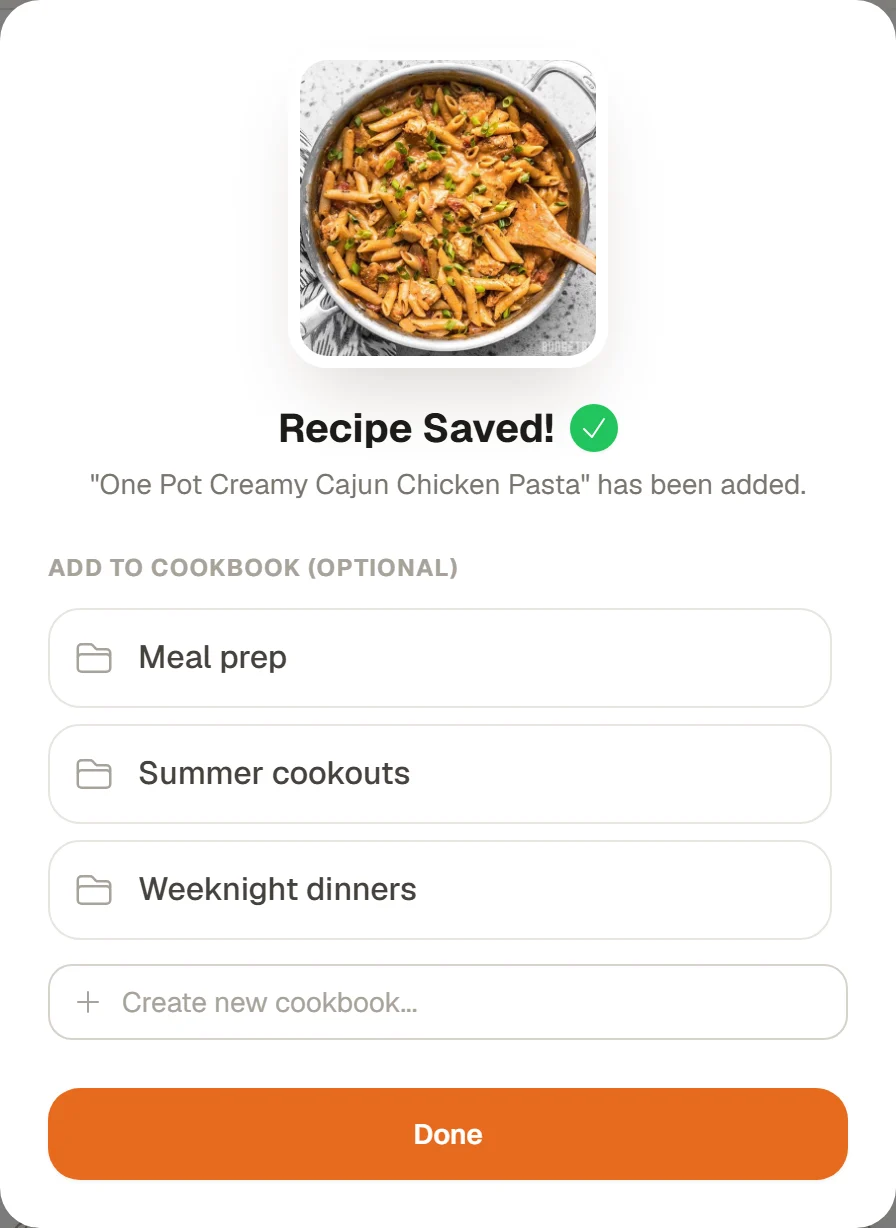
Recipe Saved! File it into a cookbook or tap Done.
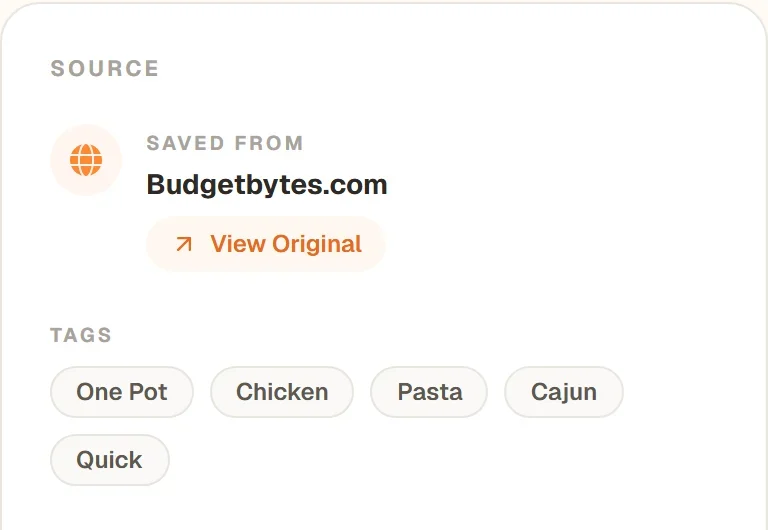
Every recipe links back to the page it came from.
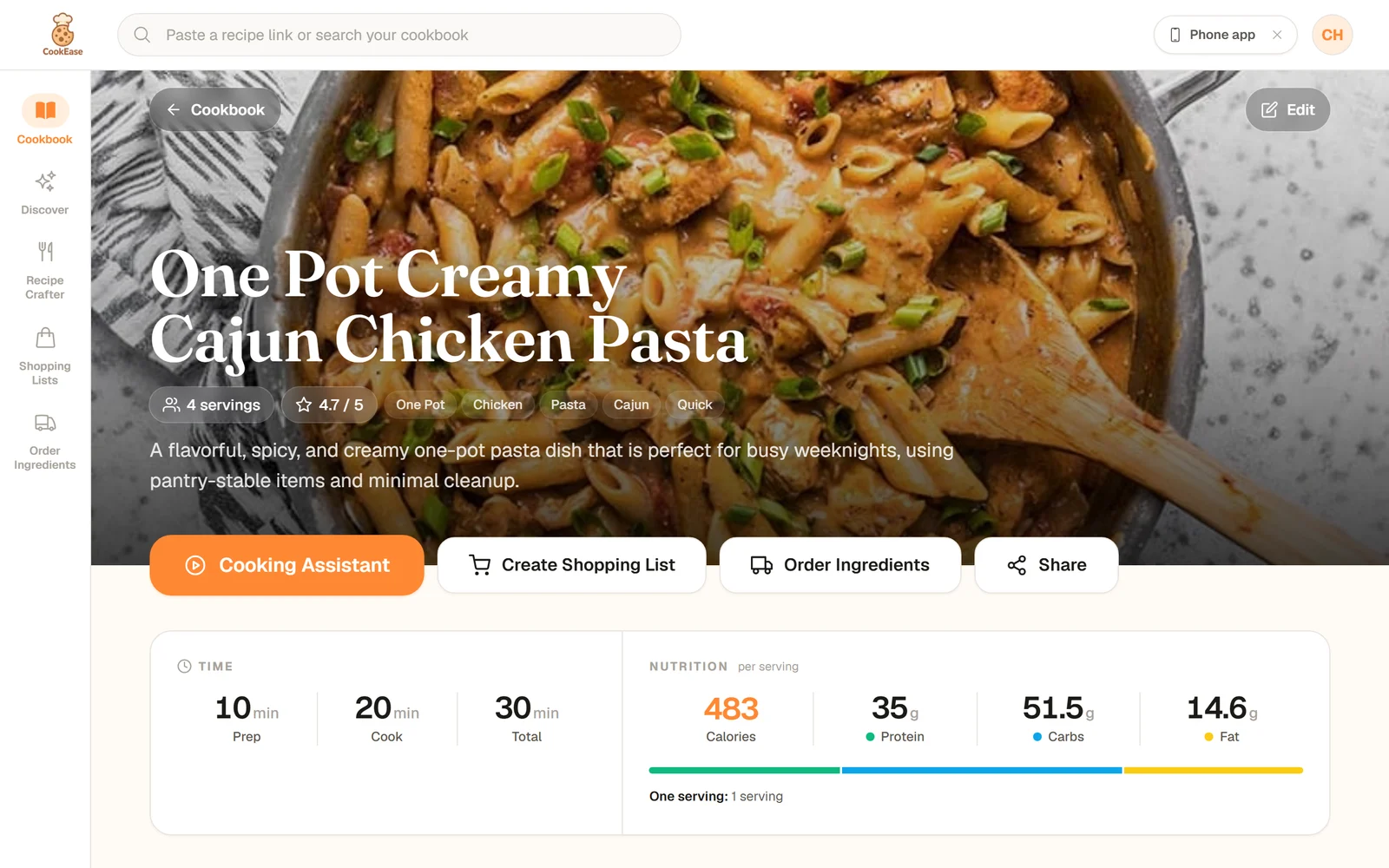
The same recipe in your cookbook: no ads, no scrolling past a story, with nutrition per serving.
Sites that do not let apps read their recipes
A few big publishers ask apps not to read their pages, and CookEase respects that. They are Allrecipes, Serious Eats, Simply Recipes, EatingWell, Food & Wine, The Spruce Eats, Southern Living, Better Homes & Gardens, Martha Stewart, Real Simple, Parents, Shape, Verywell Fit and People.
Paste one of their links and CookEase tells you right away, before anything is saved. On the website it also switches to the Paste tab. Two ways around it, both of which work for any recipe you can see:
- Copy the recipe text on the page (the ingredients and steps), and paste it into Paste on the website or Text in the app. See saving pasted text.
- Take a screenshot of the recipe and save it with Upload File on the website or Scan in the app. See saving from photos and screenshots.
An Allrecipes link: CookEase explains and switches to Paste. Nothing is used up.
Login and paywalled pages
CookEase sees a page the way someone without an account would. If a recipe sits behind a sign-in or a subscription, copy the text or take a screenshot while you are signed in, and save that.