
Recipes live in odd places: a note on your phone, a text from your mom, an email from a friend, a page you copied years ago. Copy the text, paste it into CookEase, and it becomes a proper recipe you can scale, cook from and shop for.
Pasting a recipe and its photo into the Paste tab on the website.
How to paste a recipe
- 1
Copy the recipe
Select the whole recipe (title, ingredients and steps) and copy it. - 2
Open Paste
On your Cookbook, click Save a recipe, then the Paste tab. - 3
Paste and save
Click into Paste Recipe Content, paste, and click Analyze & Save.
- 1
Copy the recipe
In Notes, Google Keep, Messages or your email, press and hold the text, select it all and tap Copy. - 2
Open Text
In CookEase, tap the orange + button, then Save a Recipe, then the Text tab. - 3
Paste and save
Press and hold in the box, tap Paste, then tap Analyze & Save.
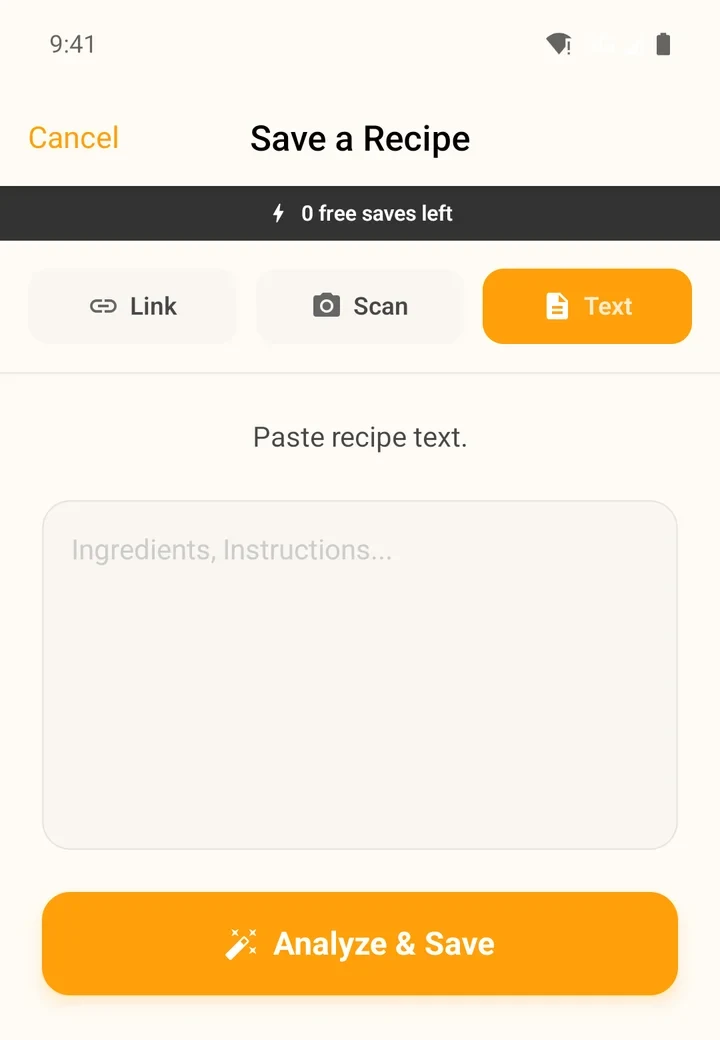
The Text tab in the app.
What CookEase does with it
You do not need to tidy anything first. CookEase finds the title, splits the ingredients from the steps, reads amounts written any way ("1 1/2 tbsp", "a handful", "200g"), and fills in times, servings and nutrition per serving. If what you pasted holds more than one recipe, each one is saved separately.
- Pasted a recipe into the link box? No problem. CookEase notices it is a recipe, not a link, and saves it as text.
- Only a few words? Something like "chicken pasta" is not enough to make a recipe. To create a new dish from an idea, use the Recipe Crafter.
- Typing your own recipe? Write it like a note (a title, the ingredients, then the steps) and paste or type it straight into the box.
Pictures in what you paste
On the website, copy a recipe together with its photo (for example, select the whole recipe on a web page) and paste: the photo appears under the text with Image detected in pasted content, and it becomes the recipe's photo. You can also paste a single picture, such as a screenshot, and see Image attached from clipboard. Remove a picture with the red x on it.
In the app, the Text tab takes text only. Add a photo later with Edit on the recipe, or save a screenshot with Scan instead.