
Cooking Hands-Free with Voice Control
The worst moment in any recipe is when your hands are covered in flour and the screen has just gone dark. Cook Mode exists for exactly that moment.
Starting Cook Mode
- Open the recipe you want to cook.
- Choose Start Cooking.
- In the iPhone and Android apps and on the web the recipe opens one step at a time in a dark cook mode, with a progress bar across the top, Next and Previous buttons, swipe to move between steps, and the ingredients one tap away.
- Enable the voice assistant when you are ready to go hands-free.
While Cook Mode is open, CookEase holds your screen awake. It will not dim or lock partway through kneading dough.
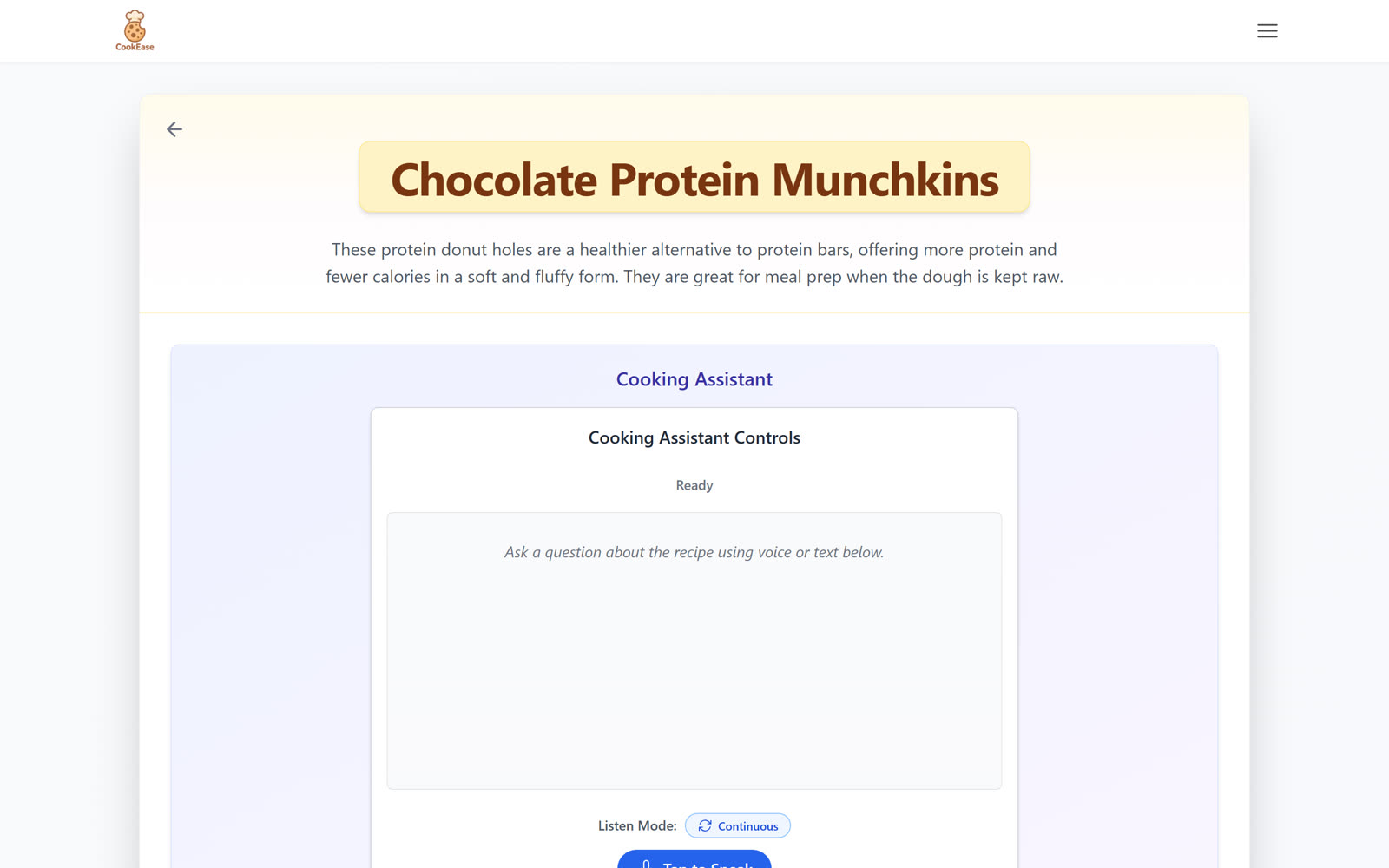
Moving through the recipe by voice
The assistant understands ordinary phrasing rather than fixed commands. All of these work:
- Next step, or what is next?
- Go back, or previous step
- Go to step four
- Repeat that
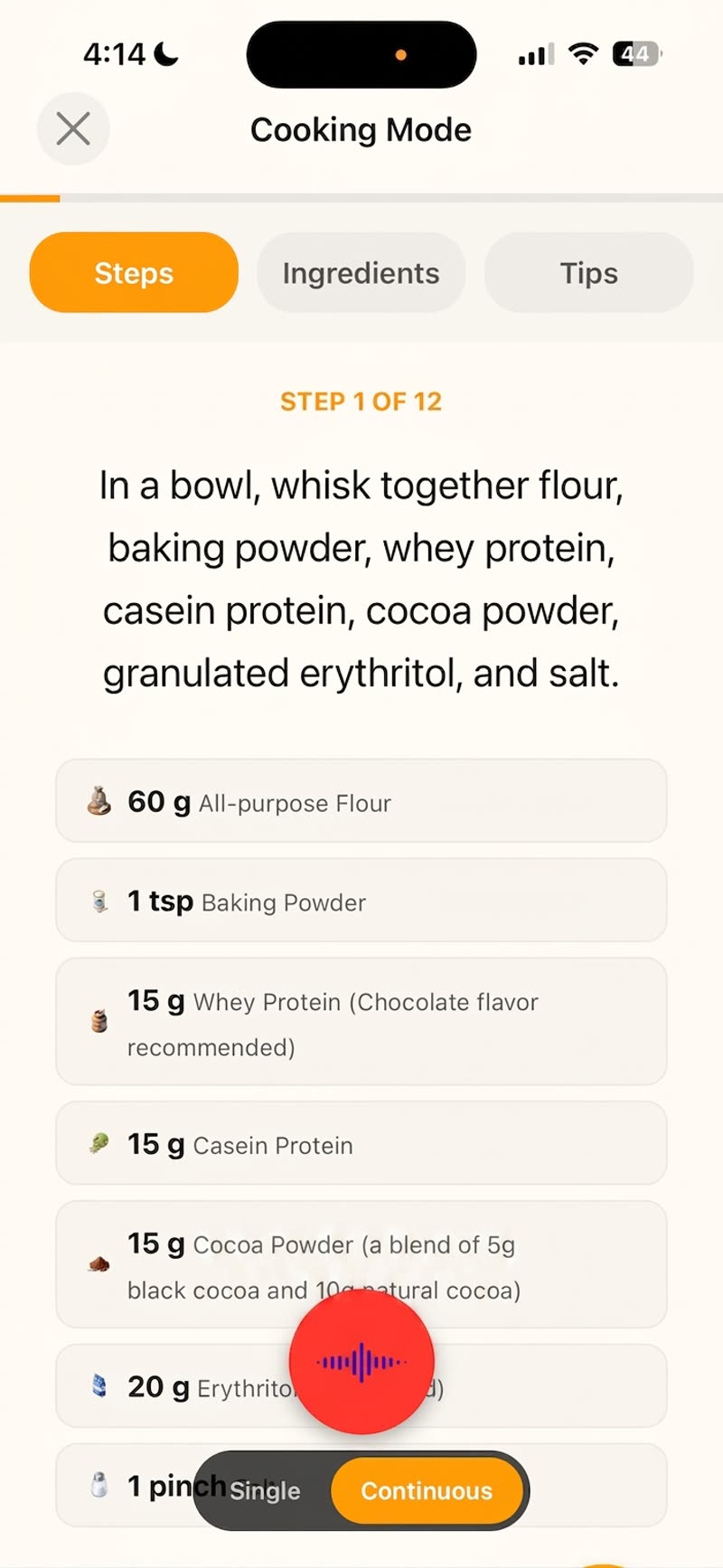
You do not need to remember exact wording. The assistant works out which step you mean relative to where you currently are.
Asking questions mid-recipe
The assistant can also answer questions about the recipe in front of you, without losing your place:
- How much flour do I need?
- What temperature is the oven?
- How long does this bake for?
Answers come from the recipe you are cooking, so they reflect your version of it, including any edits you made.
Getting the best results
- Keep loud fans or music low while you speak - a quiet kitchen gives the clearest results.
- Speak at a normal pace. There is no need to over-pronounce or shout.
- Leave a short gap after speaking. The assistant waits for a pause before acting.
- Stay online. The assistant does its listening over the internet, so Cook Mode needs a connection.
Daily limits
Voice commands count toward a daily limit. The free plan includes enough to try it across a recipe or two, and CookEase Pro raises the limit substantially for regular hands-free cooking. Reading a recipe in Cook Mode without the assistant is never limited.