
No more pausing a cooking video every few seconds to scribble down amounts. Give CookEase the video and you get the recipe written out: ingredients with amounts, numbered steps, nutrition and the video's photo.
Pasting a YouTube link on the website. The card starts filling in as soon as CookEase opens the video.
How to save a YouTube recipe
- 1
Tap Share under the video
In the YouTube app, open the video (or Short) and tap Share. - 2
Choose CookEase
Pick CookEase from the list of apps. If it is not there, tap More and scroll the apps. The social apps guide shows how to keep CookEase at the front of that list. - 3
Or paste the link
Tap Copy link instead, open CookEase, tap the orange +, then Save a Recipe. Tap PASTE in the link box and then Save Recipe.
- 1
Copy the video link
On youtube.com, copy the address from the address bar, or click Share under the video and then Copy. - 2
Paste it into CookEase
Click Save a recipe on your Cookbook, stay on Web Link, paste and click Save a Recipe. Or paste it into the field at the top of any page and choose Save this recipe to your cookbook.
What CookEase reads, and the 10-minute rule
Every YouTube save starts with the words: CookEase reads the video's description, the creator's own comments (where many creators pin the ingredient list) and the captions. If the full recipe is written there, that is what it uses, and the save is quick.
If the recipe is only shown or said in the video, CookEase watches it. It sees the on-screen text and the cooking, and hears what the creator says, so an amount mentioned out loud still lands in your ingredient list. Watching is limited to videos of 10 minutes or less.
- Up to 10 minutes (and Shorts): saves whether the recipe is written down or only shown and said in the video.
- Longer than 10 minutes: saves only when the recipe is written in the description, the creator's comments or the captions.
When a long video has no written recipe, CookEase tells you how long the video is and suggests a shorter video or pasting the recipe text. Saves that do not work never use up one of your free saves.
What you get
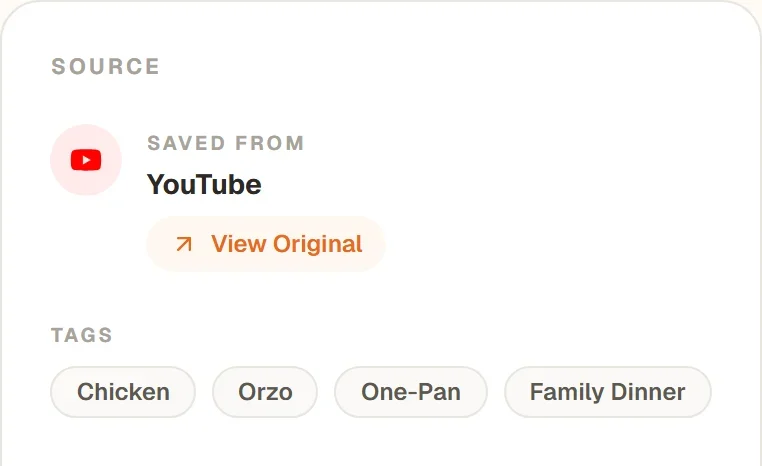
The saved recipe uses the video's photo, keeps the creator's amounts where they gave them, and estimates any amount they did not say. A View Original button under SAVED FROM takes you back to the video whenever you want to watch a step again.
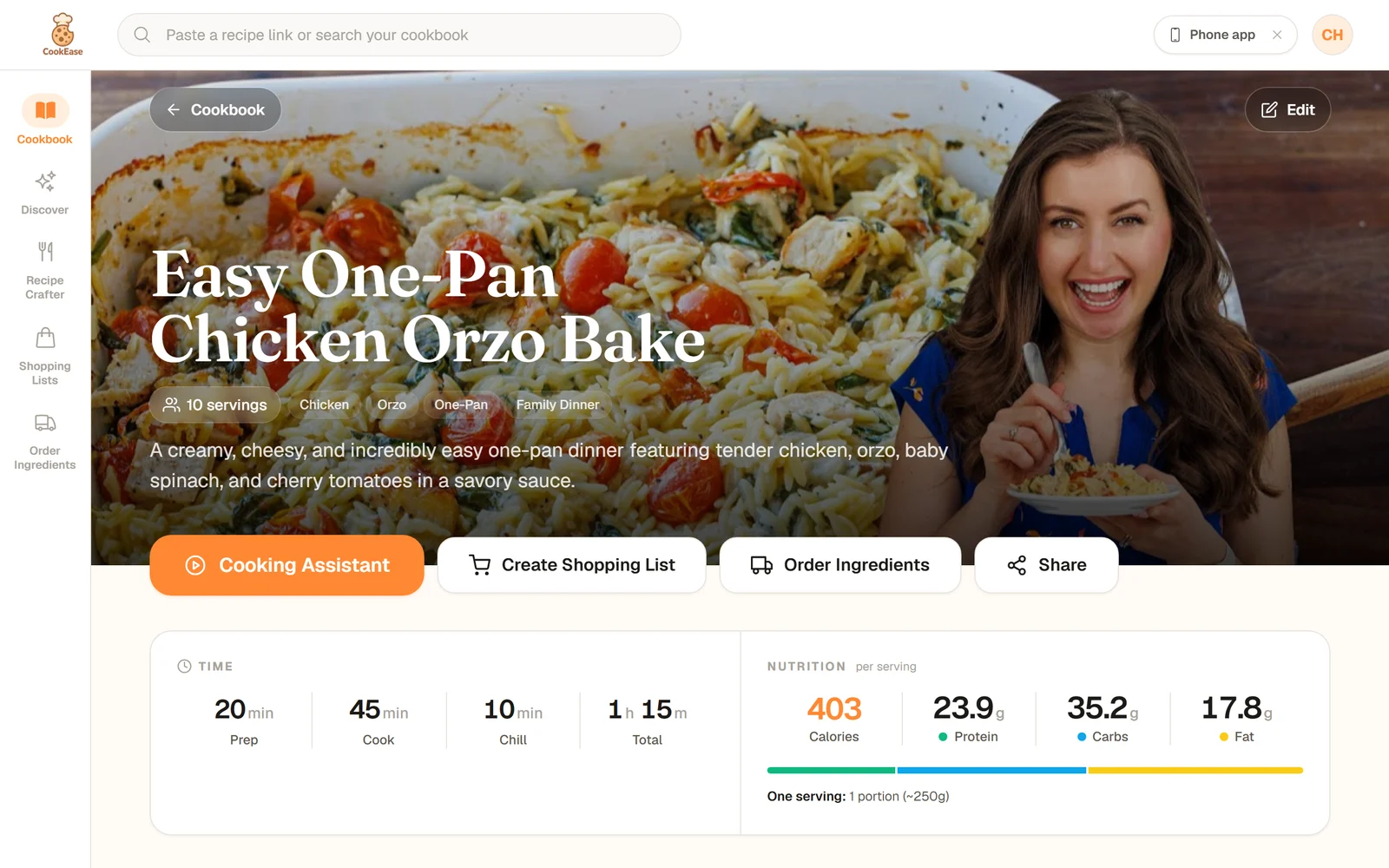
A recipe saved from a YouTube video, with times and nutrition per serving filled in.
Nutrition fills in a few seconds after the recipe lands, worked out from the ingredients. See how nutrition and serving sizes work.
Tips for YouTube
- The recipe is on the creator's website? Save that page instead. It keeps their exact amounts. See saving from websites.
- Several dishes in one video (a meal prep or "3 dinners" video) are saved as separate recipes.
- A long save? You can leave it running and carry on. See saving in the background.
- Private, members-only or deleted videos cannot be opened by CookEase. You will see a message saying so.