
Your recipes are yours. This page covers the choices you have about who sees what and how CookEase uses your information. Our privacy policy has every detail; this is the practical version.
Who can see your recipes
- Recipes you save or make: only you.
- Your cookbooks and shopping lists: only you.
- A recipe shared as Private Link Only: anyone you send the link to.
- A recipe published to the Discover feed: anyone on CookEase, who can also save a copy.
- Comments and likes on shared recipes: anyone who can open that recipe.
You choose when you share a recipe: Publish to Discover Feed or Private Link Only. To take a published recipe off Discover, open Share on it again and choose Private Link Only. Your display name shows next to comments you post. See sharing a recipe.
People you have hidden
When you report a shared recipe or a comment, you can also choose Also hide everything from this person, and you will not see their recipes or comments again. To bring someone back:
- Website: your profile picture (or initials), Profile and taste, then the People you have hidden section (it only appears once you have hidden someone).
- App: More, Settings, People you have hidden.
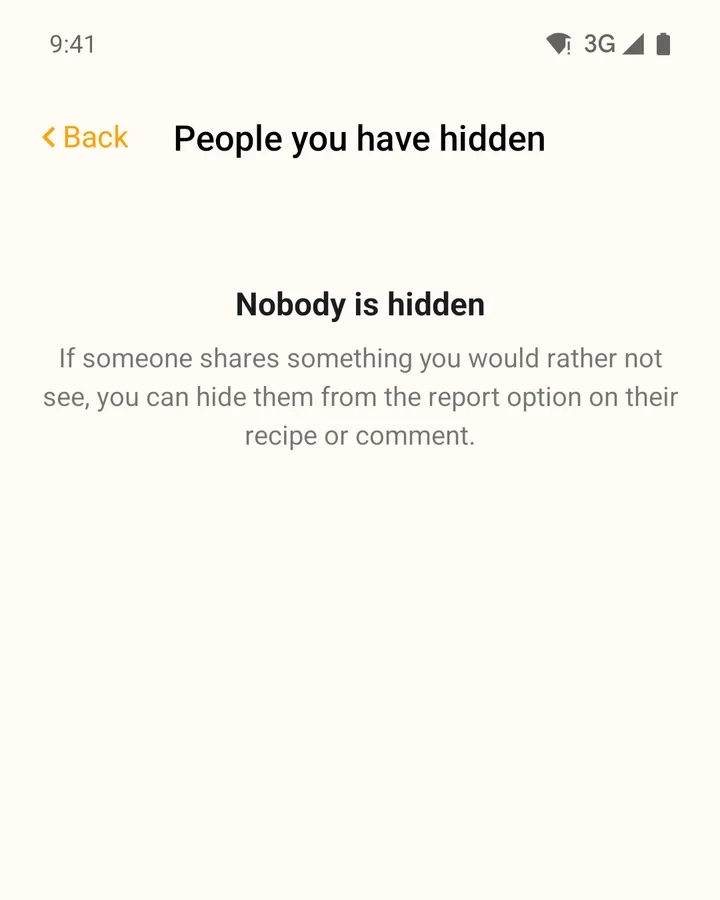
More in likes, comments and reporting.
Advertising cookies on the website
The website always uses a few cookies to keep you signed in and remember your settings. Separately, CookEase advertises on Facebook and Instagram, and on the website we may let Meta know when one of our ads led to a sign-up or subscription. You can turn this off at Your Privacy Choices (also linked at the bottom of every page): switch Advertising cookies off.
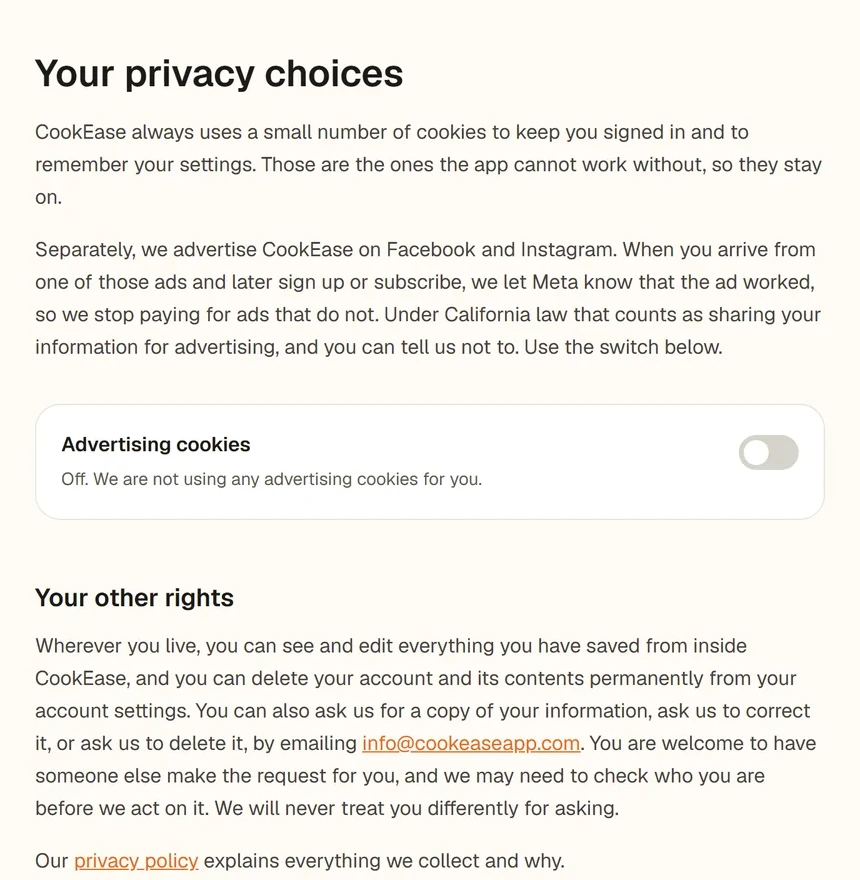
Your Privacy Choices, with the Advertising cookies switch.
- In the European Economic Area, the UK and Switzerland (or when we cannot tell where you are), these cookies stay off unless you turn them on.
- If your browser sends a Global Privacy Control signal, they are switched off for you automatically.
- The iPhone and Android apps contain no advertising or tracking software at all.
- We never sell your personal information, never show ads from other companies, and never use your recipes, photos or voice to target ads.
Your voice and photos
CookEase only uses your microphone when you talk to the Cooking Assistant or add items to a list by voice, and only after you allow it. Your voice is used to understand and answer you, not to identify you. Photos, screenshots and PDFs you upload are used to read the recipe in them. Turn microphone access off any time in your phone or browser settings.
Copies, corrections and deletion
- See and edit: everything you have saved is in the app, and you can change or remove it any time.
- Get a copy, correct or delete your data: email info@cookeaseapp.com. Someone can ask for you, and we may check who you are first. We usually reply within 30 days, and you are never treated differently for asking.
- Delete everything yourself: see deleting your account.
- Stop emails: use the Unsubscribe link in any reminder email. See notifications and reminders.