
CookEase runs on iPhone, on Android phones and in any web browser. They all share one account, so a recipe you save from TikTok on your phone is waiting on your laptop a moment later. Pick your device:
- 1
Download CookEase
Open the CookEase page on the App Store and tap Get. It also runs on iPad. - 2
Create your account
Open the app and tap Try saving a recipe (you can paste a recipe link first, and it is saved as soon as your account is ready). Choose Continue with Apple, Sign up with Google or an email address and password. Already have an account? Tap Log in instead. - 3
Add CookEase to your share sheet
The fastest way to save is the Share button in TikTok, Instagram or YouTube. The first time, tap More in the share sheet and add CookEase to your favorites. See how.
The Android app is in early access on Google Play, so Google Play only shows it to people who have joined. Joining takes about a minute. Do these steps on your Android phone, signed in to the Google account you use for Google Play.
- 1
Open cookeaseapp.com/android
Go to cookeaseapp.com/android in your phone's browser. - 2
Join the early access group
Tap Join the group, then Join group on the Google Groups page. It is free and sends you no emails. - 3
Turn on early access
Back on the CookEase page, tap Become a tester. If Google says the page is not available yet, wait a few minutes after joining the group and try again. - 4
Install and log in
Tap Open Google Play, then Install. Open the app and log in with your CookEase account, or create one. Your recipes come with you.
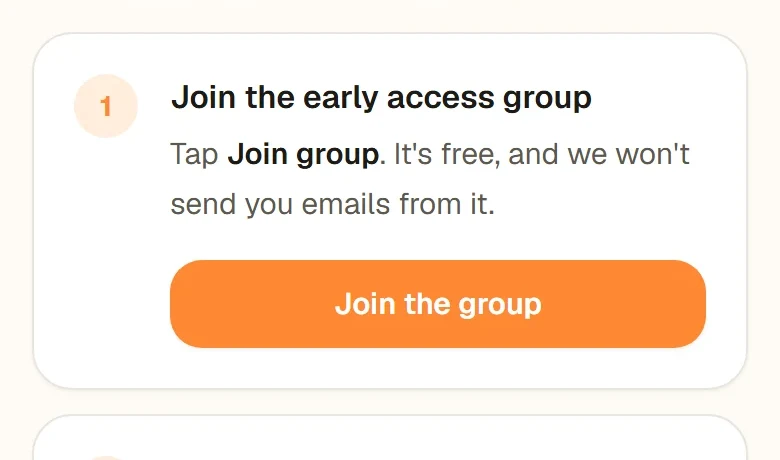
Join the early access group
Tap Join the group, then Join group on the Google Groups page.
- Join the early access group: Tap Join the group, then Join group on the Google Groups page.
- Turn on early access: Tap Become a tester. If it is not available yet, wait a few minutes and try again.
- Install CookEase: Tap Open Google Play, then Install, and log in.
- 1
Go to cookeaseapp.com
Any up-to-date browser works: Chrome, Safari, Edge or Firefox. There is nothing to install. - 2
Sign up or log in
Click Sign up free to create an account, or Log in if you already have one from the app. - 3
Save your first recipe
Paste a recipe link into the field at the top of the page. More ways to save.
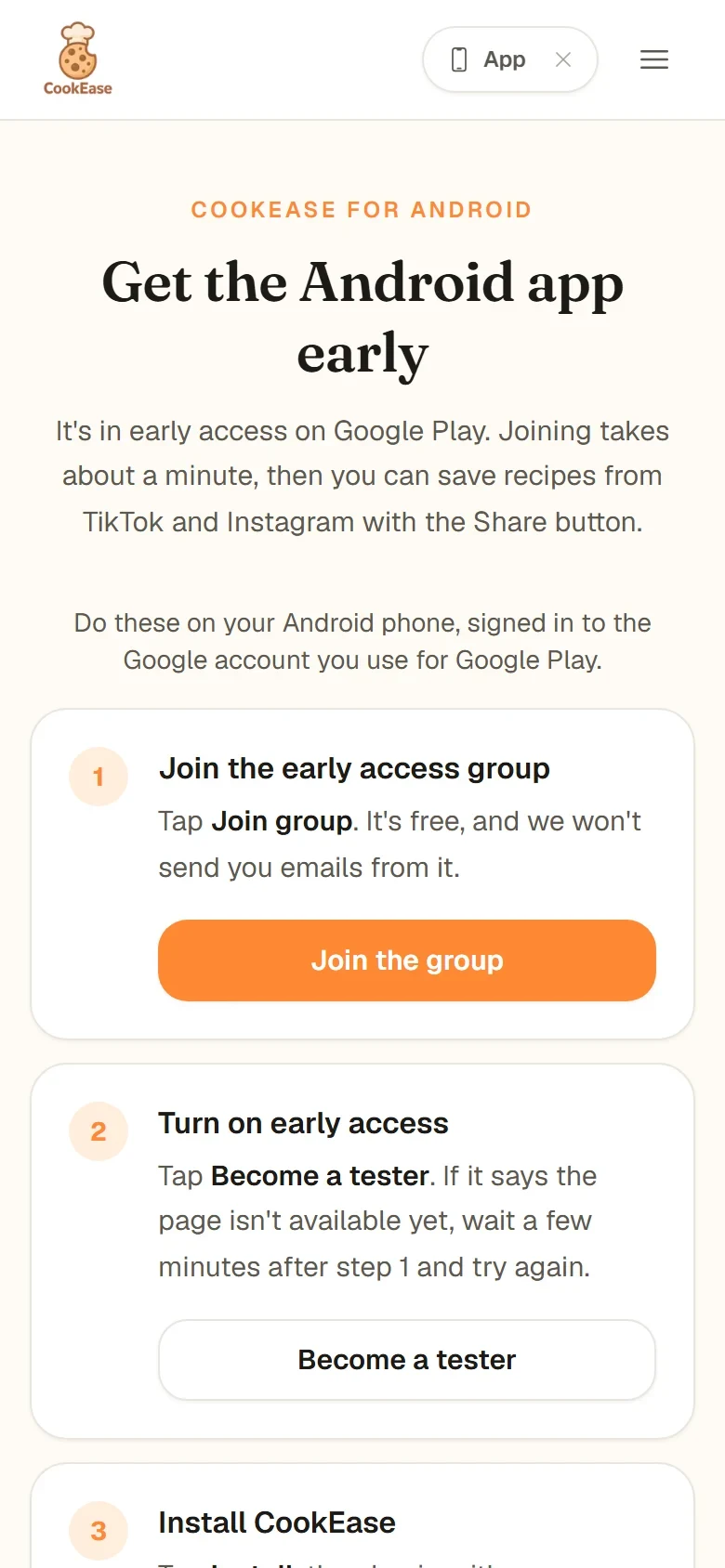
cookeaseapp.com/android walks you through joining on Android.
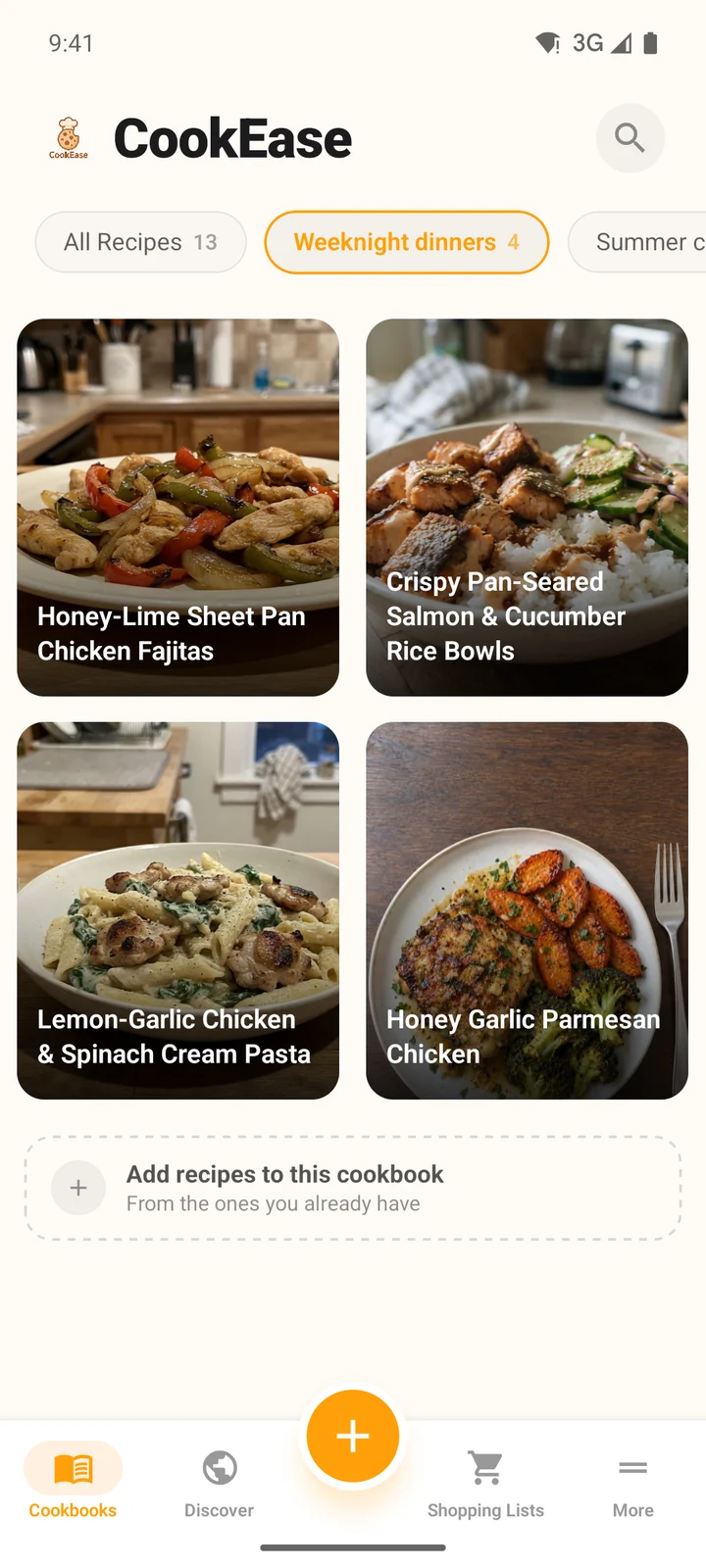
Once you log in, your cookbook is there.
One account on every device
Your recipes, cookbooks, shopping lists, taste profile and Pro plan all belong to your CookEase account, not to a phone. Log in on a new device and everything is there. The one rule: log in the same way everywhere. If you created your account with Google, tap the Google button on your other devices too; if you used Apple, use Apple; if you used an email address, use that same address.
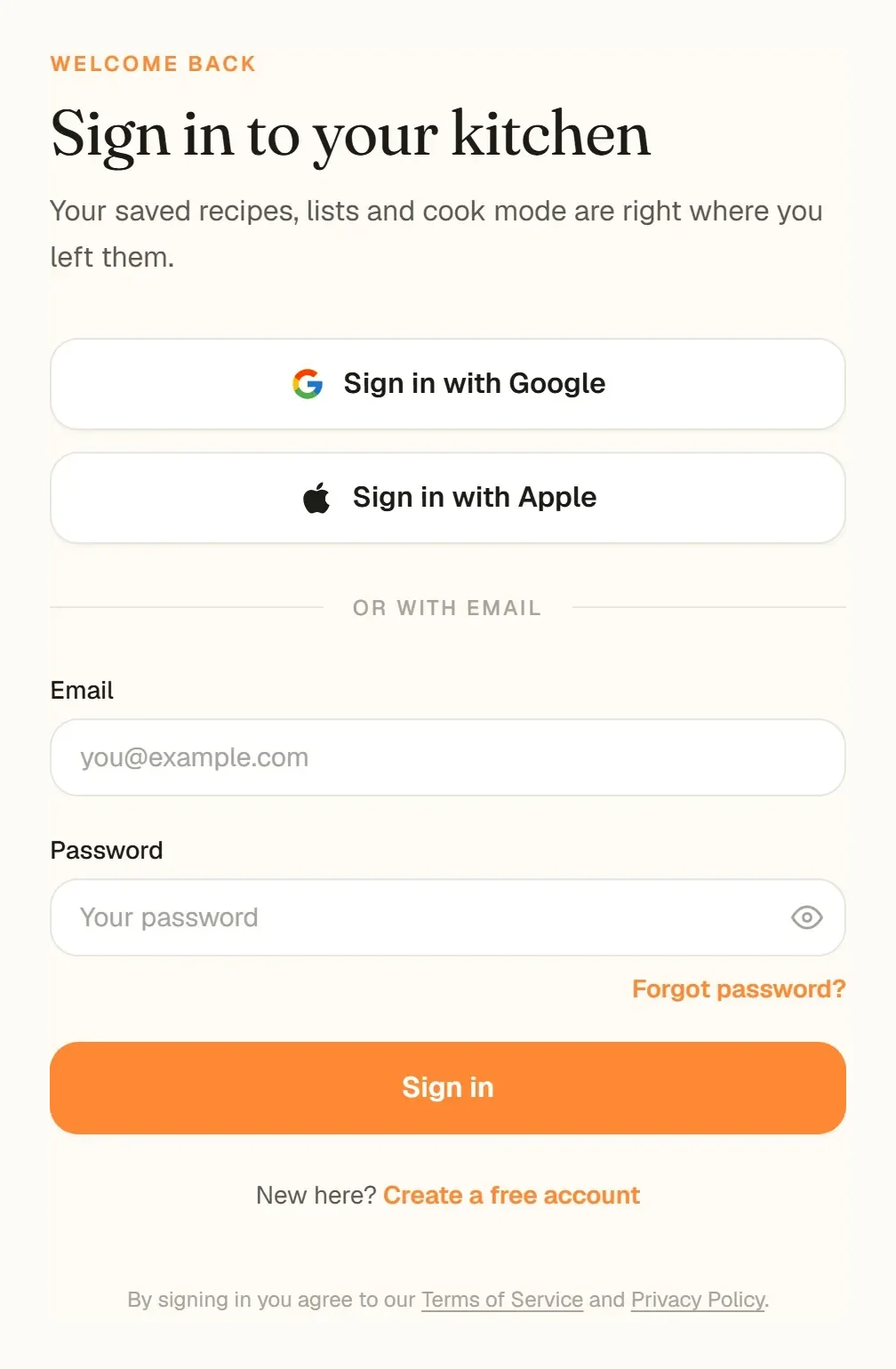
The website sign-in page. The phone apps offer the same three ways in.
Ways to sign in
- Google: Sign in with Google on the website, Log in with Google in the apps. When you are creating an account the button says Sign up with Google.
- Apple: Sign in with Apple on the website, Continue with Apple on iPhone and Log in with Apple on Android. On iPhone it uses Face ID or your passcode; on Android and the website it opens Apple's sign-in page.
- Email and password: any email address with a password of at least 6 characters. You confirm the address from an email we send when you sign up.
Which one should I use?
- Saving from TikTok, Instagram or YouTube: the phone app, because you can share straight from the video.
- Cooking: whichever screen sits on your counter. The Cooking Assistant works on all three and keeps the screen awake.
- Planning the week, PDFs and bulk tidying: the website, with its bigger screen and a keyboard for searching your cookbook.
Having trouble getting in? See sign-in problems, or keep the app current with updating the app.