
Cookbook pages, handwritten recipe cards, a screenshot of a recipe someone posted, a photo of the recipe taped inside a cupboard: if you can read it, CookEase can turn it into a recipe in your cookbook. Here a screenshot of a recipe becomes a saved recipe on the website.
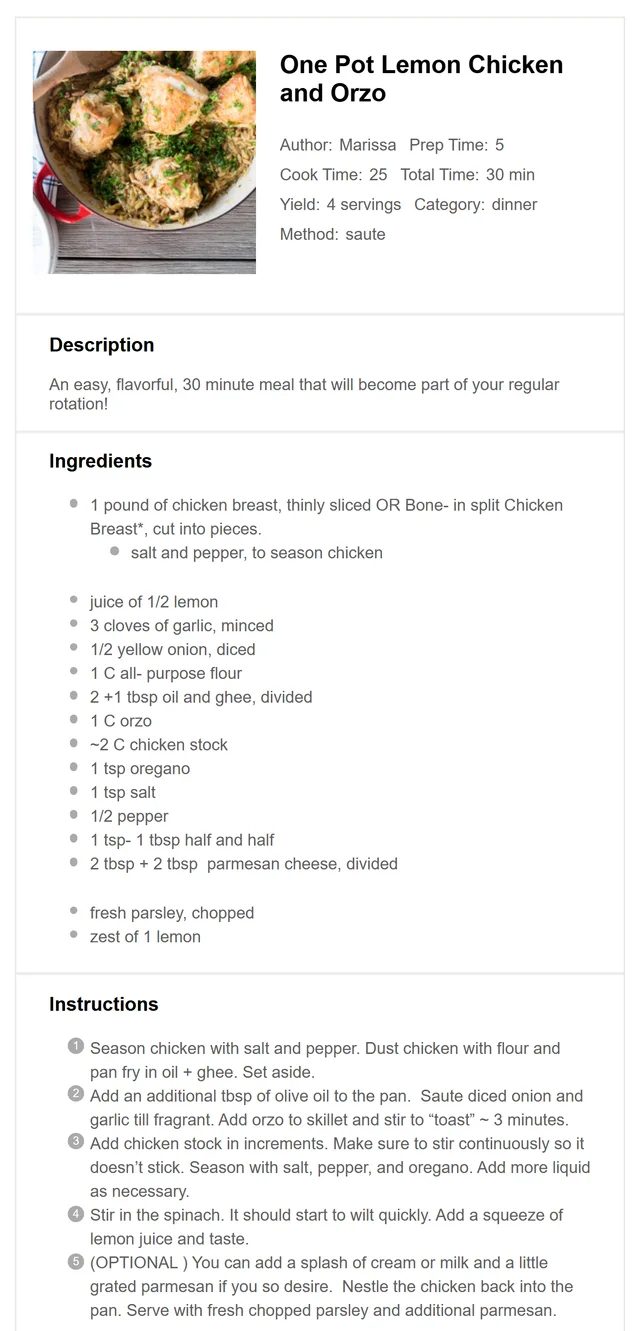
The screenshot.
Saving it with Upload File on the website.
How to save a picture of a recipe
- 1
Open Upload File
On your Cookbook, click Save a recipe, then the Upload File tab. - 2
Choose the picture
Click Select Image or PDF and pick the photo or screenshot from your computer. Big photos are shrunk for you before they are sent. - 3
Watch it fill in
The recipe card writes in the title and ingredients as CookEase reads the picture, then Recipe Saved! appears.
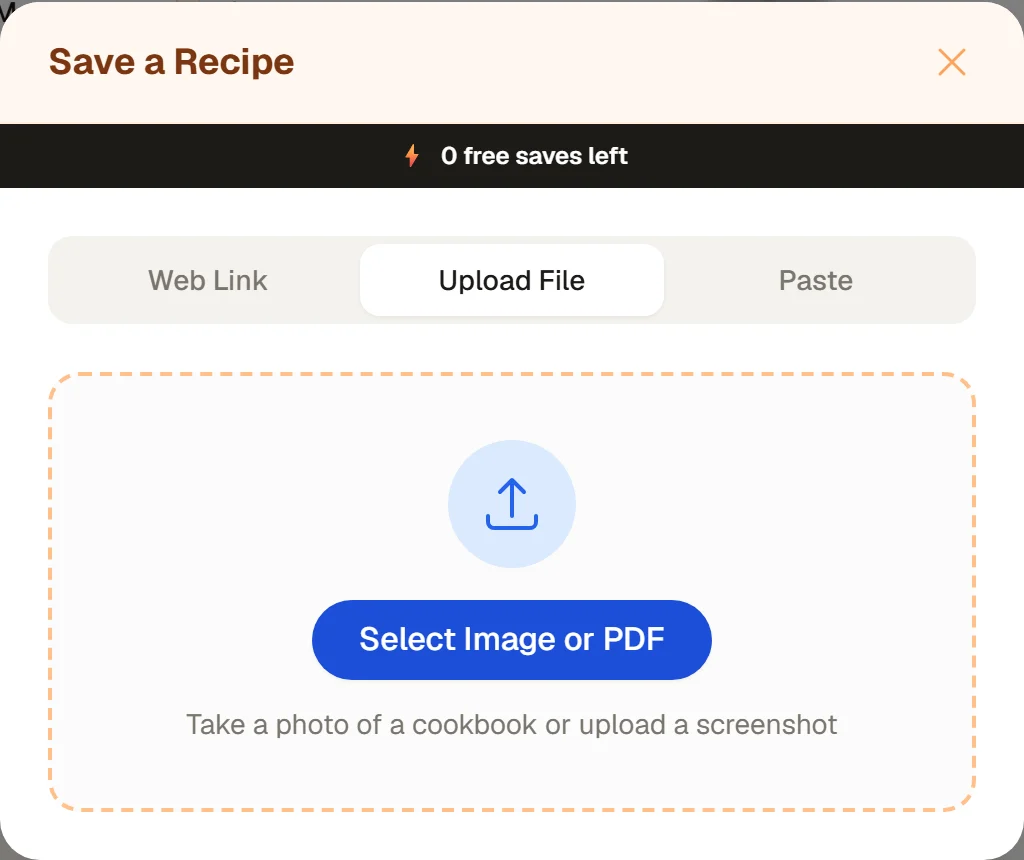
Upload File takes photos, screenshots and PDFs.
- 1
Open Scan
Tap the orange + button, then Save a Recipe, then the Scan tab. - 2
Take a photo or pick one
Tap Take Photo to use the camera (allow camera access the first time), or Upload Image to choose a screenshot or photo. You can crop it before it is saved.
On iPhone you can't share a picture from Photos to CookEase. Use Upload Image instead; it takes a couple of taps.
- 1
Open Scan
Tap the orange + button, then Save a Recipe, then Scan. - 2
Take a photo or pick one
Tap Take Photo for the camera, or Upload Image for a screenshot or a photo from your gallery. - 3
Or share it to CookEase
In Google Photos or your gallery, open the screenshot, tap Share and choose CookEase. The app opens and starts saving it.
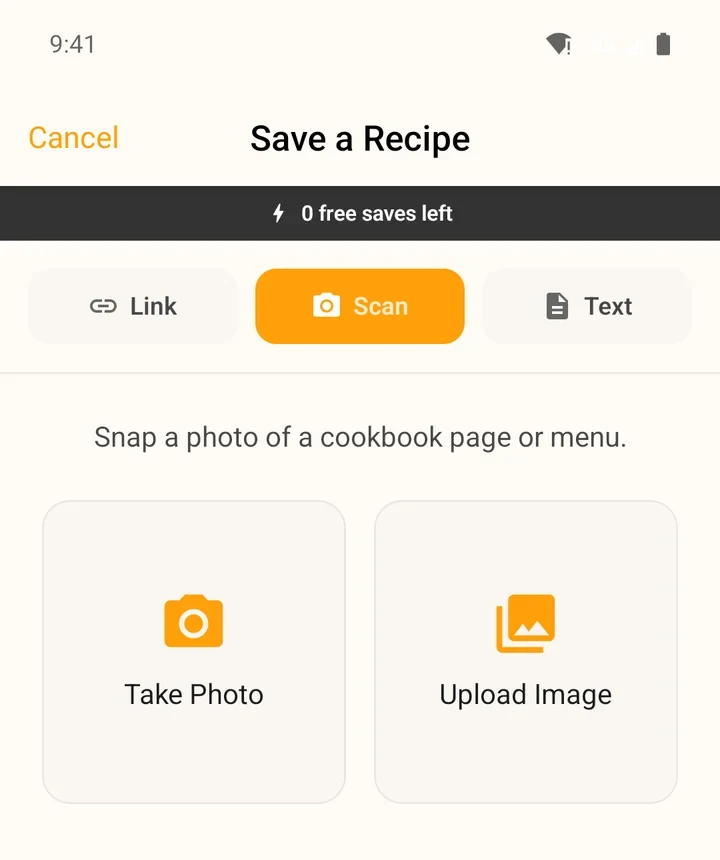
The Scan tab in the app.
Getting a good photo
Harder to read
Reads perfectly
- Handwritten cards work as long as a person could read them. Check the amounts once it is saved.
- A recipe over two pages: save each page as its own picture and merge them with a quick edit, or get both pages into one photo. On the website, a PDF with both pages also works.
- Several recipes on one page (a recipe card with two dressings, a magazine spread) are saved as separate recipes.
- A long screenshot that scrolls past the end of your screen is fine.
After it saves
The recipe is marked Photo Scan under SAVED FROM, so you always know where it came from. Its photo is the picture you saved; to use a nicer one, open the recipe, choose Edit and replace the recipe image. Nutrition fills in a few seconds after saving.
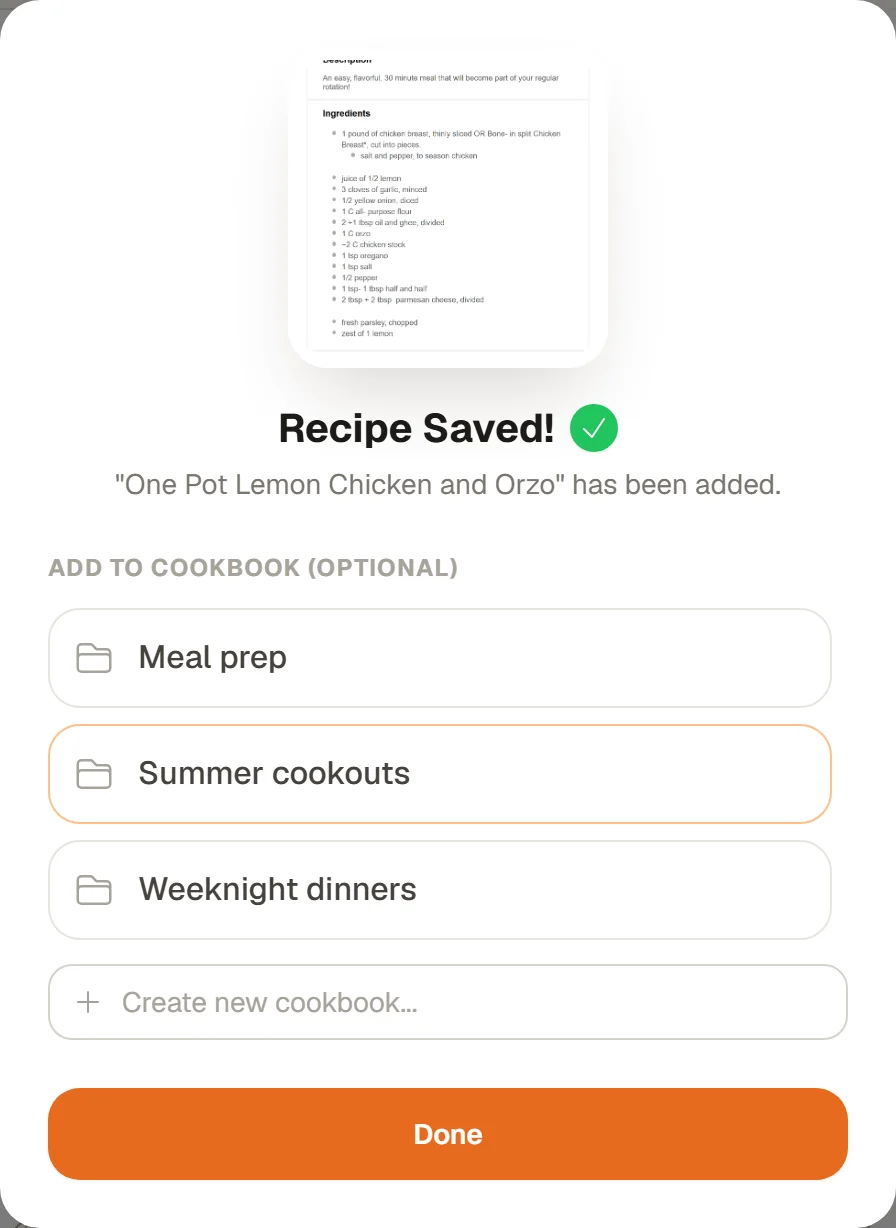
Recipe Saved! File it or tap Done.
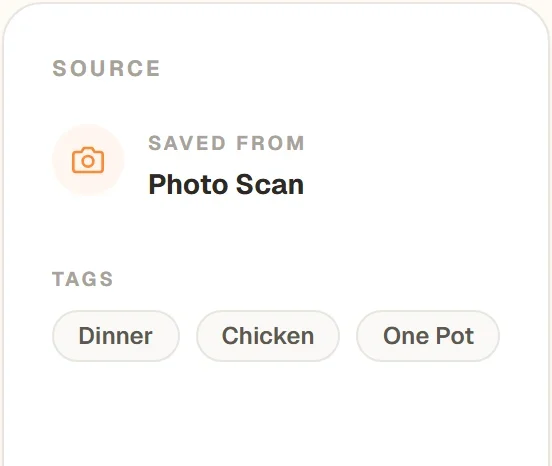
Saved from Photo Scan.
Didn't find a recipe?
If CookEase can't find a recipe in the picture (the website says "We couldn't find a recipe in that file", the app says No recipes found), try a sharper photo with the whole recipe in view. A save that finds nothing does not use up a free save. More fixes in when a recipe won't save.