
Plans, Billing, and Managing Your Subscription
CookEase has two plans: Free and CookEase Pro. This article explains what separates them and, more importantly, where to go when you want to change or cancel.
What the free plan includes
The free plan is not a stripped-down preview. You get the whole app: saving recipes, organizing them into cookbooks, nutrition info, building grocery lists, sending a list to Instacart, sharing recipes, and cooking hands-free.
Instead of daily limits, free accounts come with a one-time starter allowance for the heavy-lifting actions, because each one costs real money to run: 5 recipe saves from links, 3 Recipe Crafter recipes, and 5 saves of other users' recipes from the Discover feed. The allowance does not reset - once you use it, you can earn more by referring friends (each friend who joins adds 20 saves from links, 3 Recipe Crafter recipes, and 5 Discover saves) or go unlimited with Pro.
Two exceptions work differently: the hands-free cooking assistant has a daily allowance of 5 instead, and adding grocery items by voice draws from its own one-time allowance of 50. Everyday use is never limited: reading a recipe you already saved, editing it, cooking it step by step, and building or typing into shopping lists are always free.
What Pro adds, and what it costs
Pro removes the allowance entirely: unlimited recipe saves, Recipe Crafter recipes, cooking assistant, community saves, and voice entry for shopping lists, plus priority support. Pro does not hide whole features behind a wall - a free user and a Pro user see the same app.
There are two plans:
- 6 months for $29.99 - about $4.99 per month, the best value (save 37%).
- Monthly at $7.99 - cancel anytime.
Both start with a 7-day free trial for new subscribers. Cancel during the trial and you pay nothing. Prices may vary slightly by country.
Where your subscription lives
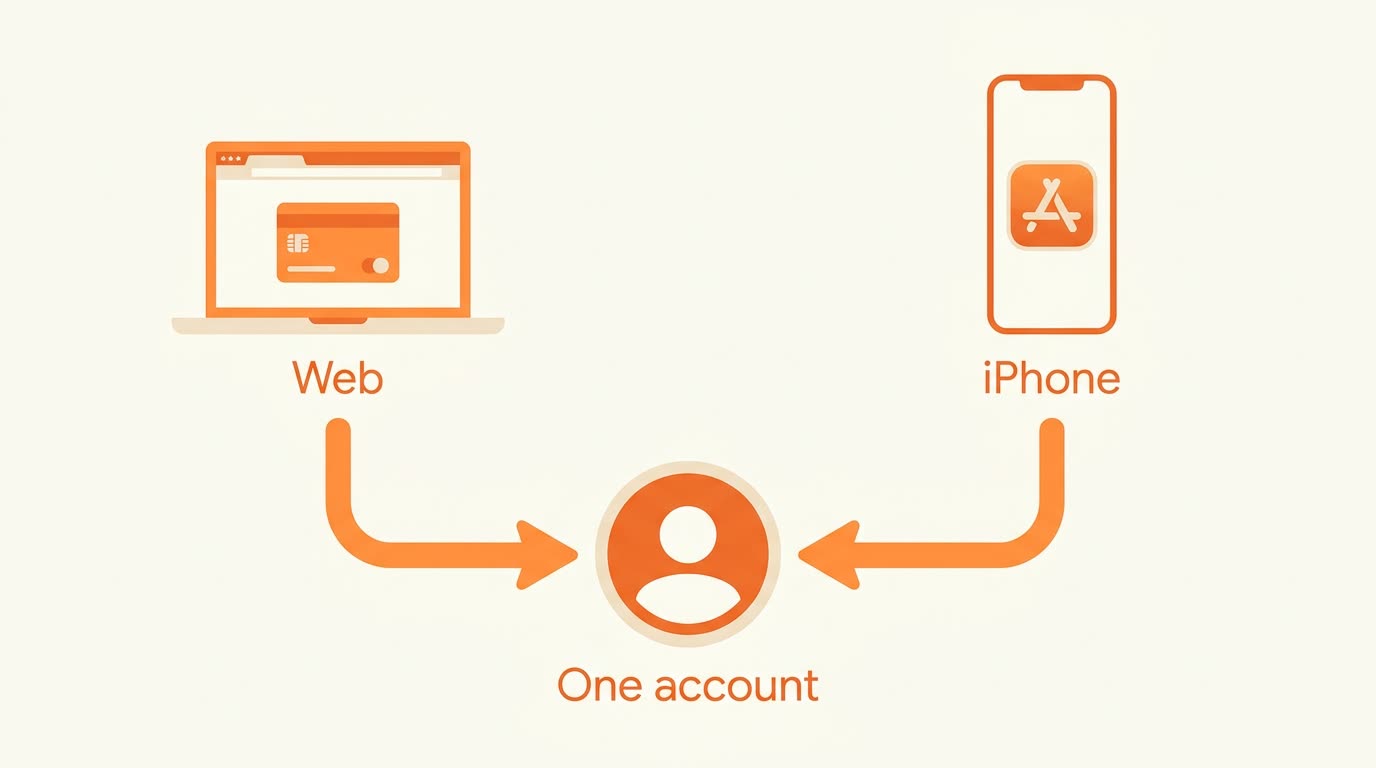
This is the part that trips people up, so it is worth being precise. CookEase bills through three entirely separate systems, depending on where you signed up:
- Subscribed on the web: billing runs through Stripe.
- Subscribed on iPhone: billing runs through Apple's App Store.
- Subscribed on Android: billing runs through Google Play.
Your Pro status is shared either way. It is attached to your CookEase account, not to a device, so subscribing on your phone unlocks Pro on the web and the other way round. Just sign in with the same account.
Changing or canceling
You must cancel in the same place you subscribed. Canceling in one place does not cancel the others.
If you subscribed on the web:
- Open Account, then Billing.
- Choose the option to manage your subscription. This opens the Stripe billing portal.
- From there you can update your payment card, download invoices, or cancel.
If you subscribed on iPhone: open the iOS Settings app, tap your name at the top, then Subscriptions, and select CookEase. Apple owns that billing relationship, so cancellation has to happen there. CookEase cannot cancel an App Store subscription on your behalf, and neither can our support team.
If you subscribed on Android: open the Google Play Store app, tap your profile picture, then Payments & subscriptions, then Subscriptions, and select CookEase. Google owns that billing relationship, so the same applies: cancellation has to happen in Google Play.
After you cancel
Nothing is deleted. Your recipes, cookbooks, and grocery lists are untouched, and you keep Pro access until the end of the period you already paid for - the app shows the exact date. After that you return to the free plan and its remaining allowance.