
Recipes people share on CookEase can be liked and talked about, which is the best way to tell a creator their brownies were a hit. And if something should not be there, reporting it takes a few taps.
Where likes and comments are
Likes and comments belong to each shared recipe's own page, not to the Discover feed. Open a recipe from Discover, a creator page or a shared link. Discover tiles show the like count in the corner, so you can spot favorites before you open them.
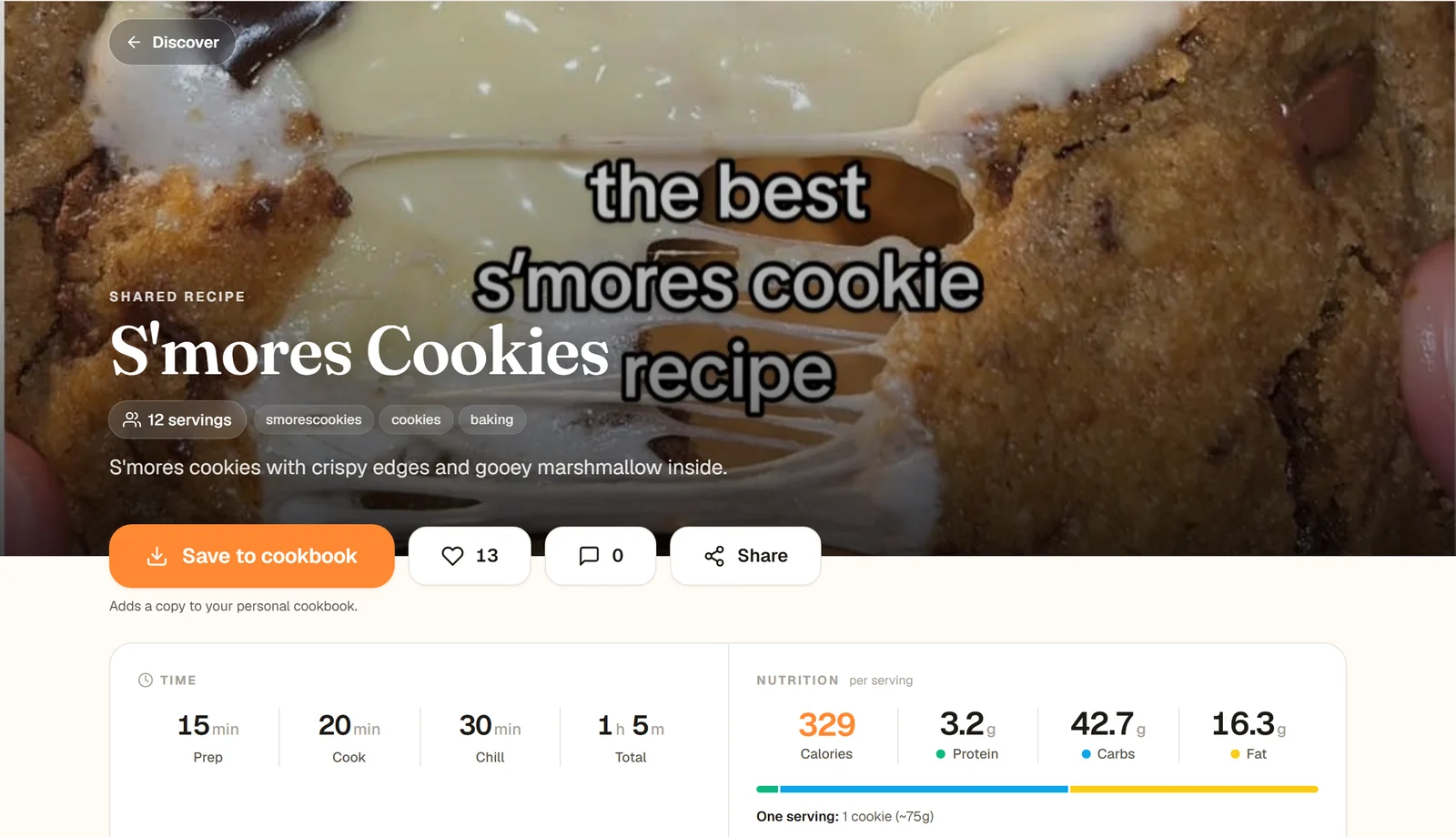
Under the photo: Save to cookbook, the heart with the number of likes, the comment count and Share.
Like a recipe
- Website: click the heart next to Save to cookbook. It fills in and the count goes up. Click it again to take your like back.
- App: tap the heart above the number of likes (for example 13 Likes), next to Share.
Liking needs a free account. Liking a recipe does not save it: use Save to cookbook for that.
Comment on a recipe
Scroll to Comments near the bottom of the recipe, type in Add a comment... and tap Post (the arrow in the app). Your comment appears at the top of the list. Others see it under your display name, which you can change in your account settings. On the website, the comment count under the photo jumps straight to the comments.
Type your comment, then tap Post.
- Without an account, the website shows Sign up to comment... in the box and the app shows no box at all. Sign up free to join in.
- Comments are checked for offensive language. If yours is held back, the website shows That comment was not posted with the reason, and the app says Could not post comment. Please try again. Reword it and post it again.
- On the website a recipe shows five comments at first, and Show all 8 comments (with the real number) opens the rest. The app shows them all.
- Comments cannot be edited or deleted after posting yet, so give yours a quick read first.
Report a recipe, comment or creator page
You need to be signed in to report. Each report goes to the CookEase team, who look at it, usually within a day.
- A recipe: Report this recipe, under the recipe's source and tags (at the very bottom in the app).
- A comment: the small Report link under someone else's comment.
- A creator page: Report this page, at the bottom of the page.
- 1
Tap the report link
A Report this window opens: "Tell us what is wrong and we will take a look, usually within a day." - 2
Pick a reason
Sexual, violent, or otherwise offensive, Bullying or harassment, Spam or a scam, This is my content and I did not agree to it being here, Dangerous or unsafe cooking advice, Harmful to children or Something else. - 3
Add a line if it helps
Use Anything else we should know? (optional). "A sentence is plenty." - 4
Hide them too, if you want
For a recipe or a comment, tick Also hide everything from this person (more on this below). - 5
Send it
Tap Send report. You will see Thanks for telling us. Someone will take a look within a day.
On the website. Cancel closes it without sending anything.
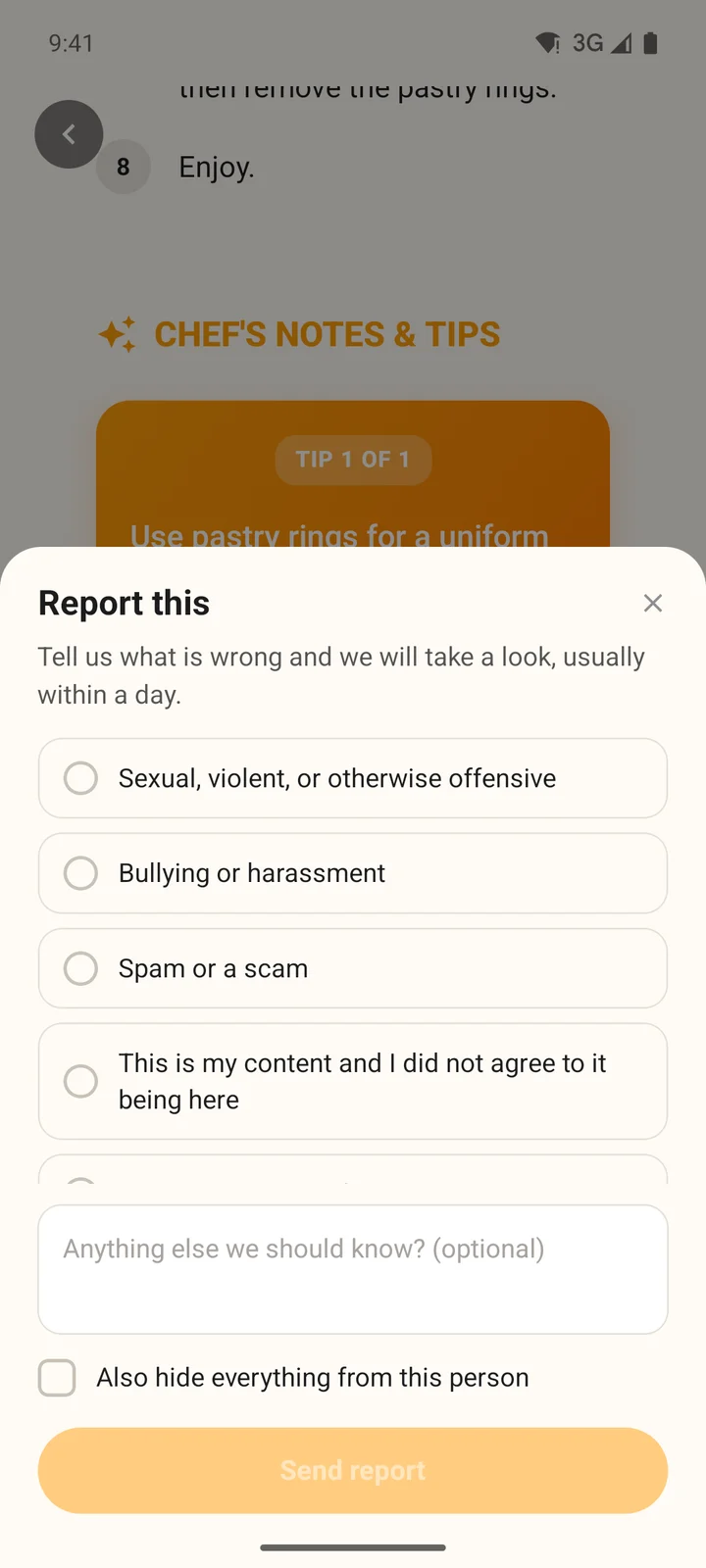
The same choices in the app.
Hide someone's recipes and comments
When you report a recipe or a comment, ticking Also hide everything from this person does two things: the report goes to our team, and that person's recipes and comments disappear from your CookEase, everywhere, on all your devices. They are not told. On the website a message confirms it: Hidden, "You will not see their recipes or comments any more." A comment you report also disappears from the page right away.
Undo it
Open the account menu (your initials or photo at the top right), choose Profile and taste and scroll to People you have hidden. Click Undo next to the person. The section only appears once you have hidden someone.
Tap More, then Settings, then People you have hidden, and tap Undo next to the person. If you have not hidden anyone, the screen says Nobody is hidden.
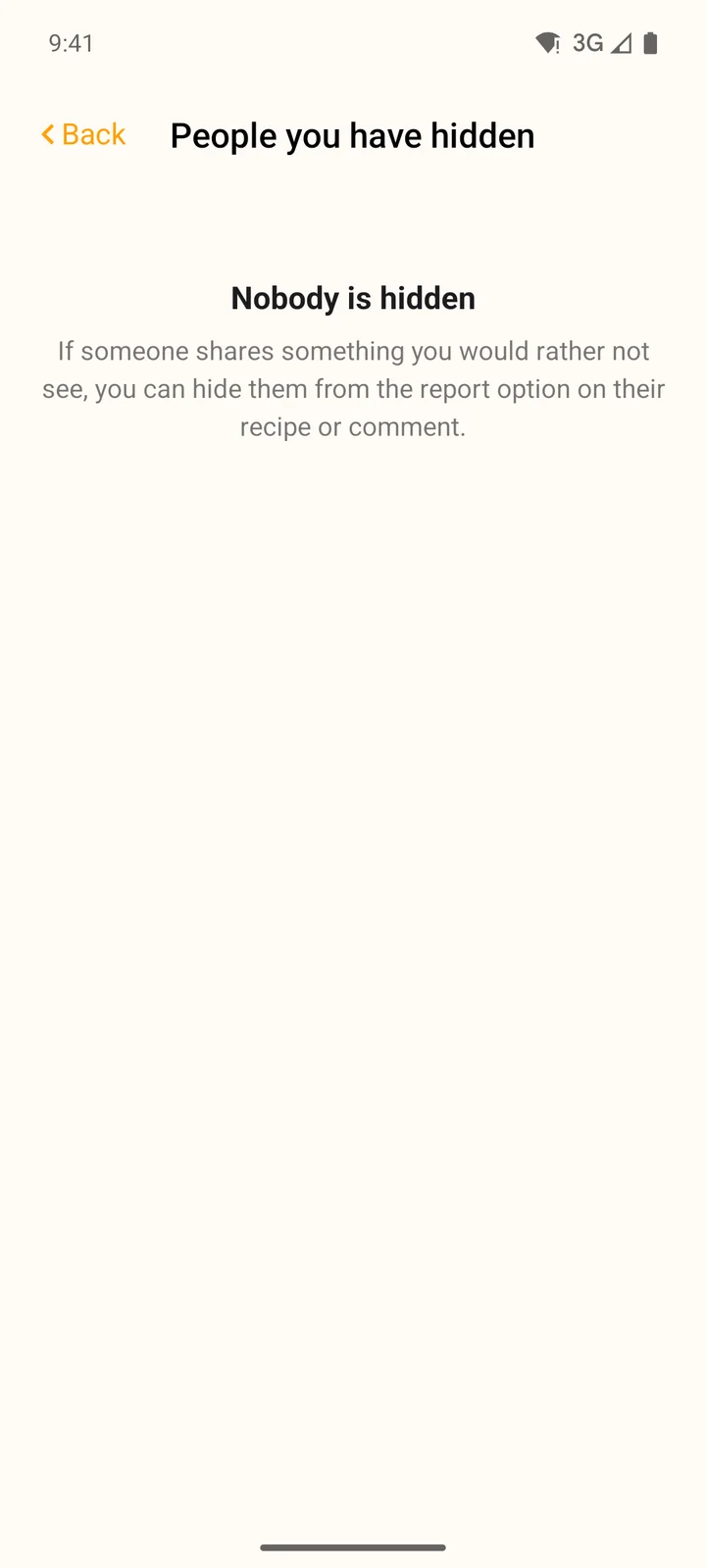
People you have hidden, in More, then Settings.
After you tap Undo, their recipes and comments show up again the next time a page loads.