
Some of the food creators you follow share a CookEase code in their videos and captions. Entering it gives your free account a head start. Here is where the code goes and what it adds.
What a creator code gives you
- 10 extra saves from links (links, pasted recipes and photos)
- 10 extra saves from Discover
- 3 extra Recipe Crafter recipes
They are added once, on top of the free starter allowance, and never expire. See what you get free for the full picture.
Enter it when you sign up
On the sign-up page, tap Have a code? under the heading. A Creator or invite code box opens. Type the code, then sign up with Google, Apple or email as usual.
The code box on the website's sign-up page.
On the Create Account screen, type the code into Creator or invite code (optional) first, then tap Sign Up or sign up with Google or Apple. The code is applied as soon as you are signed in. Made your account with Google or Apple from the log-in screen instead? CookEase asks you once with Welcome to CookEase! Have a code?
, and you can always add it afterwards (below).
Enter it after you have signed up
- 1
Open Have a code?
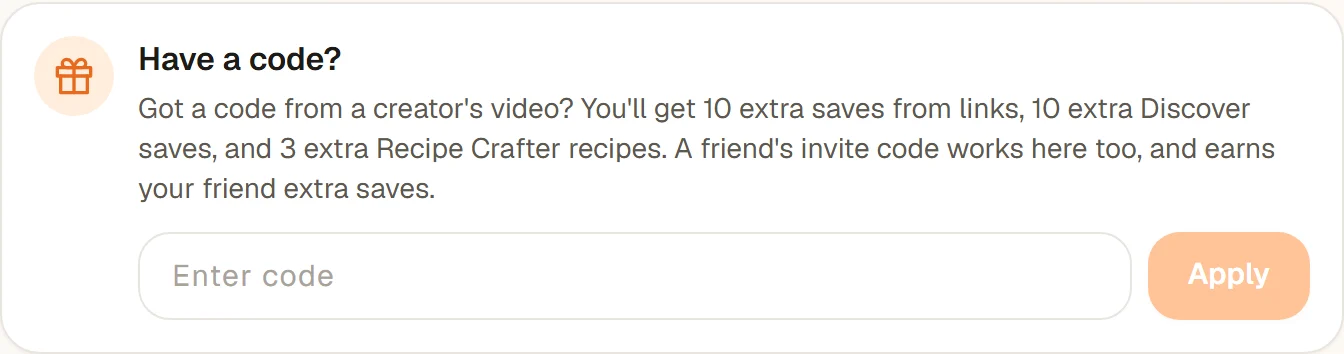
Click your profile picture (or initials) in the top right corner and choose Have a code?. You land on the Have a code? box on your invite page. - 2
Type and apply
Type the code into Enter code and click Apply. You will see Code applied! with what was added.
- 1
Open Have a code?
Tap More, then Have a code?. - 2
Type and apply
Type the code into Enter code and tap Apply code.
More, then Have a code? on Android.
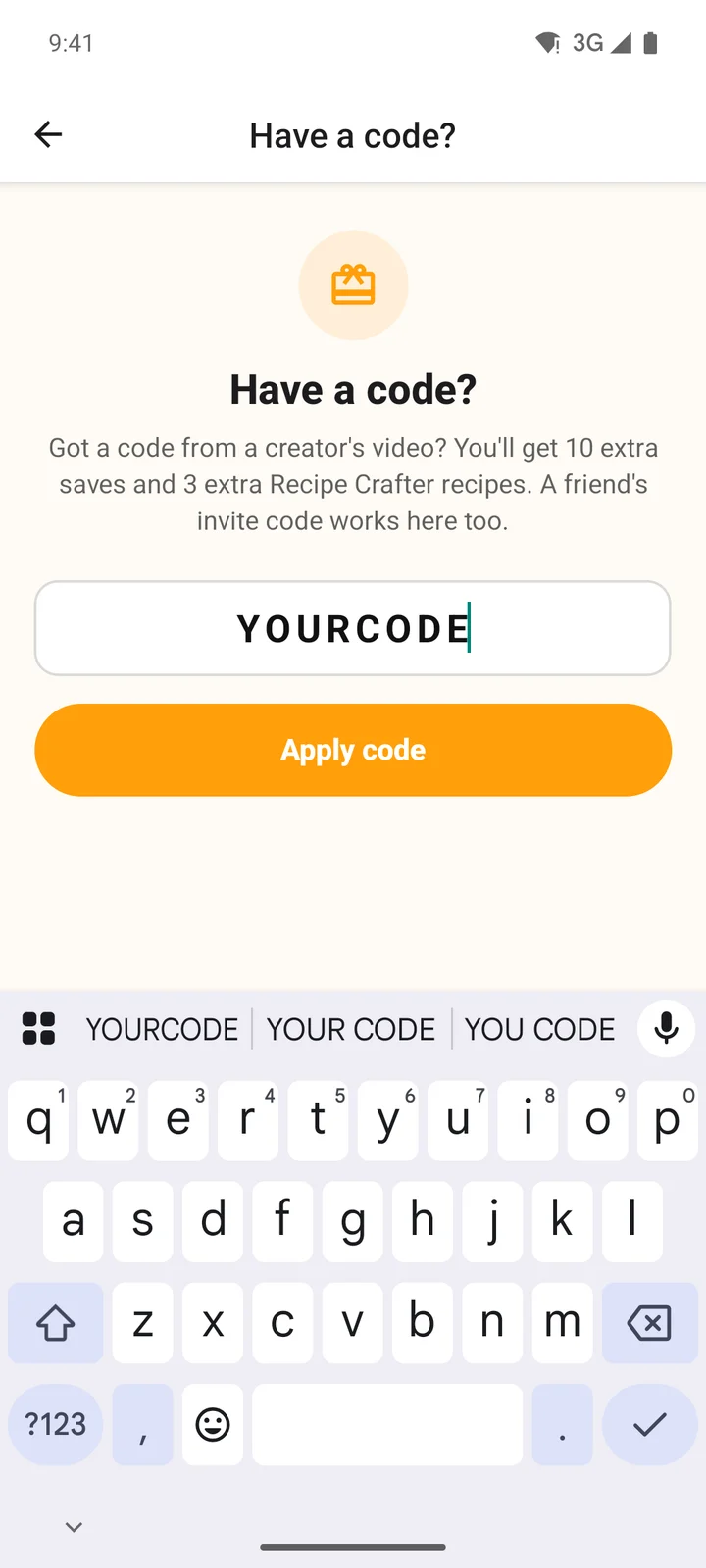
Tap Apply code to add the extras.
Code links: cookeaseapp.com/c/CODE
Creators often put a link like cookeaseapp.com/c/ followed by their code in their caption or bio. Opening it shows what the code gives you, with buttons to get the iPhone or Android app or to sign up on the web. The website remembers the code, so if you sign up there it is applied for you. If you install the app instead, enter the code when you sign up, or later under More, then Have a code?. Already signed in on the website? The page offers Use this code on my account.
If the code does not work
We couldn't find that code. Check the spelling and try again.
Codes are letters and numbers with no spaces. Check it against the video or its caption.That code doesn't look right. Check the spelling and try again.
Something other than letters and numbers slipped in, or it is too short or too long (codes are 3 to 16 characters).You've already used a code on this account.
Each account can use one code, and this one already has.That's your own code. Share it with friends instead!
Your own invite code is for sharing with friends.
Check whether your code worked
On the website, a code typed at sign-up that does not go through (usually a typo) brings up We couldn't apply your code
once you are signed in, with the reason and the code ready to fix: correct it and choose Try again, or Not now to add it later.
You can also open Have a code? again (account menu on the website, More in the app). If a code is on your account, it tells you which code you used instead of showing the box. If you see the empty box, the code did not go through, so enter it again there.
A creator code adds free saves; it is not a discount on Pro. For plans and the free trial, see plans, billing and subscriptions. To see the recipes a creator has picked, visit their creator page.