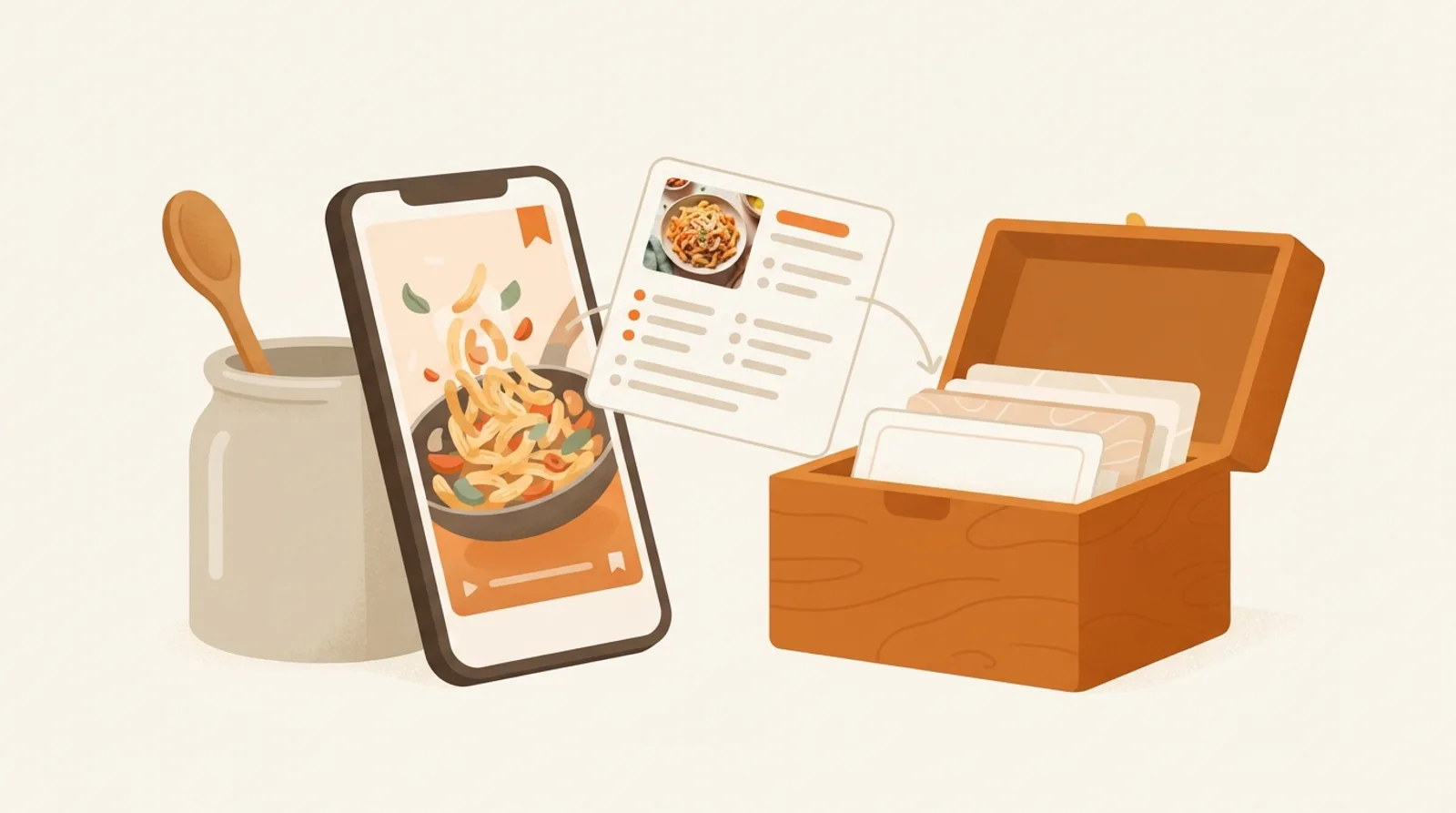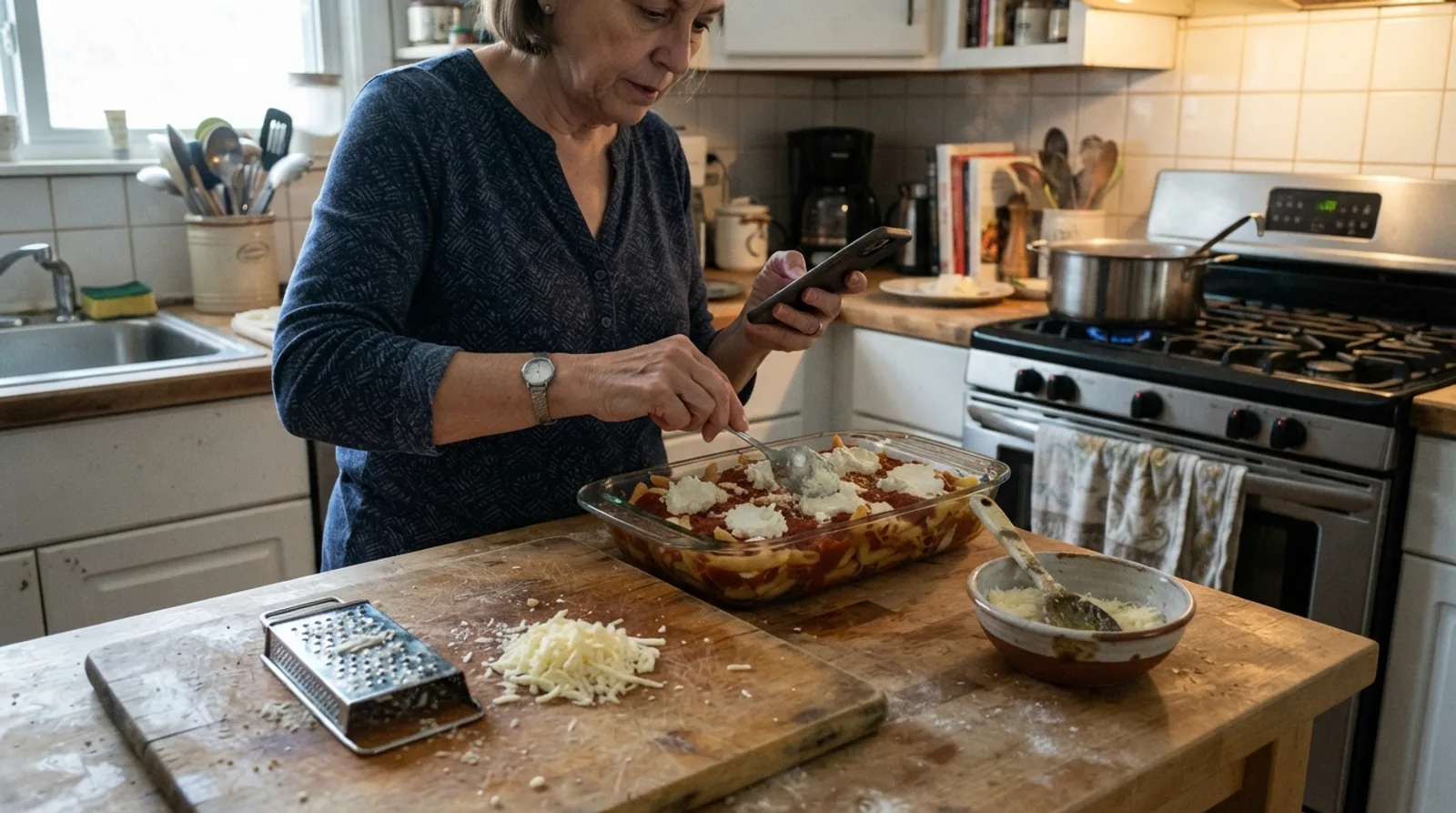
Your recipes are everywhere: a TikTok you saved last month, a screenshot of a food blog, a card in your grandmother's handwriting, a bookmark that may or may not still work. A recipe organizer app is supposed to pull all of it into one place you can actually cook from.
We compared 9 of the most popular recipe organizer apps in October 2026 on the things that decide whether you'll still be using one in six months: how well it saves recipes from videos, websites and paper, and how much it helps once a recipe is saved. Below you'll find the quick picks, what to look for, the full ranked list, a comparison, and a four-question picker for your own situation.
Yes, we make CookEase, and it comes out on top. That's why every fact about every app, ours included, comes from that app's own website, help pages or store listing, and why the full sourced comparison of all 12 apps we checked is public on our recipe app comparison page.
The best recipe organizer apps at a glance
If you only read one thing: CookEase is the best choice for most people, and a few specialists win for one narrower job each.
Recipe keeper, recipe manager or recipe organizer?
People search for the same thing under a handful of names: a recipe keeper app, a recipe manager app, a recipe organizer app, a digital recipe box. They all mean an app that keeps your recipes in one place, with the ingredients and steps saved in the app itself, so you can search them, cook from them and never lose one to a deleted post or a dead link.
One of them is also a brand: Recipe Keeper is a specific app from Tudorspan, a long-standing pay-once organizer that runs on iPhone, Android, Mac and Windows. It's in the list below at number 5, and the FAQ at the end answers what it costs. Everything in this guide applies whichever name you searched for.
What makes a great recipe organizer app
Most recipe apps can hold a recipe. The difference is in getting recipes in without retyping them, and in what the app does for you afterward. These six tests are the ones we ranked on.
1. It saves the recipe from the video, not just the caption
More and more recipes arrive as short videos, and in many of them the amounts are said out loud or shown on screen while the caption says little more than "so good". An app that only reads the caption saves an empty or half-finished recipe. CookEase watches and listens to the whole video, so a recipe that's only spoken or shown still saves with its ingredients and steps. Honeydew also says it reads the video; ReciMe listens to the audio when the caption falls short; Mela and the Paprika 4 beta read the caption only.
2. It saves from websites, photos and handwritten cards too
A good organizer is the one place for everything, so it should keep a full copy of a website recipe (not just a bookmark that breaks when the blog moves), and read a photo of a cookbook page, a screenshot or a handwritten card into a real, searchable recipe. CookEase does all of these, plus PDFs on the website. Our guide to digitizing handwritten family recipe cards covers the paper side in detail.
3. It tells you what's in the food
Calories, protein, carbs and fat per serving are useful whether you track them or just want to know. Some apps work them out for you; others leave a box for you to type them in. CookEase works them out for every recipe, free on every account.
4. It helps while you cook
A recipe is read at the stove with messy hands, so look for a cooking view that shows one step at a time and keeps the screen awake. CookEase goes further with a Cooking Assistant that walks you through each step and answers your questions out loud ("how long do I rest the dough?"), so you don't have to touch the phone. It's explained in the Cooking Assistant help article.
5. It turns recipes into a grocery list
Pick the week's recipes and get one list, with repeats added up and items sorted by aisle. Every app in our list has some kind of grocery list; CookEase also sends it to Instacart or Amazon Fresh in a couple of taps. Our guide on organizing a grocery list by aisle shows why the sorting matters.
6. It works on every device you use
You save on your phone, plan on a laptop and cook from whatever is closest. An app that runs on iPhone, Android and the web with one account means a recipe saved on one shows up on all of them, and a mixed iPhone and Android household can share. Mela is Apple only, and Paprika and Recipe Keeper sell each platform separately with no web app.
The best recipe organizer apps, ranked
Each app scores up to one point on each of the six tests above, worked out only from what its own pages say, so the ranking can be checked fact by fact. The tags under each app show how it did: solid with a check for full marks, light for part marks, and outlined where its pages don't show it.

1. Best overall, and best for recipes from TikTok, Instagram and YouTube
CookEase
iPhone · Android · Web · Free to start, Pro $7.99/mo or $29.99 per 6 mo
Saves the full recipe from any video, website or photo by actually watching and listening, then helps you cook it, shop for it and know what is in it.
- Watches and listens to TikTok, Instagram, Facebook, Pinterest and YouTube videos, so a recipe that's only said out loud or shown on screen still gets saved.
- A post with several recipes is saved as separate recipes.
- Saves photos, screenshots, cookbook pages and handwritten cards, plus any recipe website.
- Calories, protein, carbs and fat per serving on every recipe, free.
- A Cooking Assistant that walks you through each step and answers your questions out loud.
- Grocery lists added up and sorted by aisle, ready to send to Instacart or Amazon Fresh.
- One account on iPhone, Android and any web browser.
- Video recipes: full marks
- Websites and photos: full marks
- Nutrition: full marks
- Cooking help: full marks
- Groceries: full marks
- Every device: full marks
2. Best for a household meal plan on phones only
Honeydew
iPhone · Android · $6.99/mo or $39.99/yr
A newer phone app that also watches the video, with a meal planner shared across your household.
Good at
- Picks up spoken directions, on-screen text and the caption when saving a video.
- Meal plans and grocery lists shared with your household, with Instacart on the paid plan.
- Estimates nutrition for each recipe.
Keep in mind
- No web app yet; on a computer there's a Chrome extension for saving.
- The number of free saves isn't stated.
- Video recipes: full marks
- Websites and photos: full marks
- Nutrition: full marks
- Cooking help: part marks
- Groceries: full marks
- Every device: part marks

3. Best for a free weekly meal plan
ReciMe
iPhone · Android · Web (beta) · $39.99/yr
The big name in saving recipes from social media, with a meal plan and grocery list.
Good at
- Reads the caption first, then listens to the video's audio when the recipe isn't written down.
- The meal plan, grocery list and cookbooks stay free.
Keep in mind
- Its web app is in beta: you can save, view and edit recipes there, while meal plans and grocery lists are coming soon.
- Nutrition is marked as beta, and the App Store lists it as a premium feature.
- Its help pages don't say it reads text shown on screen in a video.
- Video recipes: part marks
- Websites and photos: full marks
- Nutrition: part marks
- Cooking help: part marks
- Groceries: full marks
- Every device: full marks

4. Best free meal planner with a big recipe catalog
Samsung Food
iPhone · Android · Web · Free; Food+ $6.99/mo
The free all-rounder formerly called Whisk: recipe saving, a meal planner, shared lists and nutrition at no cost, with ads.
Good at
- Saving, the meal planner, shared grocery lists and nutrition are free.
- A huge public recipe catalog and food communities to browse.
- Lists can go to partner grocery stores for online orders in some countries.
Keep in mind
- For many saved recipes the steps stay on the creator's website and open there.
- The free plan shows ads, and the step-by-step cooking mode needs Food+.
- Its help center doesn't mention saving from TikTok or Instagram videos.
- Video recipes: no marks
- Websites and photos: part marks
- Nutrition: full marks
- Cooking help: part marks
- Groceries: full marks
- Every device: full marks

5. Best for scanning a pile of cookbooks and cards, paid once
Recipe Keeper
iPhone · Android · Mac · Windows · $19.99 once (iPhone)
A pay-once recipe organizer on almost every device, strong at scanning printed and handwritten recipes.
Good at
- Scans cookbook pages, handwritten recipes, photos and PDFs.
- Pay once for Pro, no subscription.
- Runs on iPhone, iPad, Android, Mac and Windows, with weekly and monthly meal planning.
Keep in mind
- Each platform is a separate purchase, and there is no web app.
- Nutrition is typed in by you, and it doesn't say how it saves Instagram and TikTok posts.
- Video recipes: part marks
- Websites and photos: full marks
- Nutrition: part marks
- Cooking help: part marks
- Groceries: part marks
- Every device: part marks

6. Best pay-once app for website recipes on a computer
Paprika 3
iPhone · Android · Mac · Windows · $4.99 once (iPhone)
The long-standing pay-once recipe manager for websites, with a strong meal planner and grocery list. Paprika 4 is in open beta.
Good at
- No subscription: a one-time purchase per device type, $4.99 on iPhone and iPad.
- Daily, weekly and monthly meal planning, plus grocery lists that combine ingredients and sort by aisle.
- Runs on iPhone, iPad, Android, Mac and Windows.
Keep in mind
- Each platform is a separate purchase ($29.99 on Mac and on Windows), and there is no web app.
- Saving from social posts arrives with the Paprika 4 beta, and it reads the post text, not the video. Paprika says Premium features will need a subscription after the beta.
- Video recipes: part marks
- Websites and photos: part marks
- Nutrition: part marks
- Cooking help: part marks
- Groceries: part marks
- Every device: part marks

7. Best for a shared family grocery list
AnyList
iPhone · Android · Web · Mac · $9.99/yr
A shared grocery list first, with a recipe box and meal planner on top. Great for households that shop together.
Good at
- Shared lists that sort themselves, and orders through Instacart, Walmart, Kroger and more in the US.
- Low price: $9.99 a year, or $14.99 for a household.
Keep in mind
- Only 5 recipes from the web are free; the meal planner, web app and Mac app need AnyList Complete.
- Saving from social videos, photo scanning and nutrition aren't mentioned.
- Video recipes: no marks
- Websites and photos: part marks
- Nutrition: no marks
- Cooking help: part marks
- Groceries: full marks
- Every device: full marks

8. Best low-cost clipper for website recipes
Copy Me That
iPhone · Android · Web · Free to 40; $12/yr
A simple, low-cost recipe clipper for websites, with a meal planner and a smart shopping list on every device.
Good at
- Every feature is free up to 40 recipes, then $0.99 a month, $12 a year or $65 once.
- Keeps a full copy of each recipe with a link back, and you can export your recipes any time.
- A shopping list that sorts by aisle and merges repeats.
Keep in mind
- It doesn't say whether it reads a video or only the caption, and TikTok and YouTube aren't named.
- Photo scanning and nutrition aren't mentioned on its official pages.
- Video recipes: part marks
- Websites and photos: part marks
- Nutrition: no marks
- Cooking help: part marks
- Groceries: part marks
- Every device: full marks

9. Best private, pay-once app for Apple devices
Mela
iPhone · iPad · Mac · $6.99 once (iPhone)
A beautifully designed, private, pay-once recipe manager for iPhone, iPad and Mac that syncs through your own iCloud.
Good at
- Pay once with Mela+, no subscription.
- Collects no data; recipes sync through your own iCloud.
- Meal plans and groceries live in Apple Calendar and Reminders.
Keep in mind
- Apple devices only, and iPhone and Mac are separate purchases.
- Reads the video description on TikTok, Instagram and YouTube, not the video itself.
- Video recipes: part marks
- Websites and photos: full marks
- Nutrition: no marks
- Cooking help: part marks
- Groceries: part marks
- Every device: part marks
We also checked Pestle, Crouton and Osta; they're in the full comparison, which is also the place to look if you're specifically leaving ReciMe.
Recipe organizer apps compared
The same apps, side by side on the things that differ most between them. Tap an app's name to jump to its details.
| App | Social videos | Photos and cards | Nutrition | While you cook | Works on |
|---|---|---|---|---|---|
| CookEase | Social videosWatches the video | Photos and cardsYes | NutritionWorked out for you | While you cookAnswers out loud | Works oniPhone, Android, Web |
| Honeydew | Social videosWatches the video | Photos and cardsYes | NutritionEstimated for you | While you cookScreen stays on | Works oniPhone, Android |
| ReciMe | Social videosCaption, then audio | Photos and cardsYes | NutritionIn beta | While you cookScreen stays on | Works oniPhone, Android, Web |
| Samsung Food | Social videosNot stated | Photos and cards3 free scans | NutritionYes | While you cookWith Food+ | Works oniPhone, Android, Web |
| Recipe Keeper | Social videosYes, unclear how | Photos and cardsYes | NutritionYou type it in | While you cookYes, Alexa steps | Works oniPhone, Android, Mac, Windows |
| Paprika 3 | Social videosCaption only (beta) | Photos and cardsIn the beta | NutritionFrom websites | While you cookYes, voice in beta | Works oniPhone, Android, Mac, Windows |
| AnyList | Social videosNot stated | Photos and cardsNot stated | NutritionNot stated | While you cookYes | Works oniPhone, Android, Web, Mac |
| Copy Me That | Social videosYes, unclear how | Photos and cardsNot stated | NutritionNot stated | While you cookYes | Works oniPhone, Android, Web |
| Mela | Social videosCaption only | Photos and cardsYes | NutritionNot stated | While you cookYes | Works oniPhone, Mac |
- Yes
- Partly, or on a paid plan
- Not stated
From each app's own website, help pages and store listing. "Not stated" means its official pages don't say either way.
Which recipe organizer app is right for you?
Answer four quick questions and the best three matches from this list update as you go. Matches are ranked only from the facts in the comparison above.
Your best matches
- 1CookEaseiPhone · Android · Web
- Saves recipes from videos, even when they're only said or shown on screen
- Reads photos, screenshots and cookbook pages
- Nutrition for your recipes
- 2HoneydewiPhone · Android
- Saves recipes from videos, even when they're only said or shown on screen
- Reads photos, screenshots and cookbook pages
- Nutrition for your recipes
- 3ReciMeiPhone · Android · Web (beta)
- Saves recipes from videos, listening to them when the caption has no recipe
- Reads photos, screenshots and cookbook pages
- Nutrition for your recipes
One honest note: if you're set on paying once with no subscription, the picker points you to the pay-once apps, because CookEase is a subscription after the free start.
The best free recipe organizer app
"Free" means different things in recipe apps, so it pays to know which kind you're getting:
- Free to start, with the essentials free for good. CookEase gives you 5 free saves to try every kind of save (video, website, photo), plus 10 more for every friend you invite. Your cookbook, grocery lists and nutrition stay free with no limit, and a save that fails never uses one up. The free and Pro help article lists exactly what's included.
- Free with ads. Samsung Food is free with ads, with 3 free photo scans and its step-by-step cooking mode on the paid Food+ plan.
- Free up to a number of recipes. Copy Me That is free up to 40 recipes, and Paprika 3 on Android is free up to 50 recipes without sync.
- A free download with a paid upgrade. Recipe Keeper and Mela are free to download, with a one-time purchase to unlock everything.
If most of your recipes come from TikTok and Instagram, the free version that matters is the one that saves those recipes completely, and that's where CookEase's free saves go furthest. If you just want a free place to plan meals from a big recipe catalog, Samsung Food is a good free pick.
The best recipe organizer app for iPhone
Every app in this list runs on iPhone, so the choice comes down to the tests above. CookEase is our pick: install it from the App Store, then share any TikTok, Instagram, Facebook or Pinterest post to it from the share sheet (add it to your share sheet Favorites to keep it one tap away). It runs on iPad too, and the same account works on the web.
If you only ever use Apple devices and want to pay once, Mela is a beautifully designed option that keeps your recipes in your own iCloud; it reads the caption of a social video rather than the video itself.
The best recipe organizer app for Android
Android narrows the field: Mela, Crouton and Pestle are Apple only. CookEase runs on Android with the same account as your iPhone or browser. It's in early access on Google Play for now, so open cookeaseapp.com/android on your phone and follow the three steps to join and install it; the devices help article walks through it. Until you've joined, you can use CookEase in your phone's browser.
Other Android options in this list are Honeydew, ReciMe, Samsung Food, Recipe Keeper, Paprika 3, Copy Me That and AnyList. For a household with both iPhones and Android phones, pick an app that runs on both, so everyone works from the same recipes and the same list.
The best app to save recipes from TikTok and Instagram
This is where recipe organizers differ most, and where CookEase was built to be best. Saving takes three taps:
- 1
Tap Share on the post
In TikTok, Instagram, Facebook or Pinterest, tap the Share button on the video or pin. - 2
Choose CookEase
Pick CookEase from the apps. On iPhone, if it isn't there, tap More and add it to Favorites; on Android, scroll the apps or tap More. On a computer, paste the post's link into CookEase instead. - 3
Let it save
CookEase watches and listens to the video and fills in the recipe card, with ingredients, steps and nutrition. A post with several recipes is saved as separate recipes.
Every saved recipe keeps a link back to the original post. The help guide for saving from social apps has the details, and we have step-by-step guides for saving recipes from Instagram and saving recipes from Facebook that work whichever recipe app you end up with.
The best recipe organizer is the one that gets every recipe in without retyping, and helps you cook it afterward.
How we picked and ranked these apps
In October 2026 we read each app's own website, help center, pricing page and App Store or Google Play listing, and recorded only what those pages say. Where an app's official pages don't say either way, we wrote "Not stated" rather than guess, and it scored no points for that test. Prices are US prices and they change, so check the store before you buy.
We picked the 9 apps people most often compare when choosing a recipe organizer, and scored them on the six tests in this guide. We make CookEase, so we've kept every claim checkable: the sources are listed at the end of this page and next to each app on the comparison page. We re-check the facts every quarter and update this guide when an app changes. You can also browse recipes other cooks have saved on Discover before you sign up.
Every recipe you save, in one place you can cook from.
Share a TikTok, Instagram post or website to CookEase and get the full recipe, with amounts, steps and nutrition, on your phone and computer. Your first 5 saves are free.