You wrote the list in the order things occurred to you: milk, chicken, the pasta you remembered in the shower, onions. So you walk to dairy, cross the store for meat, double back for pasta, and find the onions were right by the door the whole time.
Sorting a list by aisle fixes that, and it does more than save steps. The longer you spend in a store, the more you buy that you never meant to. Below is the order most supermarkets are laid out in, a free tool that sorts any list into that order, and a printable version to take with you.
Why aisle order saves money, not just time
Supermarkets are designed to be browsed, and the numbers show it. In a well-known study of grocery trips, researchers Jeffrey Inman and Russell Winer found that most of what people bought was not planned before they walked in, and having a list did not change that much.
68%
of items on big shopping trips were unplanned
Inman and Winer study
54%
of items on smaller trips were unplanned
Same study
Source: University of Wisconsin-Madison
A later study in the Journal of Marketing found the second half of the story: shoppers become more likely to make unplanned purchases the later they are in their trip, and one unplanned purchase late in a trip makes another one more likely. In other words, the wandering at the end of a disorganized trip is exactly when the extra items land in the cart.
A list tells you what to buy. Aisle order gets you out of the store before you buy anything else.
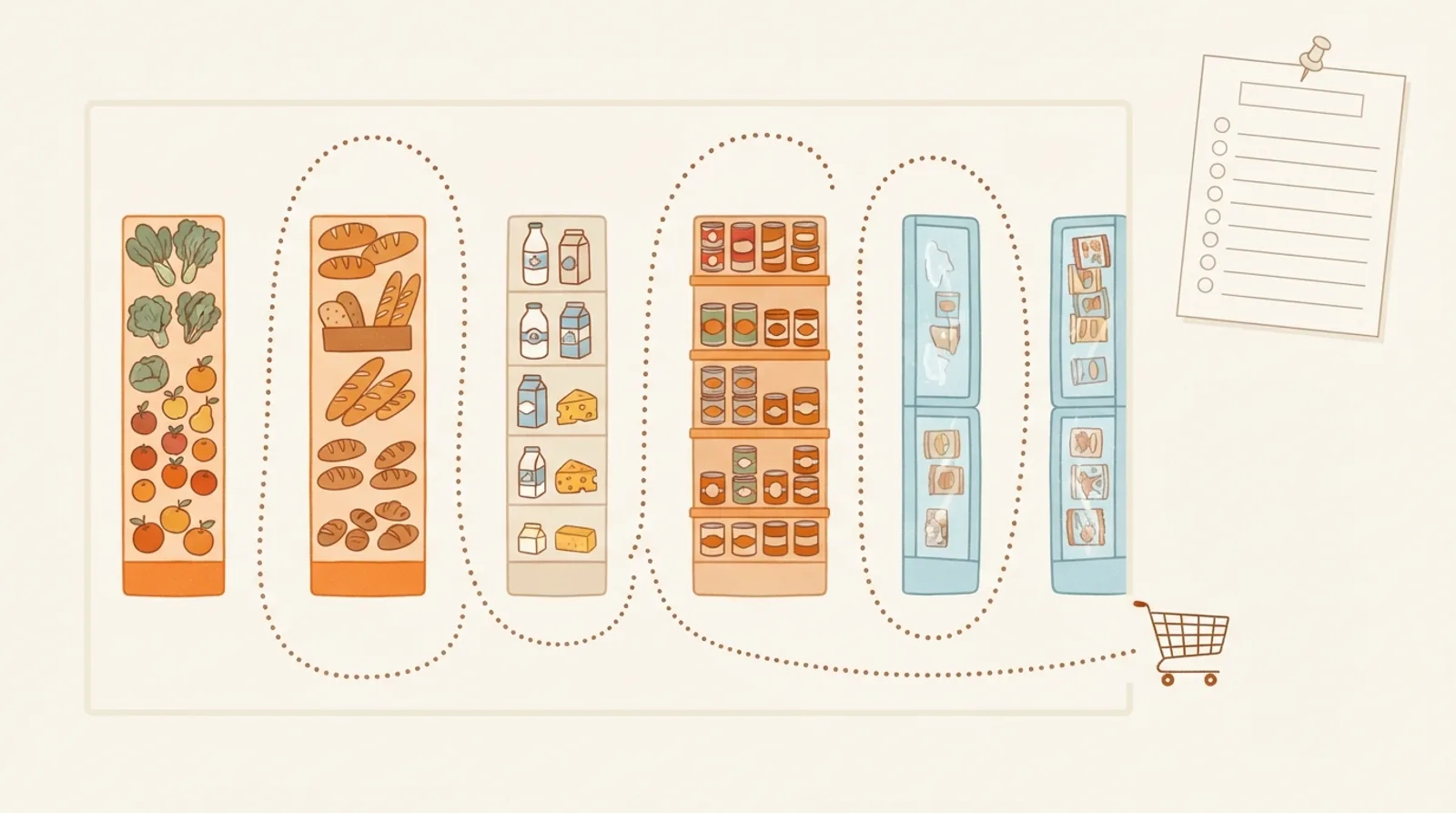
The order to walk almost any supermarket
Store layouts differ, but most US supermarkets follow the same pattern: fresh food around the outside walls, shelf-stable food in the center aisles, and freezer cases near the end. That gives a default order that works in most stores before you have learned yours.
- Produce, usually right inside the entrance.
- Bakery, often next to produce.
- Meat and seafood, typically along the back wall.
- Deli, near the meat counter.
- Dairy and eggs, usually in a back corner, so shoppers walk past everything else to reach the milk.
- The center aisles: pasta and grains, canned goods and broth, baking and spices, oils and sauces, breakfast, snacks, drinks, household.
- Frozen, last, so it stays cold until you get home.
Sort your grocery list now
Paste your list below in any order, one item per line or separated by commas. The sorter groups it into store sections in walking order, merges repeats (two lines of onions become one), and lets you tick items off. Print it to take with you, or keep this page open on your phone.
Grocery list sorter
1Produce
2Bakery
3Meat & seafood
4Dairy & eggs
5Pasta, rice & grains
6Canned goods & broth
7Oils, sauces & condiments
8Household
9Frozen (grab last)
Make the order fit your store
The default order gets you most of the way. Two small habits make it exact for the store you actually shop at.
- Note the aisle numbers once. On your next trip, jot the aisle number next to each section. From then on, write your list in that order.
- Check the store's own app. Many large chains show the aisle for products once you choose your store, which saves hunting for the odd item.
- Keep sections, not items. You will not remember where every product lives, and you do not need to. Knowing the order of eight or ten sections is enough.
Merge before you sort
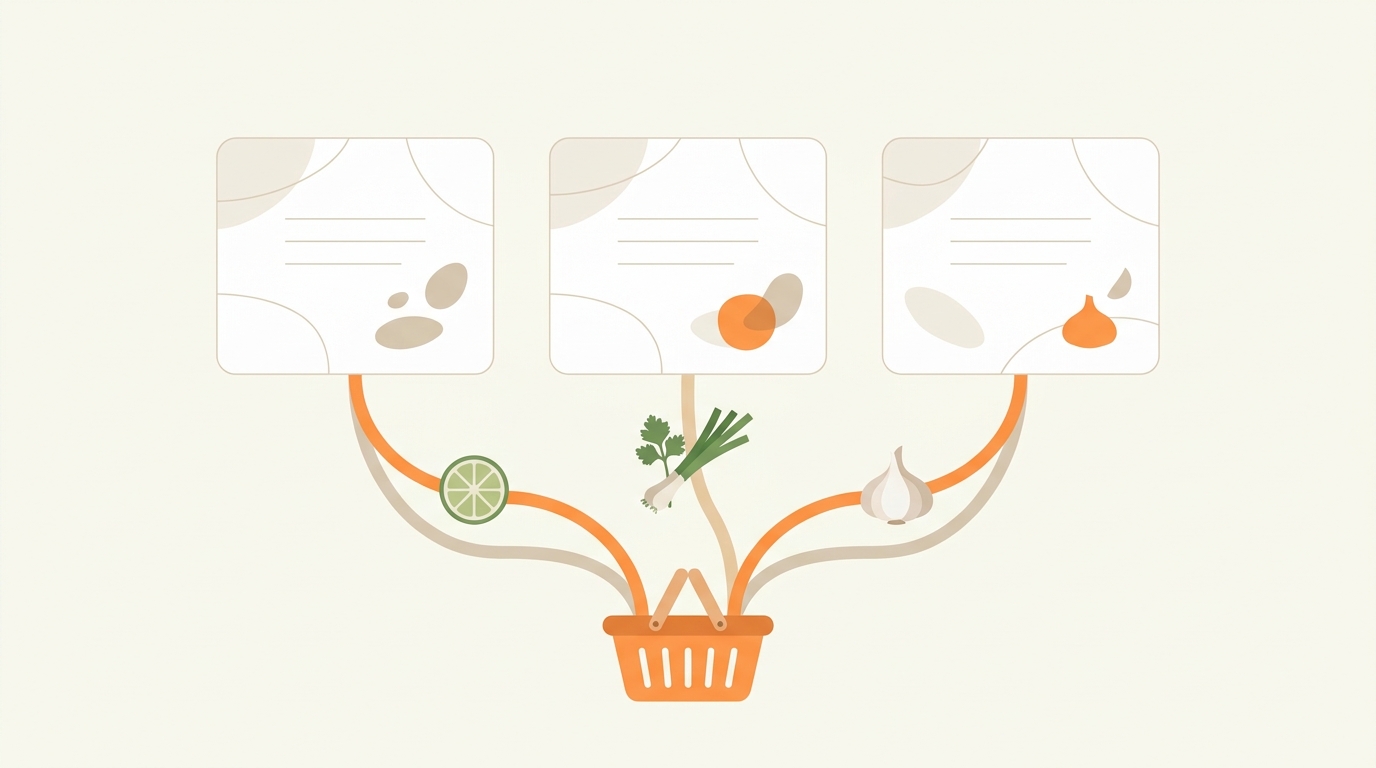
If you shop for several recipes at once, the biggest mess on your list is not the order: it is the repeats. Three dinners that each need an onion, garlic and olive oil produce nine lines for three items, and the amounts are scattered across recipe cards.
One list per recipe
One merged list
Planning the recipes first makes this much easier. If you cook from a few recipes a week, the 3-recipe week shows how to build one list that covers seven days.
Printable list or an app?
Both work. The right one depends on how you plan.
| Printed list | Grocery app | |
|---|---|---|
| No phone needed in the store | ||
| Sorted by aisle | If you write it that way | |
| Adds up amounts from several recipes | Some apps | |
| Add an item the moment you think of it | ||
| Fixable after you leave home |
The printable version
Use the Print this list button in the sorter above. It prints your sorted list in two columns with a checkbox next to every item, grouped under section headings in walking order. Keep a few printed copies of your usual staples on the fridge and just add the week's extras.
How CookEase builds the list for you
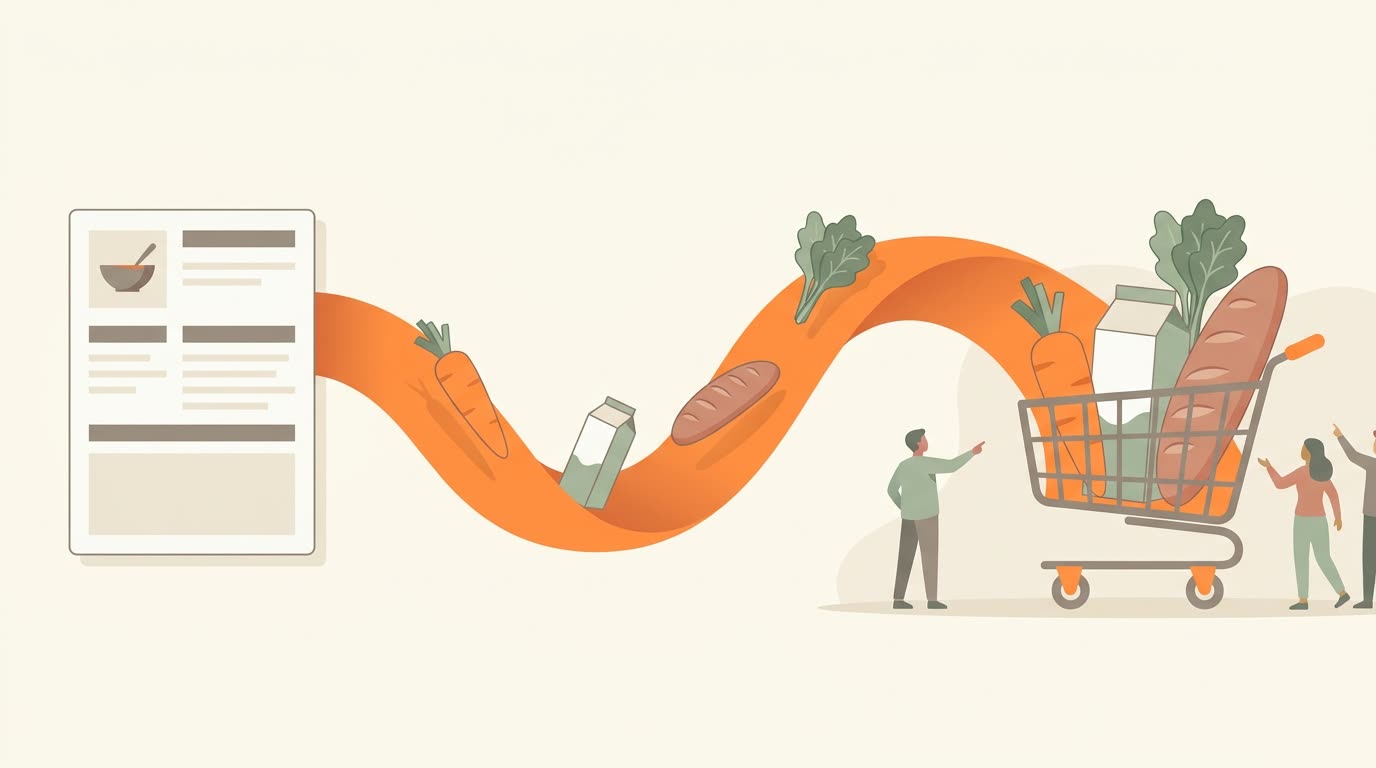
In CookEase, you pick the recipes you are cooking and it writes the shopping list: ingredients from every recipe merged into one line each, amounts added up, and grouped by store aisle. You can tick items off as you shop, or send the list to Instacart if you would rather not go at all. Recipes come from anywhere: save them from a link, a video or a photo, or pick from Discover.
Your recipes, one list, in aisle order.
Save the recipes you want to cook and CookEase writes the shopping list, merged and sorted the way you walk the store.