
From Shoebox to Searchable: How to Digitize Handwritten Family Recipe Cards Before They Fade
Grandma's recipe cards are fading, staining, and getting lost in moves. Here is a practical, weekend-sized plan for turning a shoebox of handwriting into a searchable digital cookbook.
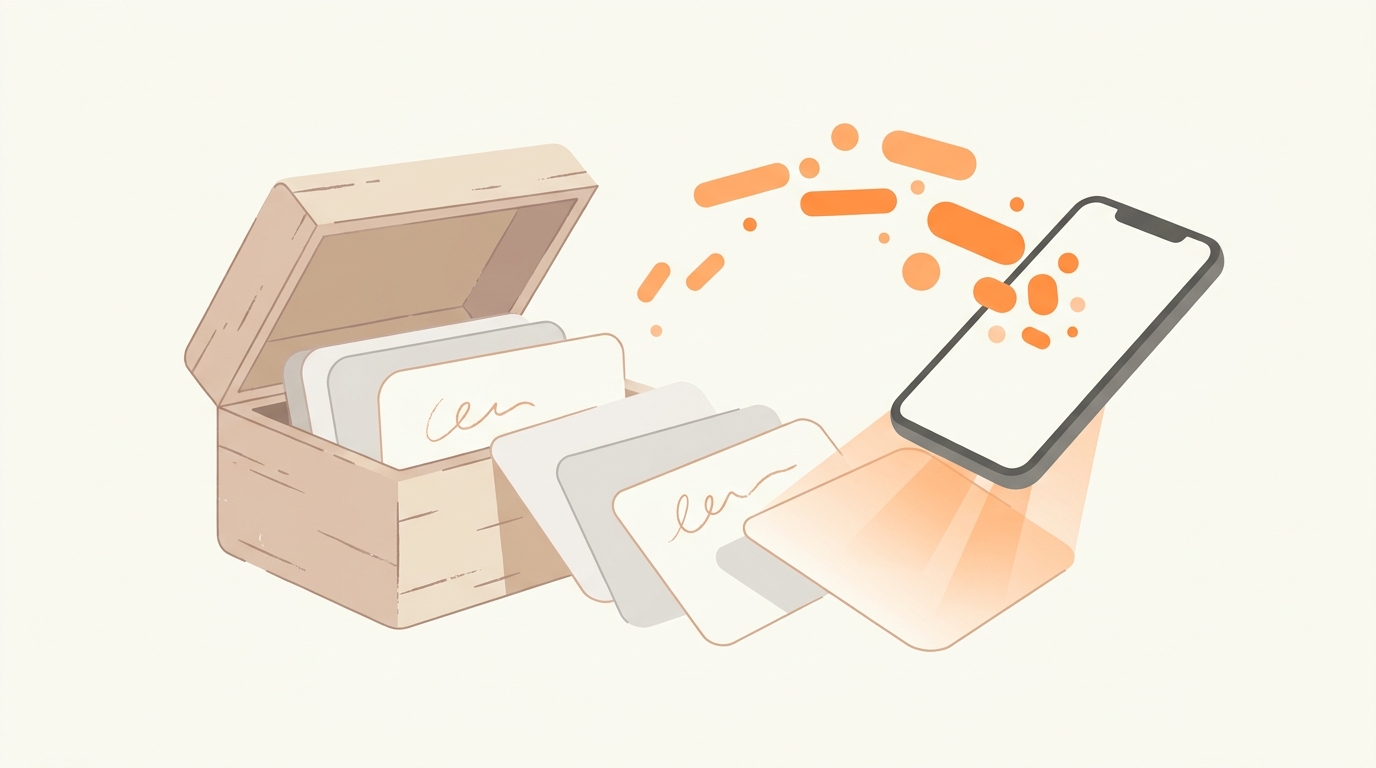
Somewhere in your family there is a shoebox, a ring binder, or a kitchen drawer stuffed with index cards. The handwriting slants in three different directions. The margins say things like "more butter than this" and "Doris says 375, not 350."
Those cards are the most valuable recipes you own, and they are also the most fragile. Paper yellows, pencil fades, and grease stains slowly eat through the one copy of your grandmother's pie crust that exists anywhere on Earth. Digitizing them used to mean hours of squinting and typing. In 2026, it means taking a photo. This guide walks through the full process: sorting, photographing, adding notes, and organizing, so a single weekend can preserve decades of family cooking.
Step 1: Sort the Box Before You Touch a Camera
Resist the urge to start photographing immediately. First, sort the physical cards into three piles:
- The irreplaceables: recipes in a specific person's handwriting, especially anyone no longer with you. These get digitized first, and you should also photograph them at high resolution purely as keepsakes, stains and all.
- The workhorses: recipes your family actually cooks. These need clean, tidy digital versions you can cook from on a phone.
- The clippings: magazine cutouts and box-top recipes. Many of these exist online in better form, so digitize only the ones with meaningful annotations.
This sorting pass usually takes under an hour and prevents the most common way these projects stall: burning out on recipe #14 of 200 because you started with the least important ones.
Step 2: Photograph Like an Archivist, Not a Tourist
The technology that reads your photos has improved enormously, and a clear photo gives it the best possible starting point. A few easy habits make the results even better:
- Use flat, indirect daylight. Place the card near a window, out of direct sun. Overhead kitchen lights create glare on glossy cards.
- Shoot straight down. Hold the phone parallel to the card. A straight-on shot keeps every fraction crisp and clear, and fractions are exactly what matter most in a baking recipe.
- Capture both sides. An astonishing number of family recipes continue on the back with no indication on the front.
- Include the margins. The scribbled corrections are often the real recipe. "Doris says 375" is data.
Step 3: Let AI Do the Typing
This is where the last two years have changed everything. Older photo-scanning tools produced a wall of raw text that you then had to reformat by hand. Modern AI understands that a recipe has shape: a title, an ingredient list with quantities, and ordered steps.
When you upload a photo of a recipe card to CookEase, the AI reads the handwriting, separates ingredients from instructions, tidies the quantities, and gives you a recipe you can edit. Cursive from the 1960s, faded pencil, and abbreviations like "c." and "T." come through beautifully, because the AI understands cooking: it knows "1 t. soda" in a cookie recipe means a teaspoon of baking soda, not a can of Sprite.
Worth a quick glance: Before saving, give the draft a once-over with a warm cup of coffee. The thing to watch for isn't the app - it's the card itself: handwritten recipes are famous for lines like "add the reserved flour mixture" with no flour mixture ever mentioned. Spot those little family mysteries now, while the person who knows the recipe can still be asked.
Step 4: Interview the Source While You Still Can
A recipe card is compressed knowledge. "Bake until done" made sense to the person who wrote it because she had made that cake eighty times. If the author or someone who cooked alongside them is still around, the digitization project is the perfect excuse for a phone call.
Ask the questions the card doesn't answer: What does "done" look like? What pan did you use? What would you never change? Add the answers as notes on the digital version. This turns a typed-up recipe into an heirloom, and it is the part of the project people consistently say they are most grateful for later.
Step 5: Organize So People Actually Cook From It
A folder of 200 photos on your camera roll is not a cookbook; it's a second shoebox. The goal of digitization is not storage, it's retrieval: being able to pull up Aunt Rose's brisket in four seconds while standing in the grocery store.
In CookEase, group the results into cookbooks that mirror how your family thinks: "Grandma Helen's Cards," "Holiday Baking," "Sunday Dinners." Because every recipe is saved as real text rather than a photo, the whole collection becomes searchable by ingredient, and each recipe can build a grocery list or be cooked hands-free with the step-by-step cooking mode, things a photo of an index card will never do.
What About the Cards You Can't Read?
Every family box has a few cards that defeat everyone: pencil that has faded to a ghost, spatter stains over the quantities, or handwriting that was cryptic even in its prime. Don't discard them, and don't let them stall the project. A few recovery tricks work surprisingly often. Photographing faded pencil under strong raking light, with the light source almost parallel to the paper, lifts indentations and graphite that a straight-on shot misses. Boosting contrast in your phone's photo editor before uploading helps the AI make out strokes the eye can barely see. And when a quantity is truly gone under a butter stain, save everything else and note the gap; a missing "1/2 cup sugar" can usually be recovered by comparing the recipe against a standard version of the same dish, or by one test bake. A saved recipe with one noted blank is infinitely more durable than a card dissolving in a drawer.
Finally, keep the originals. Digitizing is insurance, not a replacement. Slide the truly precious cards into archival photo sleeves, and let the everyday cooking happen from the phone, where the recipe can get splattered a thousand times without consequence.
A Realistic Timeline
For a typical box of 100-150 cards: one hour of sorting, two to three hours of photography spread over a weekend, and the typing itself happens in seconds per card with AI doing the work. Budget one more evening for family notes and phone calls. That is one weekend to move a family's culinary history from "one grease fire away from gone" to permanent, searchable, and shareable with every cousin who has been asking for the pie crust recipe for a decade.
Preserve the cards before they fade.
Snap a photo of a recipe card and watch it become a tidy, searchable recipe.
Digitize Your First Recipe Card