Instagram is full of recipes you want to make. Saving them is one tap. Finding the right one again three weeks later, standing in the kitchen, is another story.
This guide covers every way to save a recipe from Instagram, on iPhone, Android or a computer, and what each one is actually good for. It also answers the two questions people search most after the fact: where saved posts go, and why some of them vanish.
First: where is the recipe in this post?
Instagram recipes come in three shapes, and the best way to save one depends on which shape it is. Some write the full recipe in the caption. Many Reels only say it out loud or flash it on screen. And a growing number ask you to tap a link or comment a word like "RECIPE" to get it by message. Answer two questions and you get our pick.
Which way should you save this one?
Our pick
Use an app that watches the video
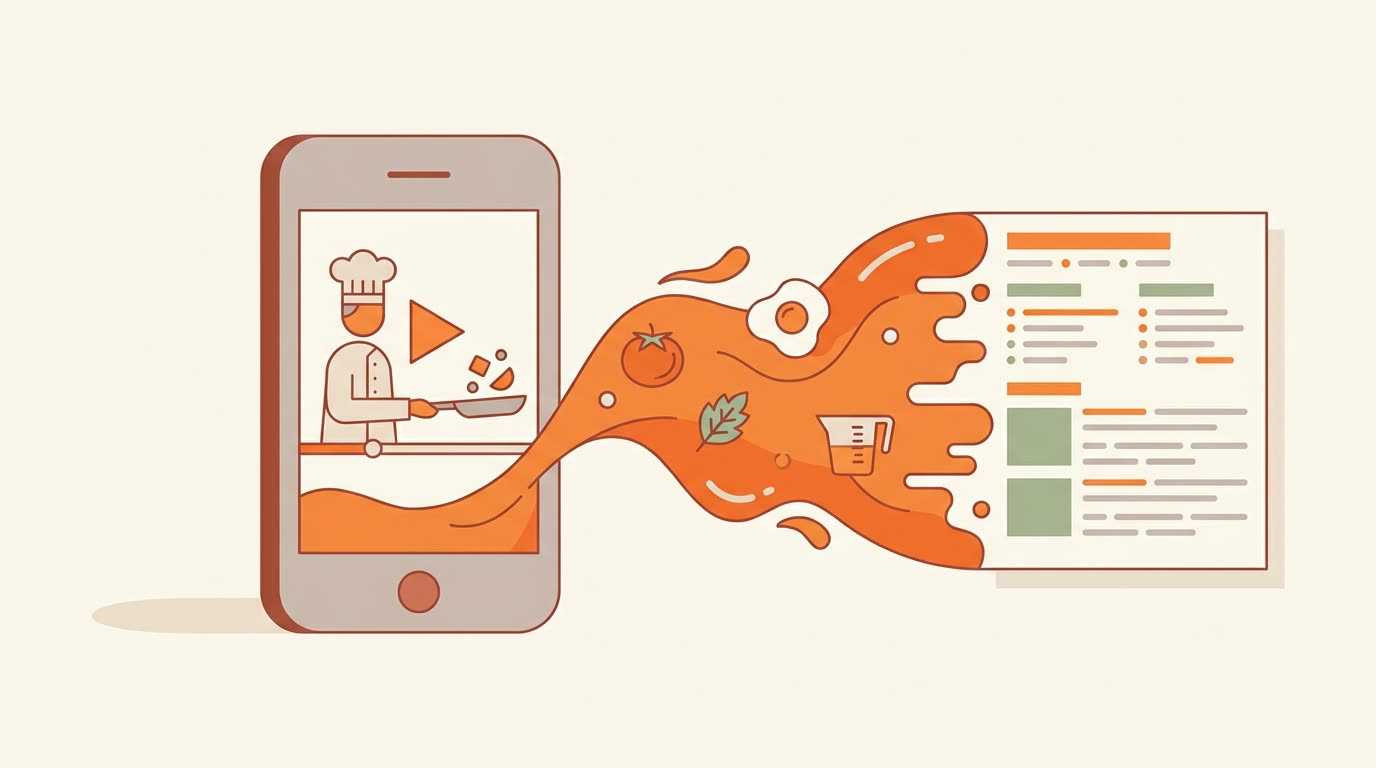
Pausing and rewinding a Reel with messy hands is miserable. Share the Reel to a recipe app that reads the spoken and on-screen recipe, and cook from a written list instead.
Method 1: Instagram's own Saved folder (free, instant)
The bookmark under every post saves it to a private list on your profile. It takes one tap and costs nothing, which is why it is where most saved recipes end up.
- 1
Tap the bookmark
It sits under the post, on the right. On some Reels it is inside the three-dot menu as Save. - 2
Press and hold it to pick a collection
Holding the bookmark lets you save straight into a named collection, or make a new one like "Weeknight dinners" or "Baking". - 3
Find it later
Tap your profile picture, then the menu (three lines) in the top corner, then Saved. Your collections are listed there.
Where it falls short
- It is a bookmark, not a copy. If the creator deletes or archives the post, or makes their account private, it disappears from your Saved list.
- You cannot search it. There is no way to type "chicken" into your saves. You scroll.
- You still cook from the video. Ingredients flash by, the Reel loops, and the amounts are never on screen at the moment you need them.
Method 2: Copy the recipe into your notes
Copying the recipe out of Instagram fixes the disappearing problem: the text is yours. The catch is that Instagram does not let you select caption text inside the app. Here is how to get it out anyway.
- 1
Screenshot the caption
Expand it with "more" first so the whole recipe is on screen. Take two screenshots if it is long. - 2
Copy the text from the screenshot
Open the screenshot in Photos, press and hold on the text, and drag to select it. iPhone recognizes the words in the image (Live Text). - 3
Paste it into Notes
Give the note the dish name as its title so search can find it later. Paste the post link at the bottom so you can rewatch the video.
- 1
Screenshot the caption
Expand it with "more" first. - 2
Use Google Lens on the screenshot
Open it in Google Photos, tap Lens, then select the text and tap Copy. - 3
Paste into Google Keep or your notes app
Title it with the dish name and paste the post link underneath.
- 1
Open the post on instagram.com
Log in in your browser, or open a link someone shared with you. - 2
Select the caption and copy it
On the web, caption text can be selected like any other text. - 3
Paste it wherever you keep recipes
A document, your notes, or a recipe app.
This works well for recipes that are fully written out. It does nothing for Reels where the recipe is only spoken, and a folder of pasted captions gets messy fast: no photos, inconsistent formats, and no way to turn three of them into one shopping list.
Method 3: Share it to a recipe app
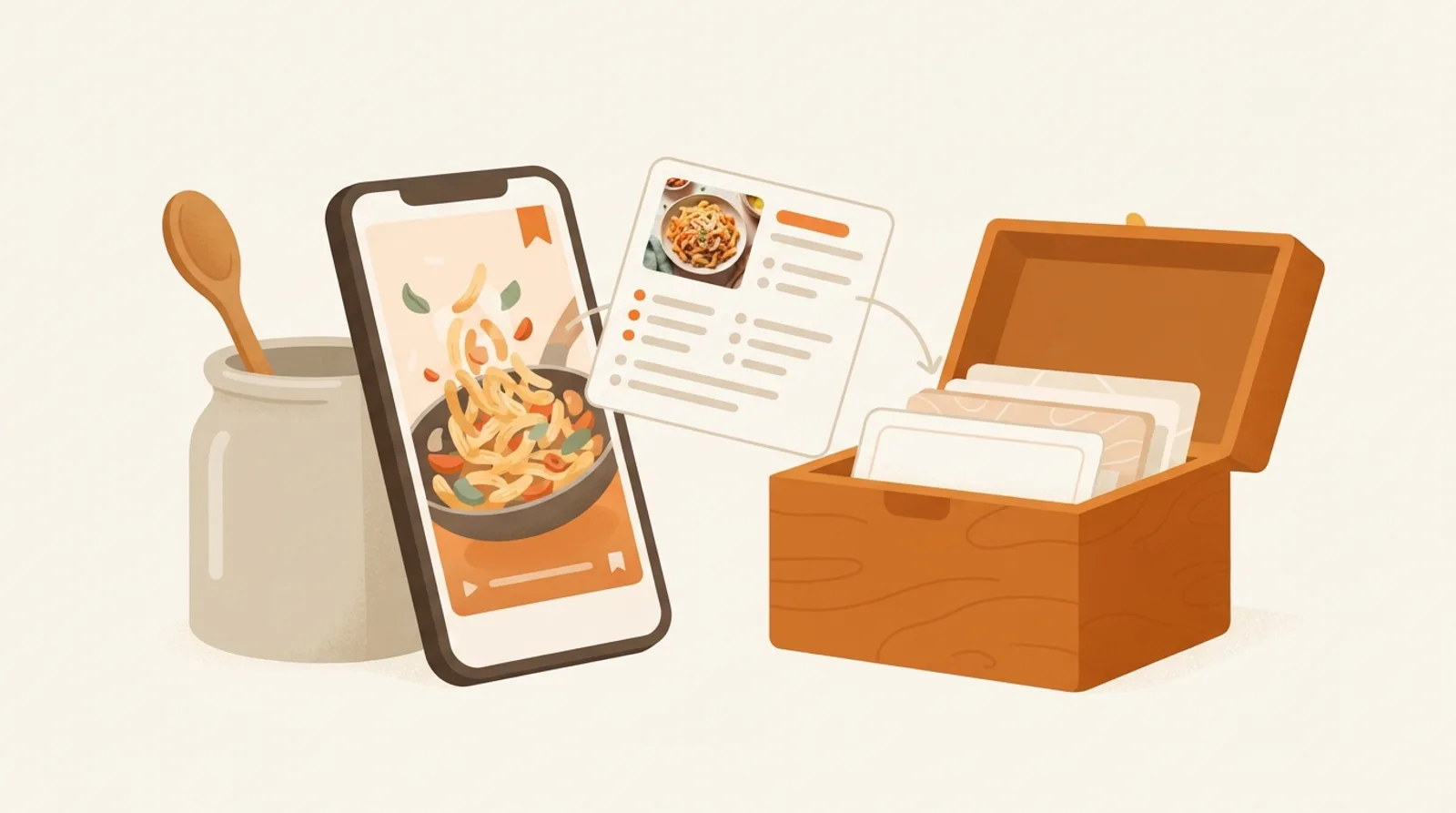
A recipe app turns the post into a proper recipe: a title, an ingredient list with amounts, numbered steps and a photo, stored in your own account. Nothing disappears if the creator deletes the post, everything is searchable, and you can scale it or shop from it.
The thing to check before you pick one is whether it reads only the caption or the video too. A caption-only app comes back empty-handed on the many Reels where the recipe is spoken over the cooking.
| Instagram Saved | Notes | Recipe app | |
|---|---|---|---|
| Free | Usually a free start | ||
| Survives the post being deleted | |||
| Searchable | |||
| Works when the recipe is only spoken | If it reads the video | ||
| Scales servings, builds a shopping list | |||
| Effort per recipe | One tap | A few minutes | One share |
How to save an Instagram recipe to CookEase
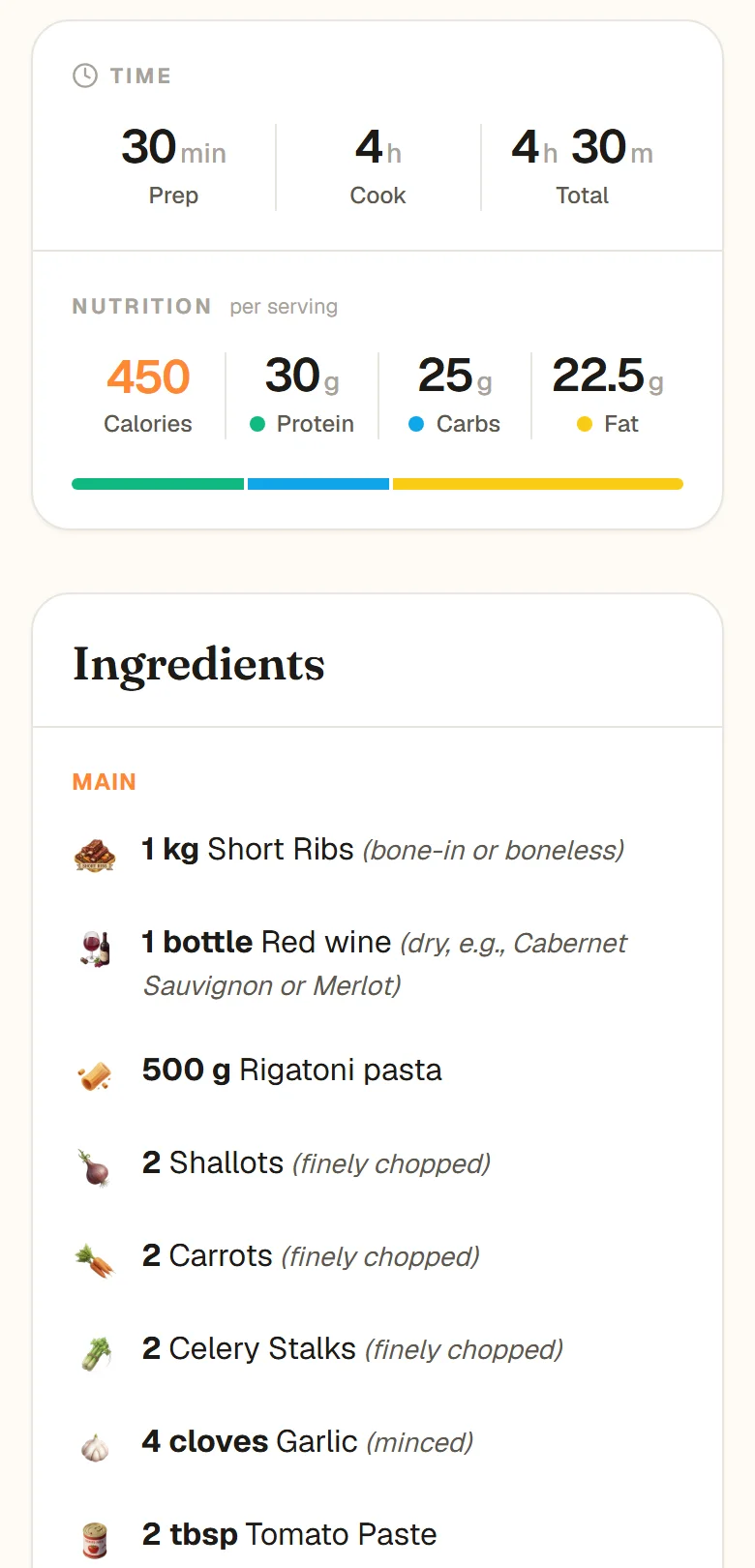
CookEase reads the caption and the video itself, so it works on Reels where the recipe is only spoken or shown on screen. The result is a clean recipe card with amounts, steps and nutrition per serving.
- 1
Tap the Share icon on the post or Reel
The paper airplane. - 2
Open the full share sheet
Scroll the bottom row and tap Share to... (or More) to see all your apps. - 3
Choose CookEase
The recipe starts saving right away. Add CookEase to your Favorites in that sheet once, and it stays one tap away.
- 1
Tap the Share icon
The paper airplane under the post or on the Reel. - 2
Tap Share to... to open your phone’s share menu
Then pick CookEase from the list of apps. Press and hold it and choose Pin to keep it at the front. - 3
Let it save
The recipe appears in your cookbook, ready to cook.
- 1
Copy the post’s link
From the address bar on instagram.com, or Share then Copy link on your phone. - 2
Paste it into CookEase
Paste the link into the search bar at the top of cookeaseapp.com, or use Save a recipe in your cookbook.
If the post sends you to a link or asks you to comment for the recipe, save the page you end up on instead: paste that link into CookEase the same way. The help guide for saving from social video has screenshots of the share sheet, and this guide covers TikTok, YouTube and Pinterest.
Why your saved Instagram posts disappeared
If a recipe you saved is gone, or your Saved list looks shorter than you remember, one of these is almost always the reason.
- The creator deleted or archived the post. Your save pointed at it, so it goes with it.
- The account went private, or you were blocked. You can no longer see the post, so neither can your Saved list.
- You are looking in the wrong collection. Posts saved straight into a collection also appear under All posts; check there first.
- You are logged into a different account. Saves belong to the account that made them.
A saved post is a bookmark to someone else's page. A saved recipe is yours.
Keep the recipes you save cookable
Saving is the easy half. The recipes that get cooked are the ones you can find in ten seconds, read without rewatching a video, and shop for in one trip. Whatever method you choose, give each recipe a real name, keep the ones you will actually cook in one place, and plan two or three a week instead of scrolling a backlog. Our piece on why saved recipes never get cooked goes deeper on the habit.
Turn your saved Reels into recipes.
Share any Instagram post or Reel to CookEase and get the full recipe, with amounts, steps and nutrition, in your own cookbook.