
Viral to Dinner Table: How to Save Recipes from TikTok, YouTube, and Pinterest
Tired of pausing videos to write down ingredients? Learn how CookEase turns social media clips and cluttered blogs into clean, cookable recipes instantly.
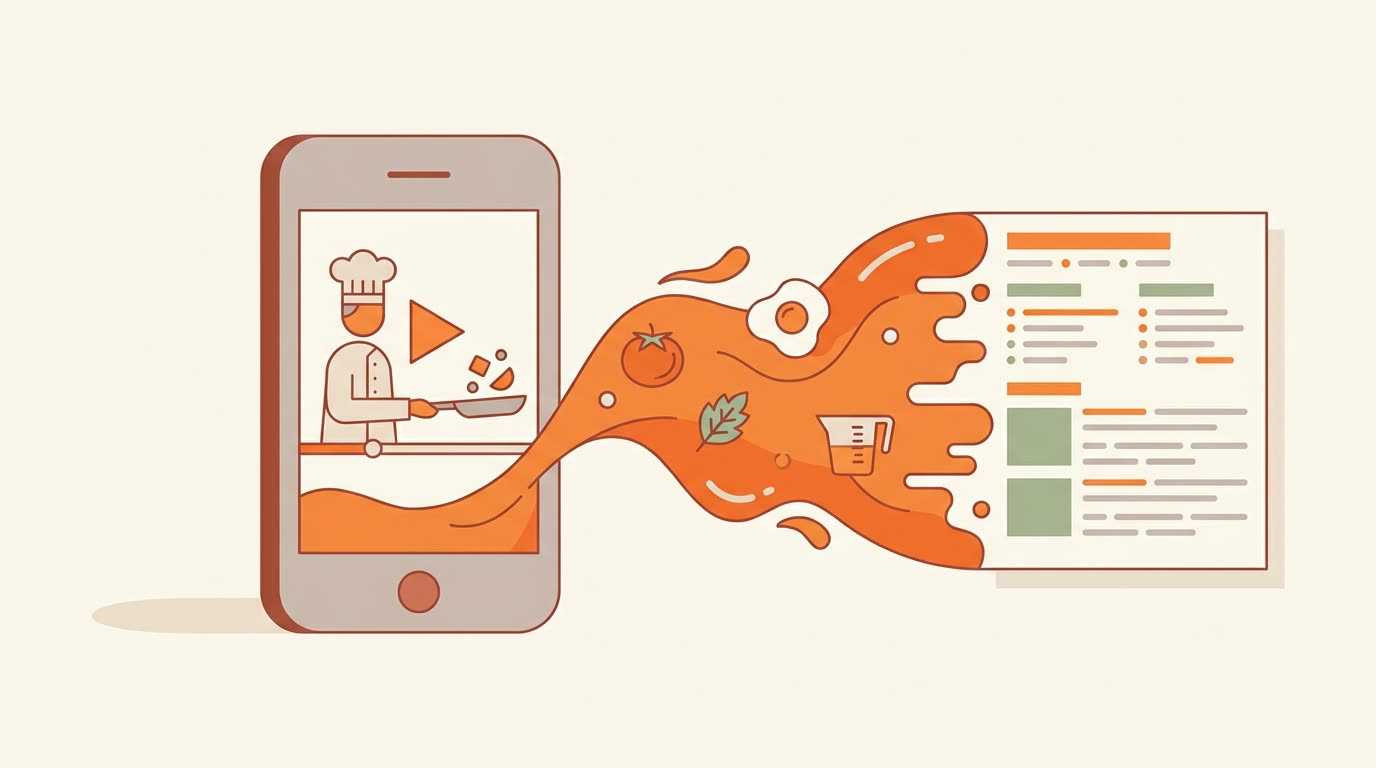
We’ve all been there: you see a mouth-watering pasta on TikTok or a 15-minute meal on YouTube, but the recipe is buried in a 1,000-word caption or, worse, not written down at all.
Manually typing out a video is a chore. Taking screenshots leads to a cluttered camera roll you’ll never look at again. In 2026, the technology exists to bridge the gap between viral inspiration and actual dinner. Here is how CookEase handles the heavy lifting of saving recipes for you.
Saving from Social Media: Watching the Video for You
Turning a short video from TikTok or Pinterest TV into a real recipe is no small feat. Most apps just save the link. CookEase goes deeper.
Our AI reads the video’s caption and description, looks at the video itself, and - for YouTube - even listens to what the creator says out loud through the transcript. It picks out the actual cooking details from the casual chatter. The result? A perfectly formatted list of ingredients and step-by-step instructions pulled directly from the video link.
Bypassing the "Life Story" on Food Blogs
We all know the frustration of scrolling through 2,000 words about a blogger’s childhood summer just to find out how much garlic you need.
When you paste a link from a recipe website, CookEase finds the actual recipe hiding on the page. It knows which parts are fluff and which are vital. It cleans up the instructions, tidies the measurements (so "3 cloves" slots neatly into a shopping list), and ignores every single ad on the page.
Beyond Links: Photos and PDFs
What about your grandmother’s hand-written recipe card? Or that cookbook you bought ten years ago? CookEase isn't just limited to the web.
- Save from a Photo: Snap a photo of a physical page, and our AI reads the photo and turns it into a recipe you can edit, instantly.
- Save from a PDF: Drag and drop your digital cookbooks to break them down into searchable, individual recipes.
- Smart Paste: Highlight text from an email or a Google Doc and paste it into the Paste tab, and CookEase will neatly organize it for you.
What’s Coming Next?
The web is moving toward video faster than ever. That’s why we are actively building support for saving from:
Ready to build your library?
Save your first TikTok or YouTube recipe in under 5 seconds.
Start Saving for Free