Where did you save it?
Pick the place you think it is. Not sure? Start at the first one and work down: 0 of 10 checked.
A Reel or post you tapped Save on
Where saved recipes are on Instagram
In the app
Tap your profile picture, then the menu (three lines) in the top corner, then Saved.
- Once you are in
- You see All posts and any collections you made. There is no search inside your saves, so you scroll for it.
- If it is not there anymore
- A save is a bookmark to the post. If the creator deleted or archived it, or made the account private, it drops out of your Saved list without a notice.
A video you added to Favorites
Where saved recipes are on TikTok
In the app
Tap Profile at the bottom, then tap the Favorites button on your profile.
- Once you are in
- Favorites holds everything you favorited, recipes and otherwise, so look for the cover image you remember.
- If it is not there anymore
- A favorite points to the creator's video. If they take it down or make it private, there is nothing left to play.
A post, Reel or link you saved
Where saved recipes are on Facebook
In the app
Tap Menu, then Saved. Tap See more if Saved is not on the first screen.
On a computer
Go to facebook.com/saved, or click See more in the left menu, then Saved.
- Once you are in
- Use the filter at the top to show only Reels, photos or links. You cannot search the recipe text inside your saves.
- If it is not there anymore
- A save stops opening when the post is deleted, its audience changes, or you leave the private group it was posted in.
Saved recipes on Facebook, in full Steps from Facebook Help Center
A pin you saved to a board
Where saved recipes are on Pinterest
On a computer
Click your profile photo, then Saved to see your boards. Open the board you think it is on.
To search only your own pins
On a computer, type a word such as "enchiladas" in the search bar and press Enter, then click the arrow beside the search bar and choose Your Pins.
- Once you are in
- A pin is a picture with a link. The recipe itself is on the website the pin points to.
- If it is not there anymore
- The pin can still be on your board while its link is dead, because the blog moved or closed.
When a Pinterest recipe link does not work Steps from Pinterest Help
A video you saved or liked
Where saved recipes are on YouTube
In the app
Tap your profile picture to open the You tab. Under Playlists, open Watch later, or the playlist you saved it to.
If you only liked it
Videos you liked are under Liked videos, also on the You tab.
- Once you are in
- Your watch history is on the same tab, which helps when you watched the recipe but never saved it.
- If it is not there anymore
- A video the creator deleted or made private can no longer be played from your playlist.
A search result or recipe you tapped Save on
Where saved recipes are on Google
Android
Open the Google app and tap Saved at the bottom. Scroll to the end of the row and tap View all saved items.
iPhone
Open the Google app, tap your profile picture or initial at the bottom right, then Saved & Collections, then View All.
On a computer
Go to google.com/saved.
- Once you are in
- Google makes some collections for you, and one of them is named Cookbook. You have to be signed in to the same Google Account you saved with.
- If it is not there anymore
- A saved item is a link. If the page it points to was taken down, the save has nowhere to go.
A recipe page you bookmarked
Recipes in your browser bookmarks
Safari on iPhone
Tap the Show Bookmarks button. Your bookmarks, your Reading List and your history are behind it.
Chrome on a computer
Click More (three dots), then Bookmarks and lists, then Bookmark Manager.
To search Chrome bookmarks
Type @bookmarks in the address bar, press Tab or Space, then type a word from the recipe name.
- Once you are in
- Check the Reading List as well as the bookmarks: "read it later" is where a lot of recipes end up.
- If it is not there anymore
- A bookmark keeps working until the site moves or removes the page.
A screenshot, or a photo of a card or a cookbook page
Recipes in your screenshots and photos
iPhone
Open Photos, go to Collections, tap Media Types, then Screenshots.
Google Photos
Open the Search tab and search for Screenshots. To find words that are in the picture, put them in quotation marks, such as "banana bread".
- Once you are in
- A screenshot is the one save that is truly yours: it stays when the post is deleted. It is also the hardest to find again, mixed in with every other screenshot you took.
- If it is not there anymore
- It is only gone if you deleted it. Check Recently Deleted in your photos app.
A recipe you saved while signed in to a recipe site
Saved recipes on a recipe website
On that site
Sign in on the same website, with the same email you used when you saved it. Saved recipes are kept under your account or profile on that site, not on your phone.
- Once you are in
- If the site says you have no saved recipes, you are probably signed in with a different email, or with Google on one visit and a password on another.
- If it is not there anymore
- When a site closes or rebuilds its recipe box, saved lists can go with it. Recipes you would hate to lose are safer in a place that is yours.
A link you texted yourself or pasted in a note
Recipes in your notes and messages
On your phone
Search your notes app for a word from the dish, then search your messages for the same word. Try the name of the person who sent it, too.
- Once you are in
- Look in email as well, for recipes you sent to yourself or that a relative forwarded.
- If it is not there anymore
- The note is safe, but a link inside it can still stop working if the post or page is removed.
The short answer
- There is no single place where saved recipes go. Each app keeps its own list: Saved on Instagram and Facebook, Favorites on TikTok, boards on Pinterest, Watch later on YouTube, Saved in the Google app, plus your bookmarks and screenshots.
- Pick a place in the finder above to see the exact taps, or work down all ten in order and check each one off.
- On Google, saved recipes are in the Google app under Saved (Android) or under your profile picture, then Saved & Collections (iPhone), and at google.com/saved on a computer.
- If a saved recipe has vanished, the post was probably deleted or made private. A save in a social app is a bookmark to the post, not a copy of the recipe.
You saved it. You remember the cast-iron pan and the way the cheese pulled. What you do not remember is whether you saved it on Instagram, sent it to yourself, or took a screenshot at 11 at night.
Saving a recipe takes one tap, which is the problem: you do it in whatever app you are in, and each app keeps its own list behind its own menu. The finder above knows where each of those lists is. Pick the app, follow the taps, and if the recipe is not there, tap Not here, try the next place until it turns up.
Where saved recipes go, by app
There are 10 places a recipe usually ends up. The short version of each:
- Instagram: your profile, the menu, then Saved.
- TikTok: Profile, then the Favorites button.
- Facebook: Menu, then Saved, or facebook.com/saved on a computer.
- Pinterest: your profile, then Saved, on the board you pinned it to.
- YouTube: the You tab, under Playlists, in Watch later.
- Google: the Google app's Saved, or google.com/saved.
- Your browser: bookmarks and the Reading List.
- Your photos: the Screenshots collection.
- A recipe website: your account on that site.
- Notes and messages: a link you sent yourself.
The full steps for each, for a phone and a computer, are in the finder at the top.
Where are my saved recipes on Google?
Whatever you save from Google Search, recipes included, goes to one list called Saved. Where that list sits depends on the device, according to Google's own help page:
- 1
On Android
Open the Google app and tap Saved at the bottom. Scroll to the end of the row of collections and tap View all saved items to see everything, including saves that are not in a collection. - 2
On iPhone
Open the Google app, tap your profile picture or initial at the bottom right, then Saved & Collections. Tap View All for the full list. - 3
On a computer
Go to google.com/saved while signed in.
Look for a collection named Cookbook. It is one of the collections Google makes for you and it cannot be deleted. If the list is empty, check the account: you only see what was saved with the Google Account you are signed in to now, and many people have a work one and a personal one.
Where are my saved recipes on my iPhone?
An iPhone does not have a saved recipes folder. Nothing collects recipes for you across apps, so the answer is always the app you were in when you saved it. Three places belong to the phone itself and are worth checking early:
- Safari. Tap the Show Bookmarks button. Bookmarks, the Reading List and your history are all behind it, and a recipe you meant to read later is often in the Reading List.
- Photos. Go to Collections, tap Media Types, then Screenshots. Every screenshot you have taken is there, which is why a recipe from last spring takes some scrolling.
- Notes and Messages. Search each for a word from the dish. Links you texted to yourself or to your partner count as saved, too.
What happened to my saved recipes?
When a recipe you know you saved is not in the list, it is nearly always one of these.
The post is gone, and the save went with it
Saving in a social app does not copy anything. It keeps a pointer to the creator's post. If they delete it, archive it or make their account private, your save has nothing to point to. This is true on Instagram and on Facebook, where leaving a private group has the same effect. A pin on Pinterest can survive while the blog behind it disappears, which leaves you a picture and a link that goes nowhere.
You are in a different account
Saves belong to the account, not the phone. A second Instagram profile, a work Google Account, or signing in to a recipe site with Google one day and a password the next will each show you an empty list. Switch accounts before you conclude the recipes are gone.
It is somewhere else
Memory is unreliable about this. The recipe you are sure you saved on TikTok was a Reel, or you saw it on TikTok and screenshotted it. That is what the Not here, try the next place button is for.
A save that points to a post
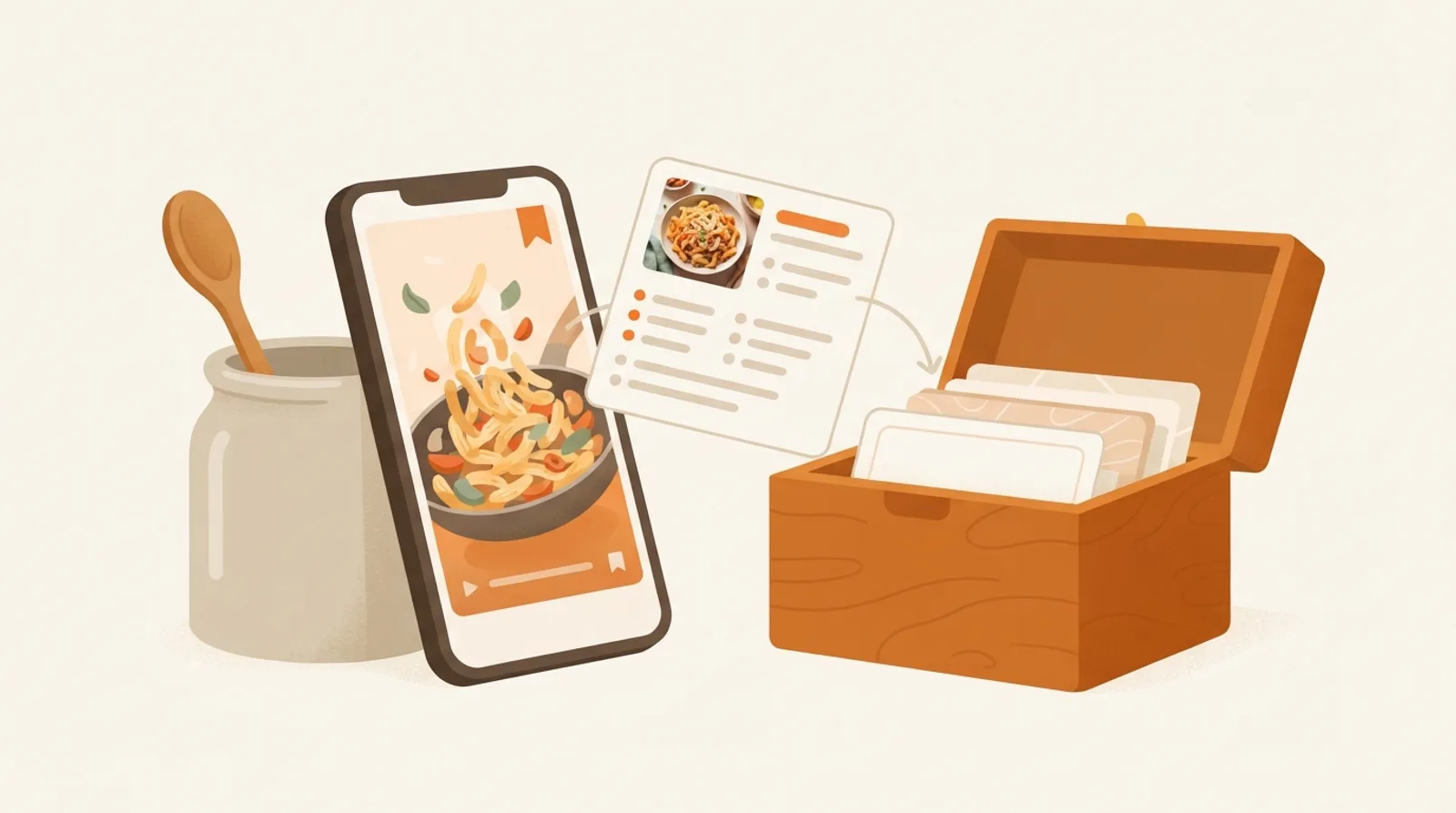
A copy of the recipe itself
Can I search my saved recipes?
Sometimes, and the answer explains why some places lose recipes more than others.
Instagram Saved
- Search for a word
- Still there if the post is deleted
Facebook Saved
- Search for a word
- Still there if the post is deleted
Pinterest board
- Search for a word
- Your Pins, on a computer
- Still there if the post is deleted
- The pin, not always the recipe
Chrome bookmark
- Search for a word
- Still there if the post is deleted
- Until the page moves
Screenshot
- Search for a word
- In Google Photos
- Still there if the post is deleted
Recipe app
- Search for a word
- Still there if the post is deleted
| Search for a word | Still there if the post is deleted | |
|---|---|---|
| Instagram Saved | ||
| Facebook Saved | ||
| Pinterest board | Your Pins, on a computer | The pin, not always the recipe |
| Chrome bookmark | Until the page moves | |
| Screenshot | In Google Photos | |
| Recipe app |
Two tricks from that table are worth knowing. In Chrome on a computer, type @bookmarks in the address bar, press Tab or Space, and then type a word from the recipe's name. In Google Photos, put the words in quotation marks, such as "banana bread", and it looks for those words inside your pictures, screenshots included.
How to stop losing saved recipes
Finding one recipe fixes tonight. The lasting fix is to stop having ten lists.
- 1
Choose one home
A notes folder, a binder, a recipe app. Which one matters less than there being only one, and that you can search it. - 2
Move the recipes you actually cook
Not all 400 saves. The ten or twenty you have made or really mean to make. For each, save the recipe itself: the ingredients and the steps, not a link to a post. - 3
Save new ones there on day one
When a recipe stops your scroll, send it straight to that one home. In most apps that is Share, then the place you chose. - 4
Let the rest go
A saved list you never open is not a collection. If you have not looked for a recipe in a year, you will not miss it.
Comparing places to keep recipes? Our guide to the best recipe organizer apps sets out the free and paid choices side by side.
Save it once, find it every time
One cookbook for recipes from TikTok, Instagram, Facebook, websites and photos, searchable by name on your phone and computer.