You saved it years ago, the photo still looks perfect, and tonight is finally the night. You tap the pin, and you get a "page not found", a blog homepage, or a page of flashing ads that has nothing to do with lemon bars.
The good news: a broken pin almost never means the recipe is gone for good. Most of the time it moved, or a copy survives somewhere you can reach. This guide explains why Pinterest recipe links break, walks through every way to get the recipe back (in the order most likely to work), shows how to tell a spam redirect from the real thing, and how to make sure it never happens again.
Which fix should you try first?
What you see when you open the link tells you a lot about what happened, and that decides where to look. Answer two questions and you get the fixes to try, best first. Every one of them is explained in detail further down.
Lost recipe fix finder
Try these, in this order
Search the blogger's own site
Open the blog's homepage and use its search box (often a magnifying glass in the menu) with one or two words from the recipe name. Bloggers rename and move posts far more often than they delete them.
Search the recipe name plus the site
In Google, put the pin's title in quotes and add site: with the blog's address, for example "lemon blueberry loaf" site:example.com. If nothing comes back, drop the quotes or the site: part.
Look up the old link on the Wayback Machine
Copy the pin's link, paste it into web.archive.org and pick a date on the calendar. A blue dot is a saved copy of the page as it looked that day.
Search with the pin's photo
Run the photo through Google Lens or TinEye. Look for websites with the same photo; on TinEye, sort by Oldest to get closer to whoever posted it first.
Why Pinterest recipe links stop working
A pin is a photo plus a link to someone else's website. Pinterest keeps the photo, but it has no control over the page at the other end. When that page changes, the pin breaks. These are the usual reasons:
- The blogger moved or renamed the post. Blog redesigns, a new web address, or a tidied-up recipe title all change the link. The recipe still exists; the old address just no longer points at it.
- The recipe or the whole blog was taken down. Food blogs close all the time. When the owner stops paying for the web address, the pin leads to an error, an empty page, or (worse) whoever bought the address next.
- The pin is spam. Someone copied a popular food photo and pointed it at a page full of ads, or at a link that bounces you through several sites. Pinterest's community guidelines ban deceptive links and redirects, but plenty slip through.
- The pin never had a recipe link. Photos uploaded straight to Pinterest have no website behind them, and some reposts strip the original link off.
- Pinterest blocked the link. Pinterest can block links to sites it considers unsafe or spammy, and links with excessive redirects. You will see a message instead of the page.
How to find the recipe from a broken Pinterest link
Work through these in order. The first three take under a minute each and solve most moved or renamed recipes.
- 1
Copy the pin's original link
On a computer, right-click the pin's Visit button or link and choose Copy link address. On a phone, open the link and copy the address from your browser bar, even if the page shows an error. - 2
Search the blogger's own site
Delete everything after the website name (example.com) and open the homepage. Use its search box, usually a magnifying glass in the menu, with one or two distinctive words from the recipe name. Bloggers move and rename posts far more often than they delete them. - 3
Search Google for the recipe name on that site
Type the pin's title in quotes, then site: and the web address with no space after the colon, for example "lemon blueberry loaf" site:example.com. No luck? Drop the quotes, or drop the site: part to catch the blogger's new site. - 4
Look it up on the Wayback Machine
If the site is gone or the post was deleted, an archived copy may still exist. The next section shows how. - 5
Ask the people who pinned it
Scroll the pin's comments: someone has often already posted a working link or the recipe itself. You can also check the profile of the person who pinned it, or message the blogger if their site or social accounts still exist.
How to recover a recipe with the Wayback Machine
The Internet Archive's Wayback Machine has been saving copies of web pages for decades, and food blogs are well covered. It is free and needs no account.
- 1
Go to web.archive.org
Paste the pin's full original link into the search box and press Enter. - 2
Pick a date on the calendar
Each circled date is a saved copy. Blue means the page loaded properly that day; green is a redirect, and orange or red were errors. Start with a blue date from before the link broke. - 3
Read or copy the recipe
The archived page opens as it looked that day. Photos may show as gray boxes if they were never saved, but the text of the ingredients and steps is usually all there.
When the exact page was not saved
- See everything saved from that site. Type web.archive.org/*/example.com/* (with the blog's address) to list every page archived from it, then filter the list for a word from the recipe name. This finds posts whose address changed.
- Try the homepage on an older date. Open an archived copy of the blog's homepage and browse its recipe index or search from there.
- Accept that some pages were never captured. The archive only has pages its crawlers reached, and site owners can ask to be excluded, according to the Internet Archive's help pages. If a page is not there, move on to the photo.
How to find a recipe from a Pinterest picture
Popular food photos get reposted everywhere: on the blogger's new site, in roundups, on other pins with working links. Searching with the photo itself finds those copies, even when you have no working link at all.
- 1
Screenshot the pin's photo
Open the pin so the photo fills the screen. - 2
Open Google Lens
In the Google app (or Chrome on Android), tap the Lens icon in the search bar, then pick your screenshot. - 3
Drag the box around just the dish
Cropping out Pinterest's buttons gives cleaner results. Scroll down for the websites showing the same or a similar picture.
- 1
Right-click the pin's photo in Chrome
Choose Search with Google Lens. Results open in a side panel. - 2
Look for websites with the same picture
Recipe blogs among the results are your best leads. A match on the original blogger's new site is the jackpot. - 3
Try TinEye for the original
Save the image, upload it at tineye.com, and set Sort by to Oldest. That puts the earliest copies TinEye found at the top, which are the most likely to be the original source.
- 1
Open the pin
Tap it so it opens in close-up. - 2
Tap the magnifying glass with sparkles
Pinterest's visual search outlines the dish; you can drag the box corners to select just the food. - 3
Check the similar pins
Other pins of the same photo often link to the real recipe, or to the blogger's new address.
Google's steps come from its help page on searching with an image, Pinterest's from its visual search help, and the TinEye sort from TinEye's help. TinEye dates results by when it first found an image, not when it was posted, so treat Oldest as a strong hint rather than proof.
Is it a spam redirect or the real recipe?
Sometimes the link works, it just does not go where the pin promised. A real recipe page and a spam page look different within seconds, if you know what to look for.
Signs of a spam pin
- The page never mentions the dish in the photo
- You were bounced through several addresses before it loaded
- It asks you to allow notifications, says you won a prize, or pushes a download
- A web address that is a jumble of letters, or nothing like the blog name on the pin
- The pin's description is vague or stuffed with unrelated keywords
Signs of the real recipe
- The same photo appears on the page, usually near the top
- A named blogger, an About page and other recipes
- An ingredient list with amounts, and numbered steps
- Often a recipe card with a Print button and times
- Comments from people who made it
How to stop losing Pinterest recipes
Every broken pin teaches the same lesson: a pin is a bookmark to a page you do not control. The only recipe you cannot lose is a copy you keep yourself. Here is how the usual options compare.
Survives the blog closing
- Pinterest board
- Screenshot or PDF
- Recipe app
Keeps a link back to the source
- Pinterest board
- Screenshot or PDF
- Recipe app
The recipe itself, without ads or pop-ups
- Pinterest board
- Screenshot or PDF
- Recipe app
Easy to cook from (scaling, shopping list)
- Pinterest board
- Screenshot or PDF
- Recipe app
Effort per recipe
- Pinterest board
- One tap
- Screenshot or PDF
- A minute or two
- Recipe app
- One share
| Pinterest board | Screenshot or PDF | Recipe app | |
|---|---|---|---|
| Survives the blog closing | |||
| Keeps a link back to the source | |||
| The recipe itself, without ads or pop-ups | |||
| Easy to cook from (scaling, shopping list) | |||
| Effort per recipe | One tap | A minute or two | One share |
If you stay with screenshots, capture the whole ingredient list and every step, not just the photo, and name the file after the dish. Printing the page to a PDF from your browser keeps everything in one file.
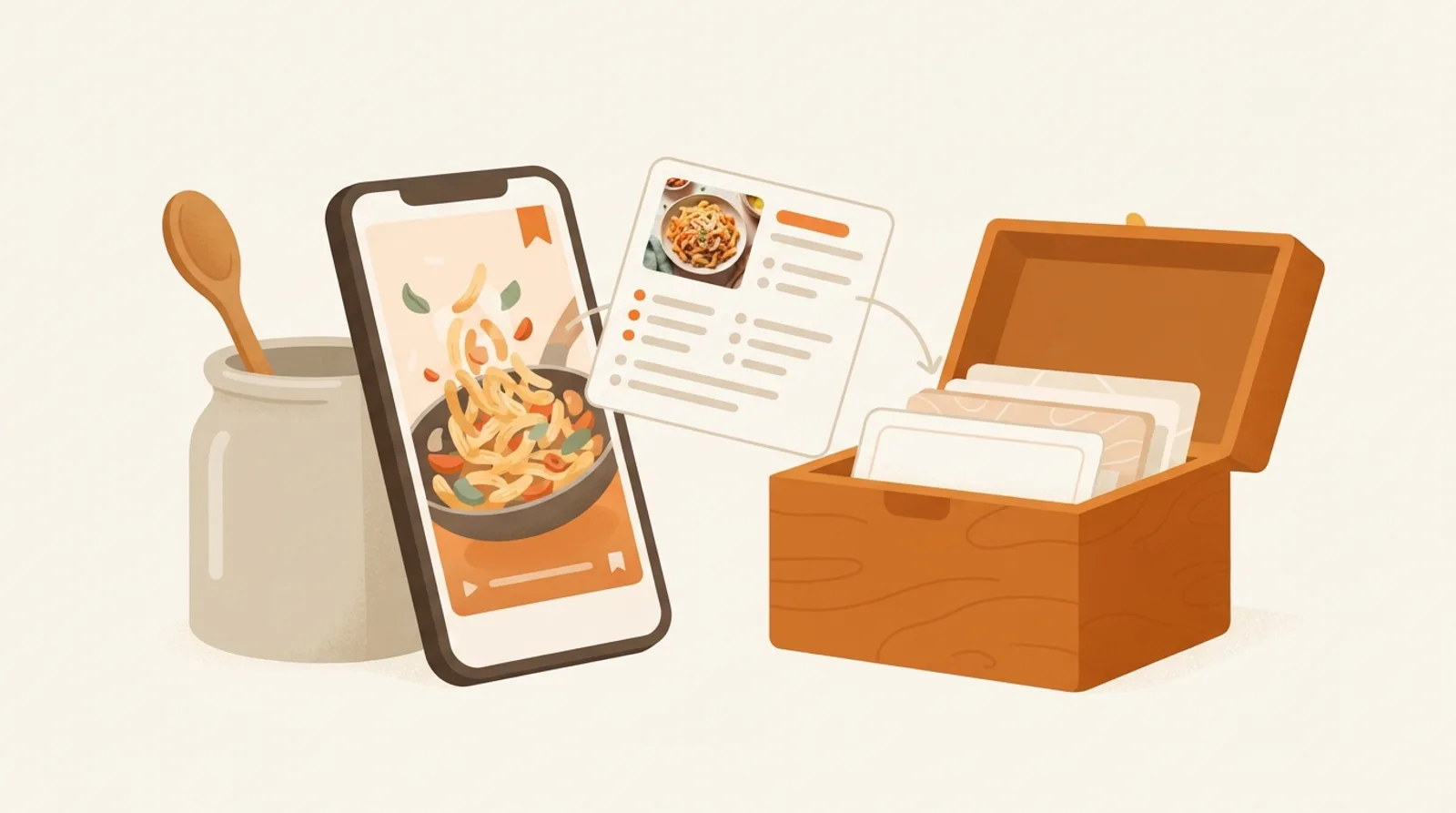
A recipe app keeps its own copy, so a closed blog no longer matters. CookEase saves from Pinterest directly: tap Share on the pin and choose CookEase, or paste the pin's link into CookEase on the web. It reads the pin itself (the description, the photo, or the video), so a pin whose blog link has died still saves when the recipe is written on the image or in the description.
When a pin is only a photo of the finished dish, CookEase writes up a likely version from the photo, which is a good starting point but not the blogger's exact recipe; for that, find the page with the steps above. Every saved recipe keeps a link back to where it came from. The help guide for saving from social apps shows the share steps on iPhone, Android and the web.
Found the recipe on an archived copy or a new site? Save that page's link the same way, or copy the ingredients and steps and paste the text into CookEase. You can browse recipes other cooks have saved on Discover, and this guide covers saving from TikTok and YouTube too.
A pin points at someone else's page. A saved recipe is yours.
Keep the recipe, not just the link.
Share a pin to CookEase and get the full recipe, with amounts, steps and nutrition, in your own cookbook. Your first 5 saves are free.