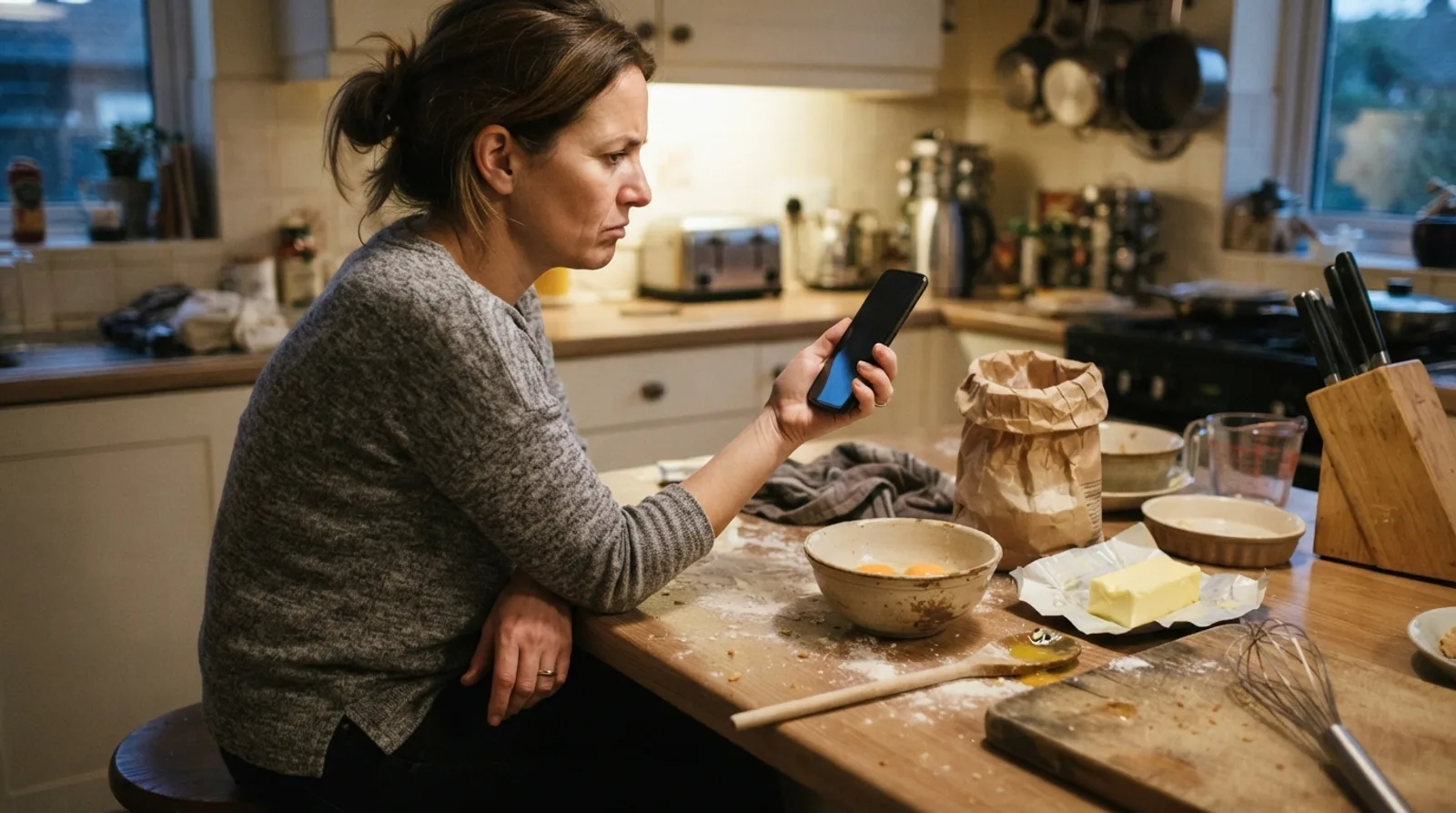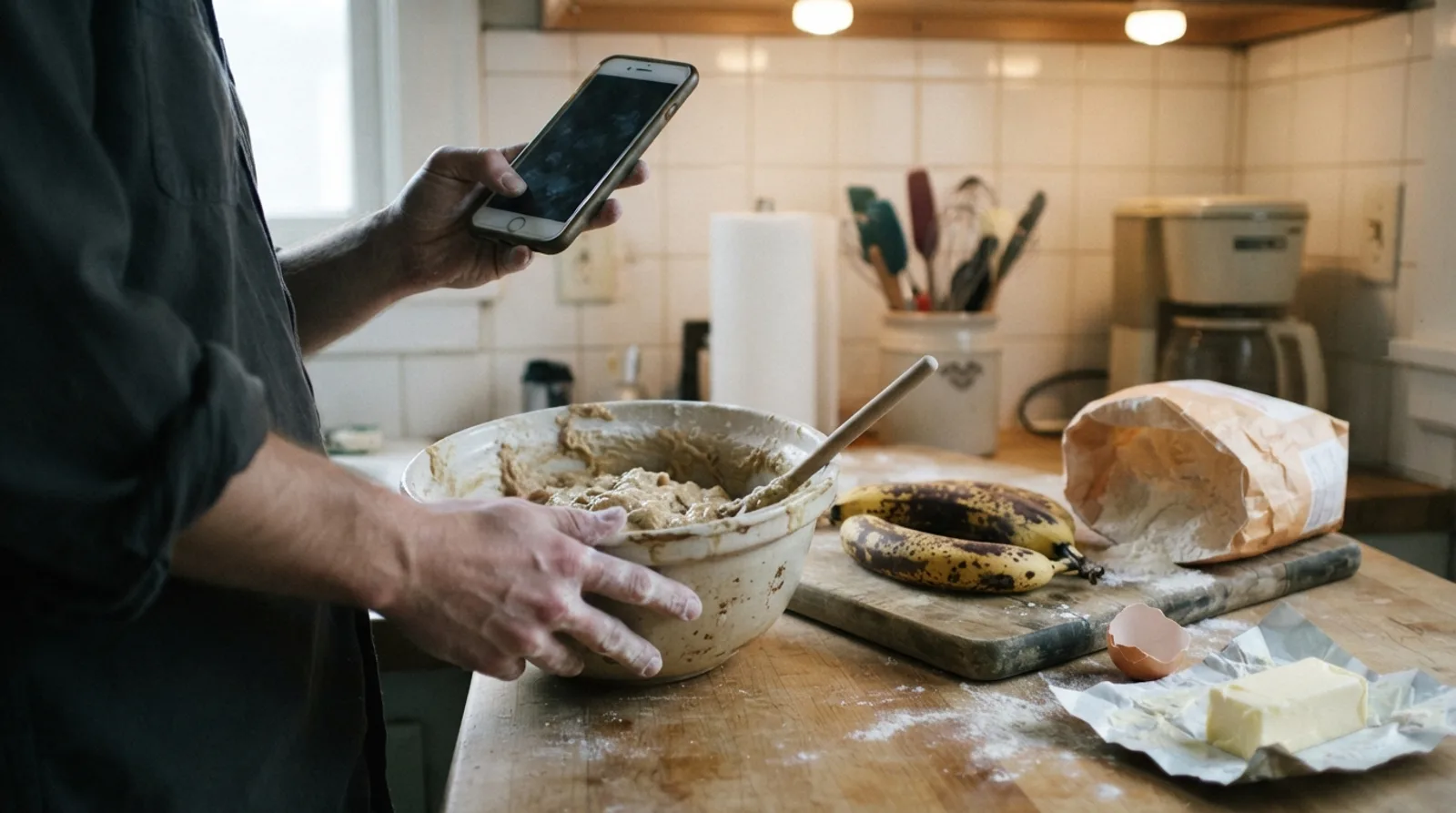
You searched for banana bread, you have flour on your hands, and the recipe is somewhere below a story about a trip to Vermont, forty photos and an ad that moves every time you scroll.
There are four free ways to get straight to the recipe, and every one of them works without installing anything. This guide shows each one on iPhone, Android and a computer, explains why recipe pages are built this way (the bloggers have a point), and how to keep just the recipe so you never scroll for it again.
How far down is the recipe, really?
We opened six popular food blogs on a phone-sized screen and measured how far you scroll before the recipe card starts. The card is the boxed part with the ingredient list, the steps and the Print button.
15
phone screens of scrolling before the recipe card, typically
Median of six popular food blogs. The shortest was 7 screens, the longest 18.
5 of 6
had a Jump to Recipe button near the top
We could not find one on the sixth, though its recipe card was there.
6 of 6
still showed the recipe card in reader mode
Every line on five of them, all but one line on the sixth. Tested with the engine behind Firefox Reader View.
Source: CookEase test of six popular food blog recipe posts on a 390-pixel-wide screen, October 14, 2026.
So the recipe is there, and it is complete. It is just a long way down. Here is how to skip the trip.
Way 1: Tap the Jump to Recipe button
Most food blogs run on recipe card tools that add a small row of buttons just under the post title, usually Jump to Recipe, often Print Recipe, and sometimes Jump to Video. The popular WordPress recipe plugin WP Recipe Maker, for example, ships exactly those three buttons as its default.
- 1
Look just under the title
The button sits above the first photo or right after the opening paragraph. On some blogs it is a plain text link rather than a colored button. - 2
Tap it once
The page glides down to the recipe card. In our test it landed on the card on all five blogs that had one, within about two seconds. - 3
Landed short? Tap again
If you tap before the page has finished loading, photos and ads above the recipe can load in and push it down. Wait a few seconds and tap the button again.
Way 2: Turn on reader mode in your browser
Every major browser has a reading view that strips a page down to its text and photos: no ads, no pop-ups, no video player chasing you down the screen. Each one calls it something slightly different, which is half the reason people never find it. Pick your device and browser:
Find reader mode in your browser
Safari on iPhone
It's called Reader
- 1Open the recipe page in Safari.
- 2Tap the Page Menu button in the address bar.
- 3Tap Show Reader. To go back, tap the same button, then Hide Reader.
To open a favorite blog in Reader every time, tap the Page Menu button, then Website Settings, and turn on Use Reader Automatically.
Chrome on iPhone
It's called Reading mode
- 1Open the recipe page in Chrome.
- 2Tap More (the three dots).
- 3Tap Turn on Reading Mode. Tap Turn off Reading Mode to go back.
If you see "Reading mode failed", that page cannot be simplified. Try its Jump to Recipe or Print button instead.
Chrome on Android
It's called Reading mode
- 1Open the recipe page in Chrome.
- 2Tap More (the three dots) on the right of the address bar.
- 3Tap Show Reading mode. A sheet opens at the bottom with the simplified page.
If Chrome says "Reading mode is unavailable", that page cannot be simplified. Use the Jump to Recipe or Print button instead.
Firefox on Android
It's called Reader view
- 1Open the recipe page in Firefox.
- 2Tap the Reader view icon in the address bar. It only shows on pages Firefox can simplify.
- 3Tap the icon again, or your phone’s Back button, to return to the full page.
The three-dot menu has an option to change the font, text size and background while you read.
Safari on Mac
It's called Reader
- 1Open the recipe page in Safari.
- 2Click the Page menu button in the Smart Search field (the address bar).
- 3Choose Show Reader. Press Esc to leave it.
The Show Reader option only appears when Safari finds an article on the page.
Chrome on Mac
It's called Reading mode
- 1Open the recipe page in Chrome.
- 2Right-click anywhere on the page.
- 3Choose Open in reading mode. Or press Command + Option + R.
You can also find it under More (three dots), then More tools, then Reading mode.
Firefox on Mac
It's called Reader View
- 1Open the recipe page in Firefox.
- 2Click the Reader View icon in the address bar. It turns blue while Reader View is on.
- 3Click it again, or press Command + Option + R, to switch back.
No icon means Firefox could not find an article on that page.
Chrome on Windows PC
It's called Reading mode
- 1Open the recipe page in Chrome.
- 2Right-click anywhere on the page.
- 3Choose Open in reading mode. Or press Alt + Shift + R.
You can also find it under More (three dots), then More tools, then Reading mode.
Edge on Windows PC
It's called Reading mode
- 1The first time: open More (three dots), then Settings, then Appearance, then Toolbar, and turn on Reading mode.
- 2Open the recipe page and select Reading mode in the address bar.
- 3Or skip the button and press F9 on any page that supports it.
Older versions of Edge call this Immersive Reader. F9 works in both.
Firefox on Windows PC
It's called Reader View
- 1Open the recipe page in Firefox.
- 2Click the Reader View icon in the address bar. It turns blue while Reader View is on.
- 3Click it again, or press Ctrl + Alt + R, to switch back.
No icon means Firefox could not find an article on that page.
Reader mode does not delete the story. It removes everything around it, so the page gets far shorter and calmer, and the recipe card is still at the end of the article. The worry people have is that it drops the recipe itself. It does not, at least not on the blogs we tried: Firefox's Reader View runs on an open-source engine called Readability, and when we ran it on all six blogs, every ingredient and step line we checked came through on five of them, and all but one line on the sixth.
Way 3: Open the print view (you don't have to print)
The Print or Print Recipe button on the recipe card opens a separate page that holds only the recipe card: title, times, ingredients, steps and notes. It is meant for the printer, but it doubles as the cleanest way to read the recipe on screen.
One of the six blogs we measured, on a 390-pixel-wide screen. A second blog went from 46 screens to under 5.
- On a phone: just read it. Bookmark the print page if you will make the recipe again.
- On a computer: in the print window, choose Save as PDF as the printer to keep a copy without paper.
- Bonus on some blogs: the print page lets you change the number of servings or switch to metric before you print.
Why are recipe pages so long?
It is tempting to assume bloggers pad their posts out of vanity. The real reason is money, and it is worth knowing before you get annoyed. A food blog is usually a small business, and the recipes are free to you because the blogger is paid by the ads around them.
- Ads pay per view, and pay very little. A longer post has room for more ad spots, which is why they appear every few paragraphs.
- Search engines reward thorough pages. Tips, swaps, storage advice and answers to common questions help a post show up in Google, which is how most readers find it.
- Plenty of that text is genuinely useful. Why the butter must be soft, what to do if you have no buttermilk, how to tell when it is done. Experienced cooks skip it; first-timers are glad it is there.
- A recipe costs real work to make. Bloggers test a recipe several times, photograph it and write it up before it is posted.
Long posts full of relevant keywords is how we get our recipes to rank on Google.
That is the trade: free recipes in exchange for page views. Many bloggers point readers who would rather skip at the Jump to Recipe button, which is exactly what it is for. If a blog's recipes keep working for you, leave a star rating, share the post or buy the cookbook. Those are what keep the free recipes coming.
Way 4: Save just the recipe, so you never scroll for it again
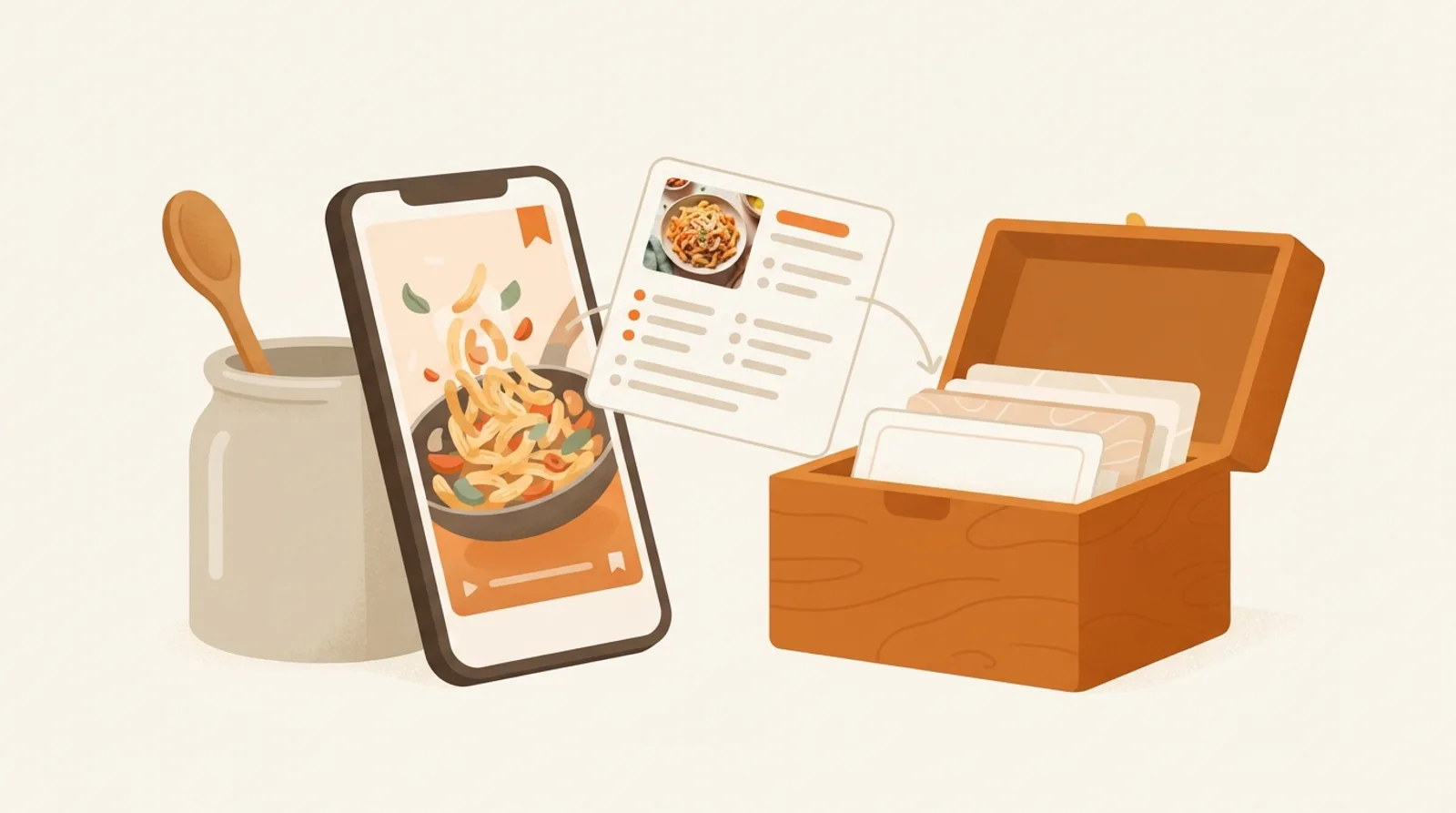
Every trick above has to be repeated each time you open the post. The permanent fix is to keep a copy of the recipe itself, minus the page around it. A recipe app such as CookEase does that from the page's link: you keep the ingredients with amounts, the steps, the photo, the times and the servings, and CookEase works out the nutrition per serving. A View Original button on every saved recipe goes back to the blog, so the creator still gets the credit and the visit.
- 1
Open the recipe in Safari or Chrome
Any page with a recipe on it works, from small food blogs to newspaper recipe pages. - 2
Tap Share and choose CookEase
The app opens and starts saving right away. The recipe card writes itself on screen while it reads the page. - 3
Or paste the link
Copy the page address, open CookEase, tap the orange + button, then Save a Recipe, PASTE and Save Recipe.
- 1
Copy the page address
From the address bar of the recipe post. - 2
Paste it at the top of cookeaseapp.com
Paste into the field that says "Paste a recipe link or search your cookbook". Pasting a link starts the save right away. - 3
File it, or don’t
When Recipe Saved! appears, add it to a cookbook or click Done.
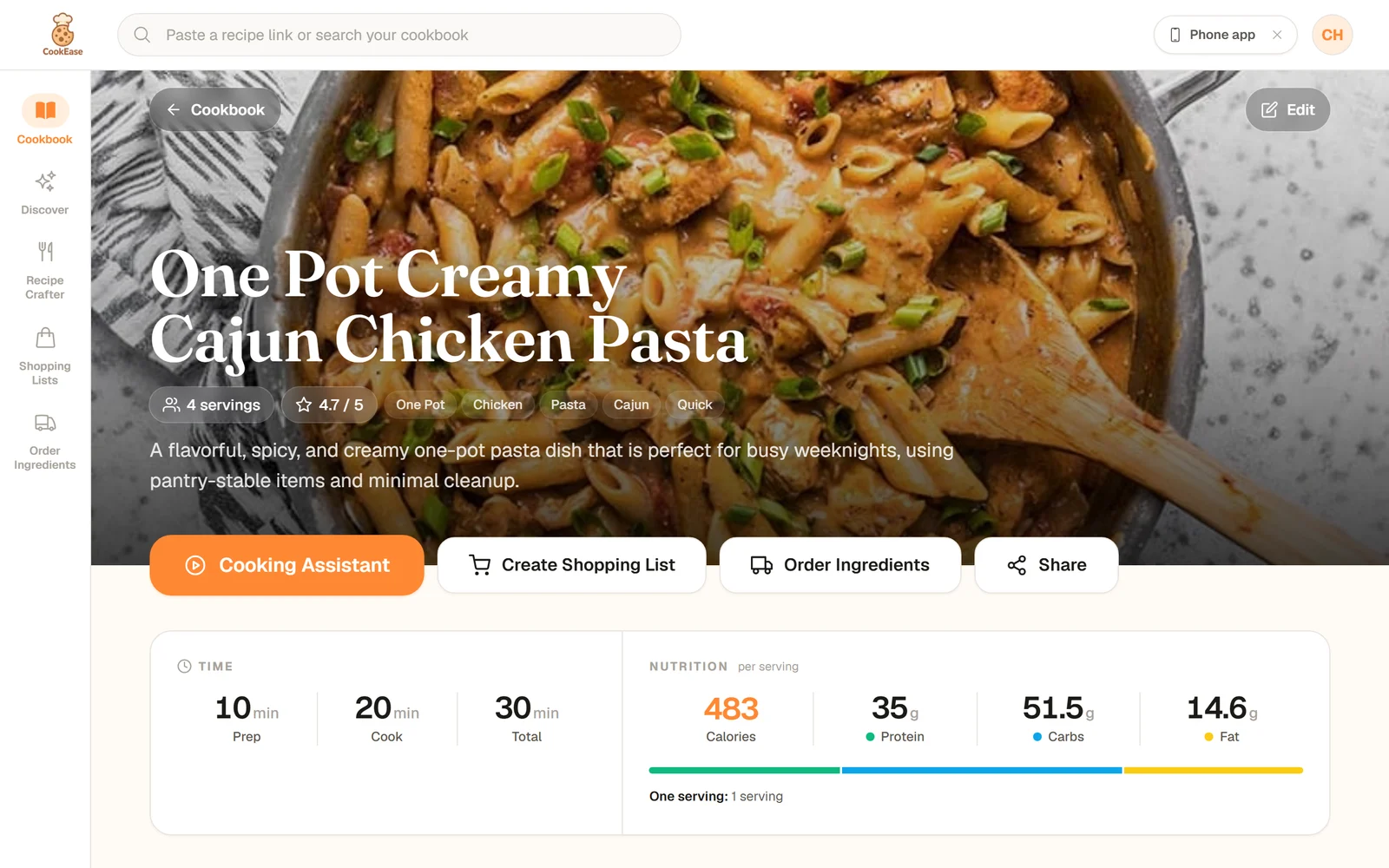
A one-pot pasta from one of the blogs we measured. On the blog, the recipe card started 7 phone screens down; saved, it opens at the top.
Which way should you use?
If you are cooking this once, the Jump to Recipe button or reader mode is all you need. If it is going into your regular rotation, keep a copy.
Free
- Jump to Recipe
- Reader mode
- Print view
- Save the recipe
- Usually a free start
Hides ads and pop-ups
- Jump to Recipe
- Reader mode
- Print view
- Depends on the site
- Save the recipe
Available on
- Jump to Recipe
- Most food blogs
- Reader mode
- Most article pages
- Print view
- Most recipe cards
- Save the recipe
- Most sites; a few block apps
No scrolling next time
- Jump to Recipe
- Reader mode
- Print view
- If you bookmark it
- Save the recipe
Change servings, make a shopping list
- Jump to Recipe
- Reader mode
- Print view
- Some sites
- Save the recipe
| Jump to Recipe | Reader mode | Print view | Save the recipe | |
|---|---|---|---|---|
| Free | Usually a free start | |||
| Hides ads and pop-ups | Depends on the site | |||
| Available on | Most food blogs | Most article pages | Most recipe cards | Most sites; a few block apps |
| No scrolling next time | If you bookmark it | |||
| Change servings, make a shopping list | Some sites |
Once the recipe is on your screen, the next annoyance is the screen going dark mid-step. Our guide to keeping your phone screen on while cooking fixes that. And if your recipes come from Reels rather than blogs, see how to save recipes from Instagram.
Looking for something to cook first?
Discover is full of recipes other cooks have shared, already trimmed to the ingredients and steps.
Keep the recipe, skip the scroll.
Paste any recipe link into CookEase and get just the ingredients, steps and photo, with nutrition per serving and a link back to the blog.