Recipes to shop for
- 1Sheet Pan Chicken FajitasExample recipe, 11 ingredients
- 2Weeknight Beef ChiliExample recipe, 12 ingredients
Free, nothing to sign up for. Add up to 10 recipes; each one updates the list below.
One list for both recipes
23 ingredient lines from 2 recipes became 16 things to buy. 7 are in more than one recipe, with the amounts added up.
Tap what you already have at home and it comes off the list.
Produce
Bakery
Meat & seafood
Dairy & eggs
Canned goods & broth
Baking & spices
Oils, sauces & condiments
The short answer
- Add each recipe above by pasting its link or its ingredients, and the page writes one grocery list for all of them, with nothing to sign up for.
- An ingredient that several recipes use becomes one line with the amounts added up: 1 onion in the fajitas and 1 in the chili is 2 onions.
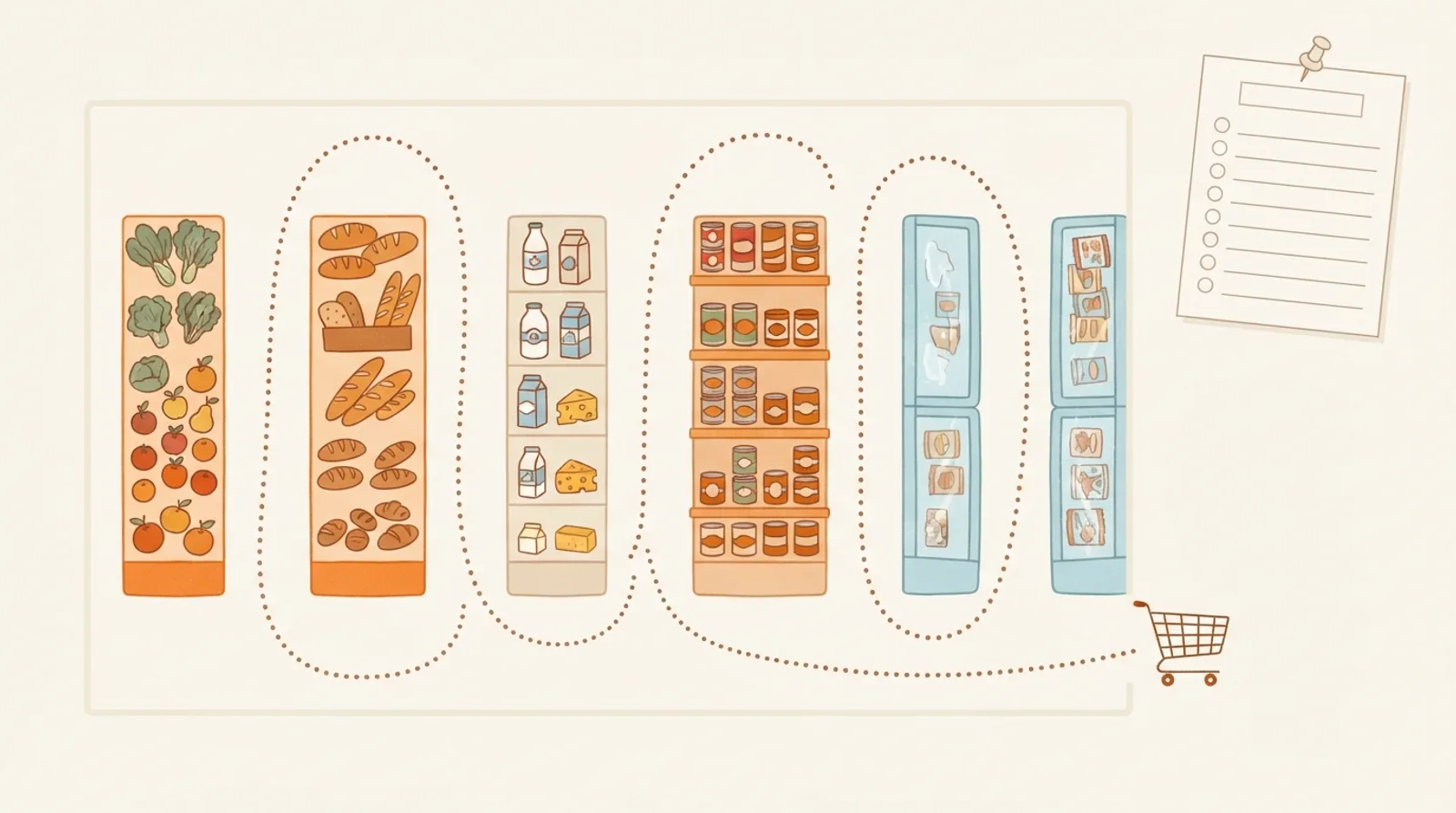
- The list is sorted by store aisle, from produce to frozen. Tap what you already have at home and it comes off before you copy or print.
- Amounts that cannot be added, such as 1 cup of cheddar and 8 oz of cheddar, stay side by side on one line, so nothing is guessed.
You picked three dinners. Now you are flipping between three tabs in the store, trying to remember whether the second recipe wanted one onion or two.
The list above does that part. Give it the recipes, by link or by pasting the ingredients, and it writes the one list you would have written by hand: each thing once, the amounts added up, in the order you walk the store. If you only need a blank list to fill in, use the grocery list template instead.
How to turn recipes into a grocery list
- 1
Add the first recipe
Copy the link to the recipe page, paste it under Paste a link and tap Add recipe. For a recipe from a cookbook, a video or a text from your mother, tap Paste ingredients and paste or type the ingredient list, one per line. - 2
Add the rest
Each recipe you add joins the list underneath, up to 10 recipes. The list is rewritten every time, so you can add tonight's dinner first and the rest of the week after. - 3
Take off what you have
Read down the list in your kitchen and tap anything already in the pantry or fridge. It is crossed off and left out of what you copy, print or keep. - 4
Take it to the store
Tap Copy to paste the list into a text or your notes, or Print for paper. The list also stays in this browser, so you can open this page on the same phone in the store.
What adding up the repeats looks like
The example the tool opens with is two dinners, sheet pan chicken fajitas and a beef chili. Written out separately they have 23 ingredient lines. Merged, they are 16 things to buy, because 7 ingredients are in both:
- 2 onions
- 3 tbsp olive oil
- 3 tbsp chili powder
- 1 tbsp cumin
- 2 tsp salt
- 5 cloves garlic
- ¾ cup sour cream
None of those lines is in either recipe. One recipe asks for 2 cloves of garlic and the other for 3; one wants a tablespoon of chili powder and the other two. The total is the number you need at the shelf.
Three recipes, three lists
One list, each thing once
What the list will not guess
A merged list is only useful if you can trust the numbers, so there are a few things this one leaves to you.
- Cups and ounces of the same food. Cups add to cups and ounces to ounces. A cup of shredded cheddar and 8 oz of cheddar are shown together as "1 cup + 8 oz", not turned into one number, because a cup of each food weighs something different. If you need to convert one recipe first, the recipe converter does grams to cups for the common baking ingredients.
- Different versions of an ingredient. Red onion is not added to yellow onion, and canned crushed tomatoes are not added to fresh ones. Cans of different sizes are listed by size.
- Package sizes. The list says 3 tablespoons of olive oil, not "one bottle". You know what is already in your cupboard.
- Salt, pepper and water. Water is left off. Salt and pepper are listed once, so you can check you have them.
When a recipe link does not work
Links are read the same way as on our Just the Recipe page: the tool reads the recipe information a site publishes for search engines and takes the ingredient list from it. Three kinds of recipe have nothing to read:
- Videos. A TikTok, a Reel or a YouTube video keeps the recipe in the video. Write the ingredients down as you watch and paste them, or save the video to CookEase, which watches it and writes the recipe out.
- Sites that ask apps not to read them. Allrecipes and its sister sites are the best-known. Copy the ingredients from the page and use Paste ingredients.
- Old posts with no recipe card. If the recipe is written as paragraphs, select the ingredient list on the page, copy it and paste it.
Pasted ingredients can be messy. Bullets, check boxes and numbering are dropped, headings such as "For the sauce:" are skipped, and fractions can be typed as 1/2 or ½.
Other ways to get a grocery list from recipes
Works with no account
- This page
- Pen and paper
- A recipe app
Adds up repeats across recipes
- This page
- Pen and paper
- By hand
- A recipe app
- Most do
Sorted by aisle
- This page
- Pen and paper
- If you rewrite it
- A recipe app
- Most do
Remembers your recipes for next time
- This page
- In this browser only
- Pen and paper
- A recipe app
Shared with the person doing the shopping
- This page
- Copy and text it
- Pen and paper
- Hand it over
- A recipe app
| This page | Pen and paper | A recipe app | |
|---|---|---|---|
| Works with no account | |||
| Adds up repeats across recipes | By hand | Most do | |
| Sorted by aisle | If you rewrite it | Most do | |
| Remembers your recipes for next time | In this browser only | ||
| Shared with the person doing the shopping | Copy and text it | Hand it over |
That last row is the real difference. If you are pasting the same taco recipe into this page every other week, the recipe wants a permanent home. In CookEase you save a recipe once, from a link, a video or a photo of a card, and from then on a list is a few taps: open Shopping Lists, choose From recipes, pick what you are cooking and untick what you have. The shopping list guide shows each step, and lists can be sent to Instacart when you would rather not go.
Not sure what the recipes are yet? The weekly dinner menu picks seven dinners and writes their list, and the meal planner template is a week you fill in yourself.
Save the recipes, and the list writes itself
Keep your recipes in one cookbook, pick this week's dinners, and get one shopping list sorted by aisle.