What you get
One-Bowl Banana Bread
An example recipe from us
- Prep
- 10 min
- Cook
- 55 min
- Makes
- 10 slices
Ingredients
Steps
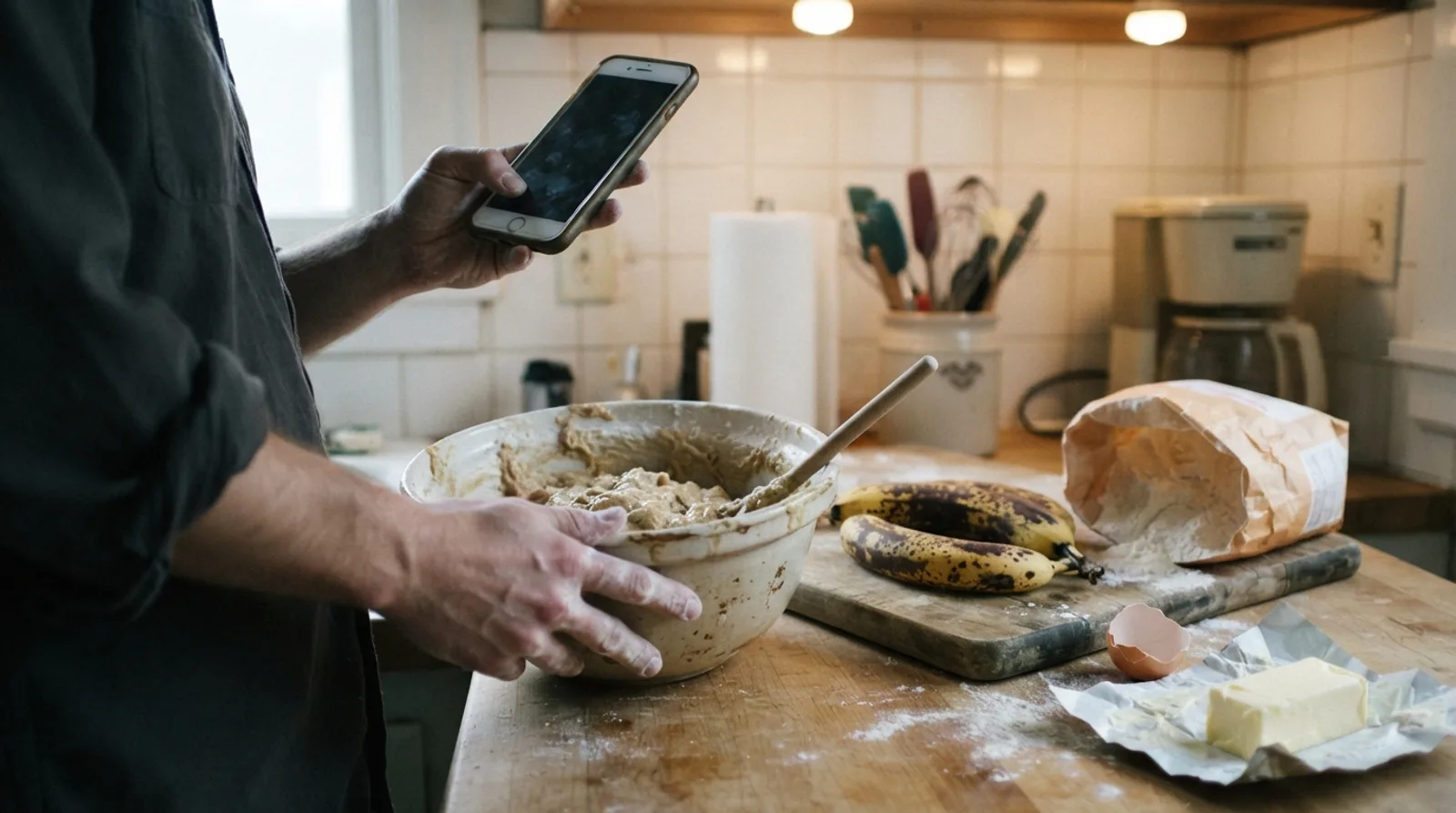
You wanted to know how much butter goes in the banana bread, and the page wants to tell you about a trip to Vermont first. Paste the link above and you get the name, the ingredients and the steps on one clean card. There is nothing to install and nothing to sign up for, and it works on a phone with flour on your hands.
The short answer
- Paste a recipe link into the box at the top of this page and you get only the ingredients and steps, free, with nothing to sign up for.
- In our test of 12 recipe pages, the typical page held about 2,050 words and the recipe itself about 254, so roughly one word in eight was the recipe.
- It works by reading the recipe information that sites publish for search engines, then leaving everything else behind, with a link back to the original.
- Video recipes from TikTok, Instagram or YouTube have no written recipe to pull out. Saving the link to CookEase watches the video and writes the recipe down.
How to get just the recipe from any link
- 1
Copy the link to the recipe
On a phone, tap Share on the recipe page, then Copy. On a computer, copy it from the address bar. Use the recipe itself, not a home page or a list of search results. - 2
Paste it in the box and tap Get the recipe
Most recipes appear in a second or two. A few sites turn away quick visitors, and those can take up to about 30 seconds. - 3
Cook from the card
Tap ½, 2x or 3x to resize it, tap each ingredient and step as you go, and turn on Keep screen on so your phone does not go dark mid-recipe. - 4
Keep it, if it was good
Tap Save to my cookbook and the recipe is there next time, on your phone and your computer, with no link to dig up.
Make it one tap
Every result has its own address, so you can bookmark it or text it to someone and they see the same clean card. To skip the copying and pasting altogether, use one of these:
On a computer: a bookmark button
Drag this button to your bookmarks bar. On any recipe page, click it and the recipe opens here, clean.
No bookmarks bar? Press Ctrl+Shift+B (Cmd+Shift+B on a Mac) to show it.
Anywhere: type this before a link
In the address bar, put this in front of a recipe's address and press Go.
cookeaseapp.com/resources/just-the-recipe?url=- Chrome, Edge or Firefox on a computer: the free CookEase browser extension adds a button to your toolbar. Click it on a recipe page and you see just the recipe, with no link to paste and no account. You can make it half, double or triple, switch between cups and grams, print it, or save it to your cookbook (how it works).
- iPhone or Android: in the CookEase app, tap Share on any recipe page, TikTok or Reel, then CookEase, and the recipe is saved without leaving the app you are in (here is how).
A free alternative to JustTheRecipe
JustTheRecipe (justtherecipe.com) is the best-known tool of this kind, with its own apps and browser extension, and if it works for you there is no reason to switch. This page does the same core job, reading the recipe from a link and leaving the rest behind, and adds a few things:
- No account for website recipes. Paste and read up to 10 recipes a day, or 40 with a free account.
- Resize, check off and keep the screen on, right on the card.
- Print a clean page, or copy the recipe onto one of our free recipe card templates.
- Video recipes too. Recipes from TikTok, Instagram and YouTube live in the video, so there is nothing written to pull out. Saving the link to CookEase has the video watched and listened to and the recipe written down, with a free account.
- A cookbook to keep it in, on your phone and computer, with grocery lists and hands-free cooking.
How much of a recipe page is actually the recipe?
We ran this tool on 12 recipe pages, from small blogs to a big-city newspaper, and counted every word a reader faces, against the recipe's name, ingredients and steps.
About 2,050
words on a typical recipe page
Median of 12 pages. The shortest had 513 and the longest 9,490.
254
words in the recipe itself
Median of the same 12 pages: its name, ingredients and steps.
13%
of the words on the page were the recipe
Median share. It ran from 4% to 37%.
Source: CookEase test of 12 recipe pages, November 2, 2026. Counts all the text on each page.
So roughly one word in eight is the recipe. The rest is not all padding: good posts explain why a step matters, and that is worth reading while you learn a dish. It is just not what you need the third time you make it.
How it works, and why the amounts stay exact
Recipe sites publish a tidy copy of each recipe in the page's hidden information, so search engines can show it with stars and cook times. The tool reads that copy and nothing else, so nothing is rewritten: you see the site's own amounts and words, with a link back to the original. If a page has not marked up a recipe, you get a plain note saying so rather than a guess.
When it does not work, and what to do
- Allrecipes and its sister sites. People Inc. owns Allrecipes, Serious Eats, Simply Recipes, EatingWell and others, and asks apps not to read them, so this tool leaves them alone. Use Print on the site's own recipe card, or on a computer save it with the browser extension, which reads the page you have open.
- No recipe card on the page. Older posts often write the recipe as plain paragraphs. Your browser's reading view usually tidies those up; our guide on how to skip to the recipe shows where to find it on every device.
- Behind a login or a subscription. If a site only shows a recipe to members, the tool cannot see it either. Copy the text while signed in and paste it into CookEase.
Hides ads and pop-ups
- This tool
- Jump to Recipe
- Reader mode
- Print view
- Depends on the site
Resize the recipe
- This tool
- Jump to Recipe
- Reader mode
- Print view
- Some sites
Check off lines as you cook
- This tool
- Jump to Recipe
- Reader mode
- Print view
A clean link to share
- This tool
- Jump to Recipe
- Reader mode
- Print view
| This tool | Jump to Recipe | Reader mode | Print view | |
|---|---|---|---|---|
| Hides ads and pop-ups | Depends on the site | |||
| Resize the recipe | Some sites | |||
| Check off lines as you cook | ||||
| A clean link to share |
Keep the recipes worth keeping
Save from any website or video, and find it again in seconds on your phone or computer.