Weekly meal planner
This is an example week. Type over any meal, or start with a blank week.
Monday
Tuesday
Wednesday
Thursday
Friday
Saturday
Sunday
Stuck on a meal? Tap the light bulb in an empty box for a recipe other cooks are saving on CookEase.
One US Letter page. To keep a file, choose Save as PDF in the print window.
The short answer
- Type your meals into the planner above and tap Print: it prints on one US Letter page, portrait or landscape, in three designs. Print blank gives you an empty one to fill in by hand.
- Pick the day your week starts on and plan dinners only, three meals a day, or three meals and a snack. This week and next week come with their dates.
- Stuck on a night? Tap the light bulb in an empty box and it fills in a recipe other home cooks are saving, with a link to the full recipe.
- Nothing to download and no sign-up. Your week stays in this browser, so it is still here when you come back.
Most meal planner templates are a picture of a grid: you download it, print it, and then realize you wanted the week to start on Sunday and only needed the dinners.
This one you fill in first. Type the week on your phone or computer, choose how the page should look, and print exactly the planner you need, or print it blank and write on it by hand. Then make the grocery list for the plan, sorted by store aisle.
How to use the meal planner template
- 1
Pick the week and the day it starts
Choose This week or Next week and the dates fill in. Start the week on the day you shop, or the day after. - 2
Choose the meals to plan
Dinners only is the quickest plan and the one most people keep up. Add breakfast and lunch, or a snack row, if deciding them ahead helps. - 3
Type your week
Busy nights first: give them the quick meals and the leftovers. Tap the light bulb in an empty box if you are out of ideas. - 4
Print it, or keep it
Pick a design, portrait or landscape, and tap Print. The page fits one sheet of US Letter paper. Print blank gives you an empty copy for the fridge.
A sample weekly meal plan for a family of four
This is the example week the planner opens with: seven ordinary dinners written with a family of four in mind, with leftovers planned into the lunches so nothing is cooked twice. Use it as a starting point and swap in what your house actually eats.
| Day | Breakfast | Lunch | Dinner |
|---|---|---|---|
| Monday | Overnight oats with berries | Turkey and cheese wraps | Sheet pan chicken fajitas |
| Tuesday | Scrambled eggs and toast | Leftover fajita bowls | Spaghetti and meatballs, salad |
| Wednesday | Yogurt, granola and fruit | Leftover spaghetti | Slow cooker chili |
| Thursday | Overnight oats with berries | Chili over baked potatoes | Baked salmon, rice and broccoli |
| Friday | Scrambled eggs and toast | Tuna salad sandwiches | Homemade pizza night |
| Saturday | Pancakes and bacon | Grilled cheese and tomato soup | Burgers and oven fries |
| Sunday | Veggie omelets | Snack plates | Roast chicken, potatoes and green beans |
Dinner ideas for your plan
These are the dinners home cooks are saving most on CookEase right now, and the same recipes the light bulb in the planner draws from. Each one opens the full recipe, with ingredients and steps.
- Garlic Butter Shrimp Bake20 min
- Sheet Pan Doner Kebab35 min
- Steak Teriyaki with Pineapple30 min
- Bombay Steak27 min
- Garlic Butter Lobster Tails29 min
- Dry-Brined Pan-Seared New York Strip495 min
- Red Curry Dumpling Bake35 min
- Spinach Artichoke Chicken32 min
- Beef and Broccoli25 min
- Crispy Lemon Pepper Chicken Wings55 min
- Italian Sausage and Zucchini Bake40 min
- Chicken Enchilada Lasagna45 min
Want more to choose from? Browse every recipe on Discover.
Printable meal planner: portrait, landscape or blank
The page you print is the page in the preview, at full size. Three choices change how it reads on the fridge:
- Portrait puts the days down the page with a column for each meal. It is the easiest to read at a glance and leaves the most room for a dinners-only week.
- Landscape puts the days across the top, like a calendar. Choose it when you plan three meals and a snack.
- The strip at the bottom can be a grocery list with boxes to tick, a notes area, or nothing, which gives the meals more room.
Printing in black and white? Pick the Ink saver design, which is lines only. If the colored band of the Color design prints white, turn on Background graphics in the print window.
A family meal planner that survives the week
A plan fails on Wednesday, not on Sunday. These habits are what keep a family's week on the page:
- Plan the calendar, then the food. Look at practices, late meetings and nights out first. Those nights get leftovers or a 20 minute dinner.
- Leave one night open. Something always moves. An open night absorbs it, so the rest of the plan holds.
- Cook once, eat twice. A big pot of chili or a roast chicken on one night is lunch, or a second dinner, on the next.
- Let everyone pick one dinner. A week with each person's choice on it gets fewer complaints than a perfect one.
- Put it where people look. Printed on the fridge, the plan answers "what's for dinner?" before anyone asks.
Meal planning on a budget
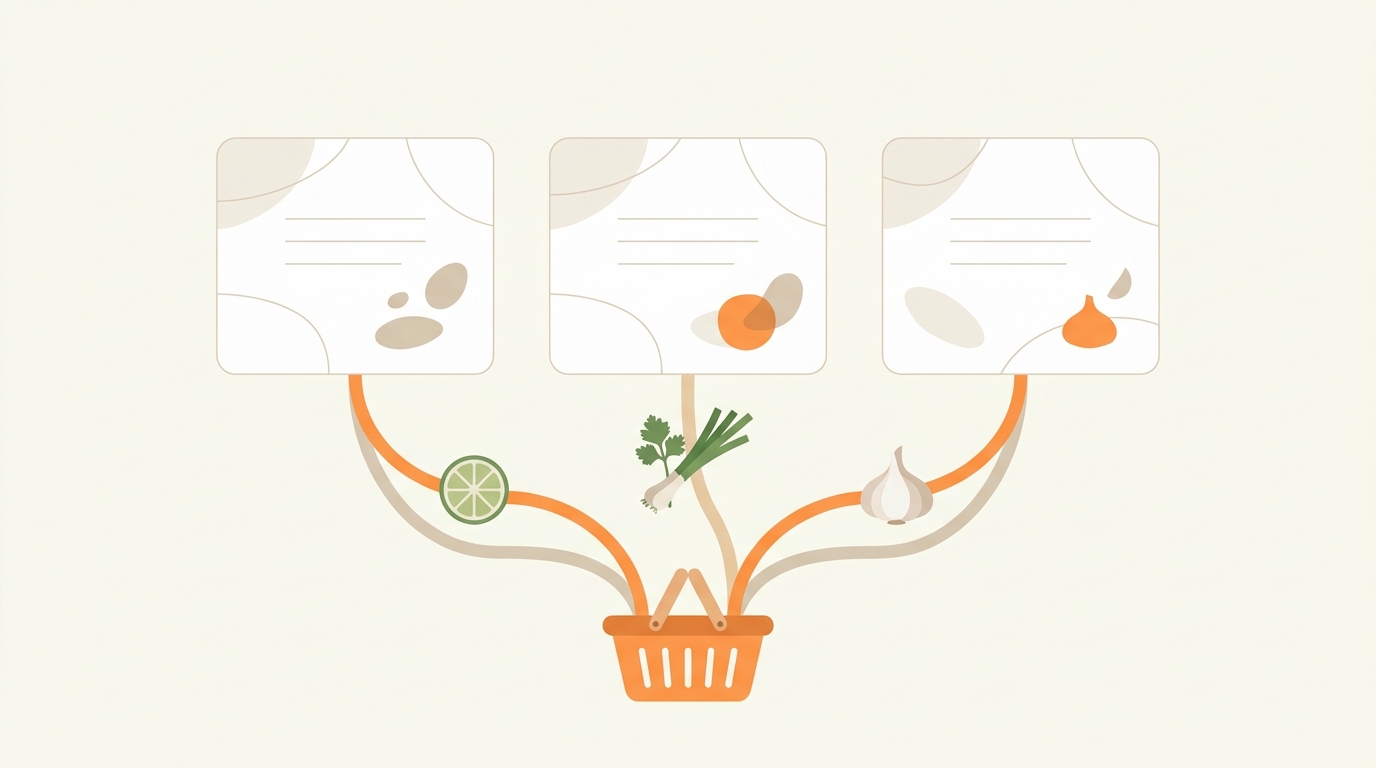
The plan is where the savings are decided, before you reach the store. Start from what is already in the fridge, freezer and pantry and build the first dinners around it. Choose dinners that share ingredients, so the half bunch of cilantro and the rest of the sour cream get used. Then write the list from the plan and buy only that. Our guide to planning a week of groceries from three recipes walks through a week built this way.
Turn the plan into a grocery list
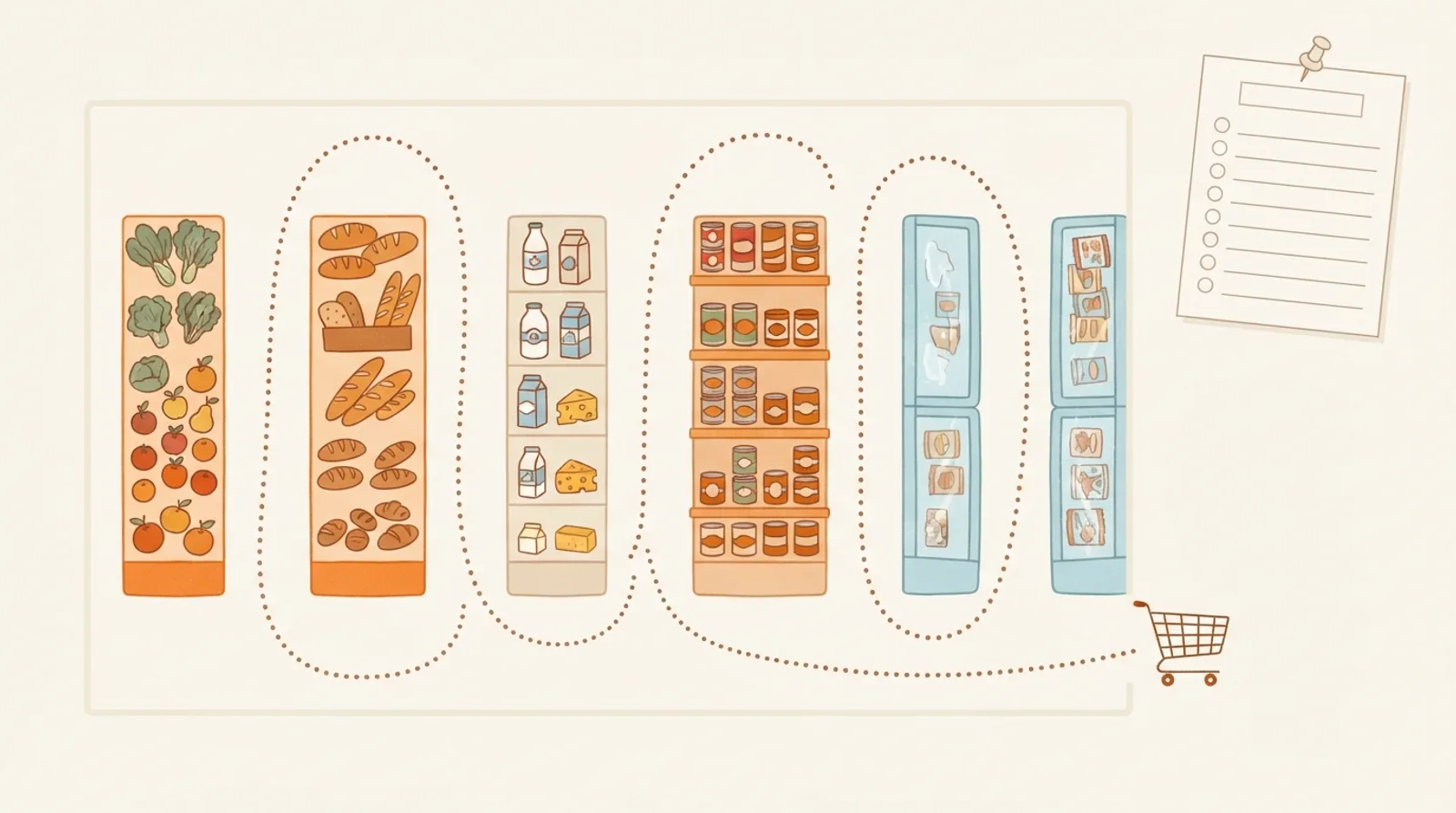
A meal plan is half the job; the list is the other half. The grocery list template works the same way as this planner: type or paste what you need, it sorts into store aisles, and it prints on one page or stays on your phone to check off. If you like knowing why the aisle order matters, how to organize a grocery list by aisle explains it.
From a printed plan to one that reminds you
Paper is great on the fridge and no help at the store, or at 4:30 when dinner needed to start at 4:15. When you have typed a week, Keep this week in CookEase opens the same meals in Meal Plan, free, on your phone and computer.
There, a planned meal can be moved to another day in a tap, a dinner with a saved recipe reminds you when it is time to start cooking, and the week's recipes become one grocery list with the amounts added up. Recipes come from anywhere: save them from a link, a video or a photo (your first 5 saves are free), or pick from Discover.
Your week, on your phone.
Plan dinners from the recipes you have saved, get a reminder when it is time to start cooking, and shop from one list.