12 designs, each in 4 x 6, 3 x 5 and full page.
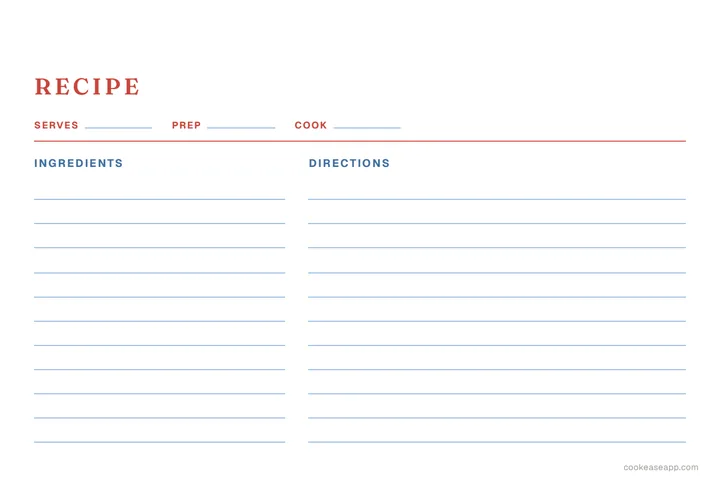
Classic Index Card
Good for: everyday recipes and a matching recipe box
Other sizes: 3 x 5 PDF, Full page PDF
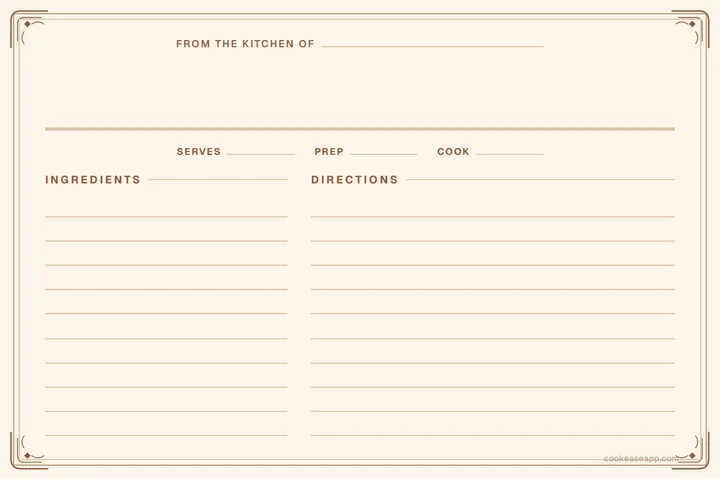
Heirloom
Good for: family recipes and gifts
Other sizes: 3 x 5 PDF, Full page PDF
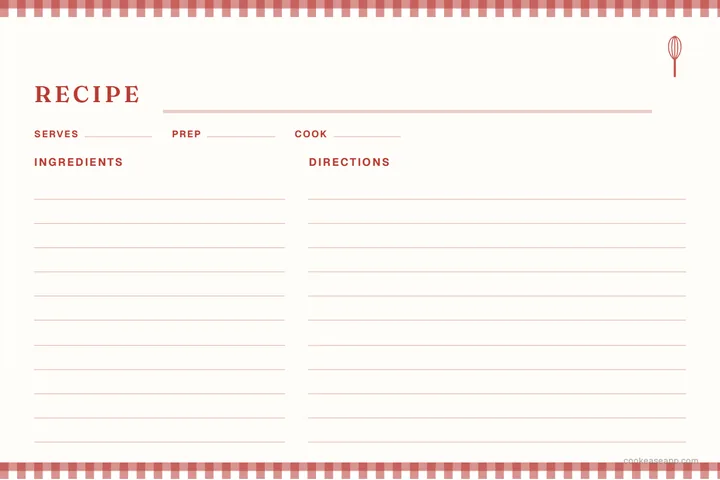
Farmhouse Check
Good for: comfort food, pies and Sunday dinners
Other sizes: 3 x 5 PDF, Full page PDF
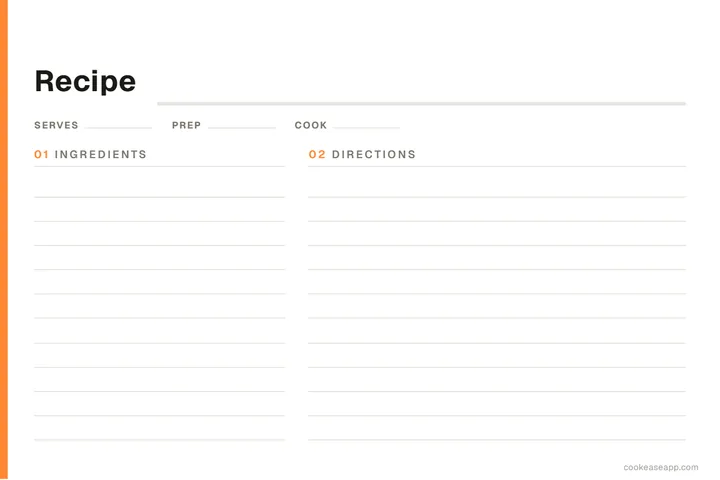
Modern Minimal
Good for: weeknight dinners and a tidy binder
Other sizes: 3 x 5 PDF, Full page PDF
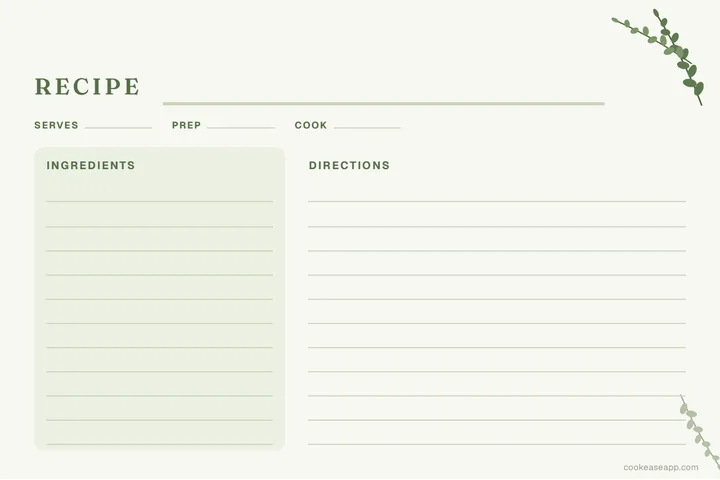
Herb Garden
Good for: salads, soups and garden recipes
Other sizes: 3 x 5 PDF, Full page PDF
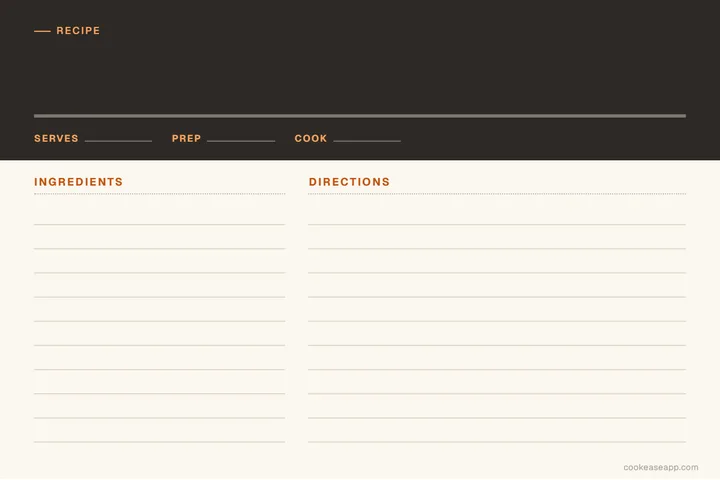
Bistro
Good for: date nights and dinner party menus
Other sizes: 3 x 5 PDF, Full page PDF
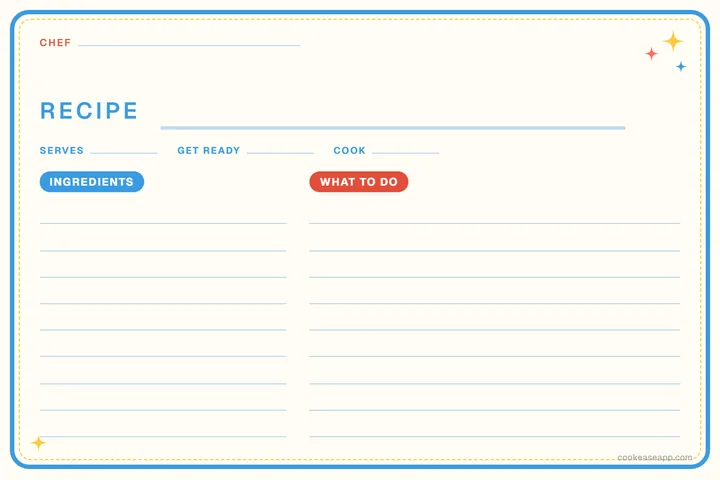
Little Chef
Good for: cooking with kids and school projects
Other sizes: 3 x 5 PDF, Full page PDF
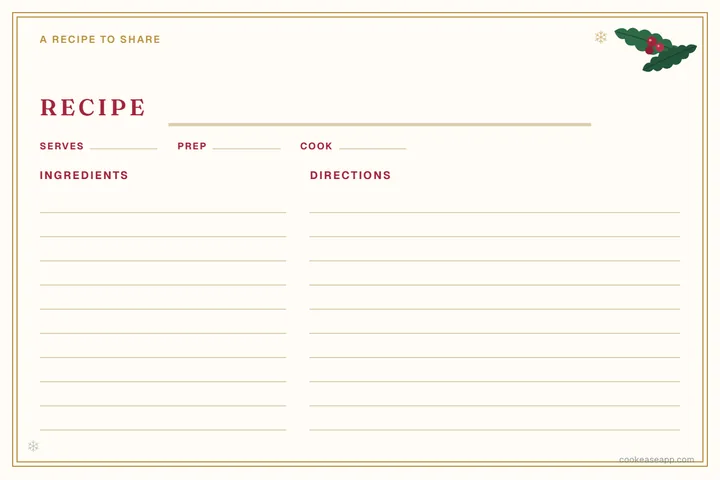
Holiday Table
Good for: Christmas cookies and holiday gifts
Other sizes: 3 x 5 PDF, Full page PDF
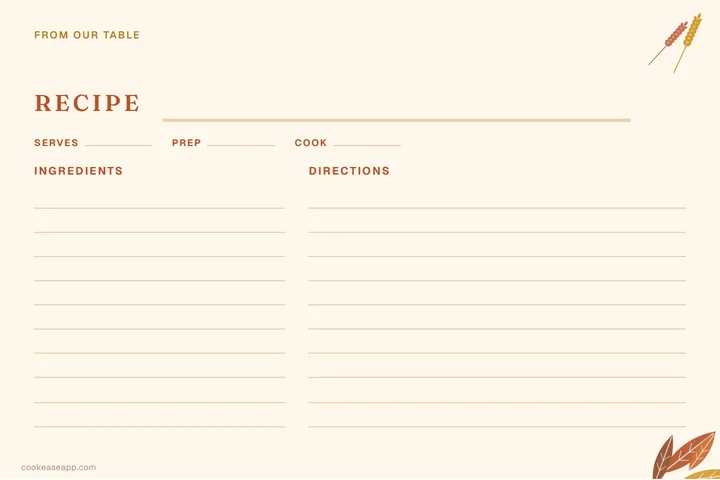
Harvest
Good for: Thanksgiving sides and fall baking
Other sizes: 3 x 5 PDF, Full page PDF
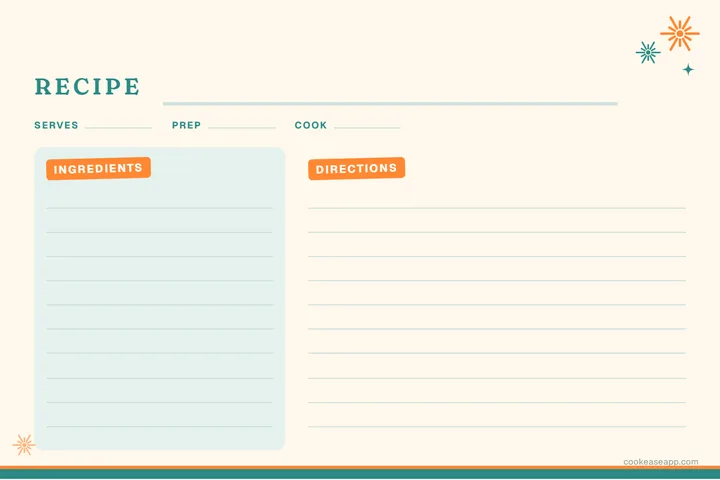
Retro Kitchen
Good for: casseroles, party food and old favorites
Other sizes: 3 x 5 PDF, Full page PDF
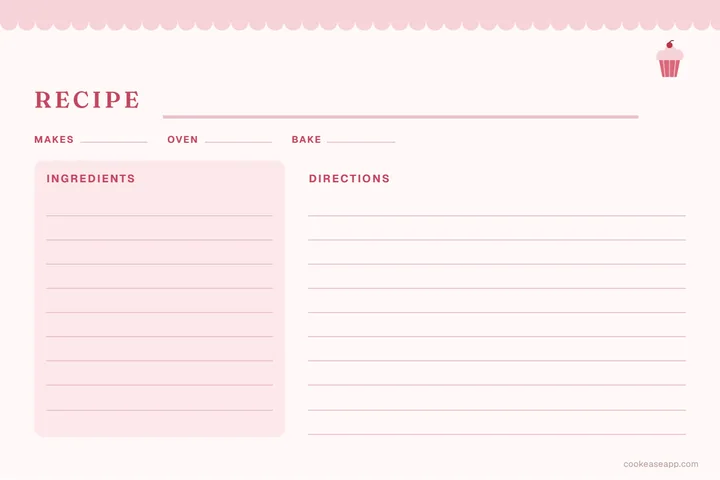
Bake Shop
Good for: cakes, cookies and bread
Other sizes: 3 x 5 PDF, Full page PDF
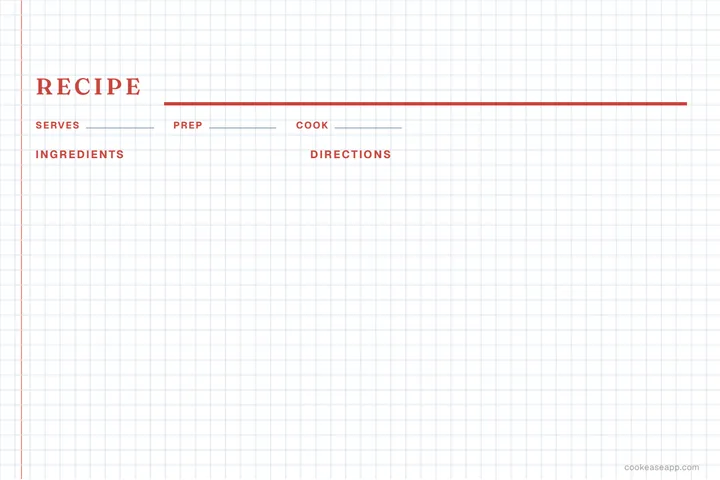
Kitchen Notebook
Good for: recipes you are still working on
Other sizes: 3 x 5 PDF, Full page PDF
The short answer
- Pick any of the 12 designs above and download it as a blank PDF in 4 x 6, 3 x 5 or full page, free, with no email or sign-up.
- To type instead of write, tap Type it in on a design: fill in the recipe, add a photo if you like, then print it or choose Save as PDF in the print window.
- Print a card at actual size (100%, no scaling) with the paper size set to match the card, and feed index cards or card stock through the manual or rear tray.
- A 4 x 6 card fits a typical weeknight recipe on one side, a 3 x 5 card suits short recipes, and a full page leaves room for long recipes, a photo and notes.
Every card here was designed for this page and comes in the three sizes people actually print: 4 x 6 and 3 x 5 index cards, and a full sheet of US letter paper for a binder. Download one blank and write on it by hand, or tap Type it in and fill it in on your phone or computer, then print it. Nothing is behind an email form, and there is nothing to sign up for.
You're free to print, fill in, copy and share these cards for your own kitchen, a family cookbook, a classroom or a gift. Please don't sell them or offer them as your own templates.
Recipe card maker: type your recipe, then print it
Pick a design and a size, then type the recipe or paste it from your notes. The card fills in as you go, a long recipe shrinks a little to fit, and you can add a photo of the dish to a 4 x 6 or full page card. When it looks right, tap Print or save as PDF: only the card prints, at its real size.
Recipe card maker
Pick a design and a size, type your recipe, then print it or save it as a PDF.
Design: Classic Index Card
Ingredients
Directions
Optional
One per line. A line ending in a colon, like "For the topping:", starts a group.
One step per line, or paste a paragraph and it is split into steps.
Optional
Keep it where you can find it
Save it to a free CookEase cookbook, then cook from it on your phone, scale it or shop for it.
What you type stays in this browser, so you can come back and finish later. If the card is going to a friend or into a family cookbook, the checklist under the card points out anything a new cook would still have to ask, like a missing oven temperature or an ingredient the steps never use. Our guide on how to write a recipe explains each of those rules.
Which recipe card size should you choose?
Start with your recipe box, if you have one: they are sold to hold either 4 x 6 or 3 x 5 cards, and a card that is too big will not close the lid. Then think about how long your recipes run.
Best for
- 3 x 5 card
- Short recipes, dressings, drinks
- 4 x 6 card
- Most weeknight dinners and bakes
- Full page
- Long recipes and holiday projects
Fits
- 3 x 5 card
- About 8 ingredients and 5 short steps
- 4 x 6 card
- A typical recipe on one side
- Full page
- Anything, with room for notes
Photo
- 3 x 5 card
- No
- 4 x 6 card
- Small, in the corner
- Full page
- Large, at the top
Keep it in
- 3 x 5 card
- A 3 x 5 recipe box
- 4 x 6 card
- A 4 x 6 recipe box or photo album
- Full page
- A binder with page protectors
| 3 x 5 card | 4 x 6 card | Full page | |
|---|---|---|---|
| Best for | Short recipes, dressings, drinks | Most weeknight dinners and bakes | Long recipes and holiday projects |
| Fits | About 8 ingredients and 5 short steps | A typical recipe on one side | Anything, with room for notes |
| Photo | No | Small, in the corner | Large, at the top |
| Keep it in | A 3 x 5 recipe box | A 4 x 6 recipe box or photo album | A binder with page protectors |
How to print recipe cards on 4 x 6 and 3 x 5 cards
- 1
Open the PDF
Any browser or PDF app works. Each file is one card at its real size, with nothing to resize. - 2
Set the paper size to match the card
In the print window, pick 4 x 6 in (some printers call it Index Card or 4x6 Photo) or 3 x 5 in. Set the scale to Actual size or 100%, never Fit to page. - 3
Load the cards the right way up
Most home printers take index cards or card stock in the manual feed, rear or photo tray. Print one card on plain paper first and mark the top, so you know which side and which end the printer uses. - 4
No index cards? Print and trim
Print the card on letter-size card stock at Actual size, then cut along the edge of the design with a paper trimmer or scissors.
Most home printers cannot print right to the edge of the paper, so on designs with a colored band at the edge, a sliver of the band may be left white. Everything you write sits well inside that margin, so nothing is lost. Heavier card stock holds up better in a kitchen than paper does, and a plastic sleeve keeps splashes off a card you use every week.
Recipe card templates for Word and Google Docs
If you would rather type into a document, the Classic Index Card design also comes as a Word file in each size. To use it in Google Docs, upload the file to Google Drive, then open it with Google Docs. Replace the gray hints with your recipe and print it at actual size.
- Classic recipe card, 4 x 6 card (Word)
- Classic recipe card, 3 x 5 card (Word)
- Classic recipe card, Full page (Word)
The card maker above does the same job with any of the designs, and with no document to fiddle with: margins, fonts and sizes are already set.
What goes on a recipe card
A card is small, so it holds only what someone needs at the counter. Every design here has a spot for each of these:
- The name. The one you actually call it, like "Grandma's Apple Crisp".
- Who it is from. Years from now, "From the kitchen of Grandma Rose" is the line people treasure.
- Serves, prep, cook and oven. So the reader knows if it fits tonight, and the oven goes on first.
- Ingredients in the order you use them, each with an amount: "1/2 cup cold butter, cubed".
- Short numbered steps, each with a time and a sign it is done: "bake for 40 minutes, until golden".
- A line for notes: swaps, what you changed, and who loved it.
Make the card a keeper
Write the card after you have cooked from it once, not before, and fix every spot where you had to guess. If a recipe has two parts, like a filling and a topping, start a group with a line ending in a colon ("For the topping:") in the card maker, and it prints as its own small heading.
Keep your recipe cards safe, and easy to find
Paper cards are lovely to cook from and to pass down, but they fade, stain and get lost, and a recipe box is hard to search from the grocery store. Our guide to digitizing handwritten family recipe cards covers photographing and sorting a whole box of them. And when a stack of cards is ready to become a book, the free cookbook maker prints them as a family cookbook, with a cover, a table of contents and margins for a binder.
Planning what to cook from your cards? Two more free printables you fill in on the page: the meal planner template for the week and the grocery list template for the shop. And when all you want is a recipe from a website on paper, the free CookEase extension for Chrome, Edge and Firefox lets you print just the recipe from its page, without the ads around it.
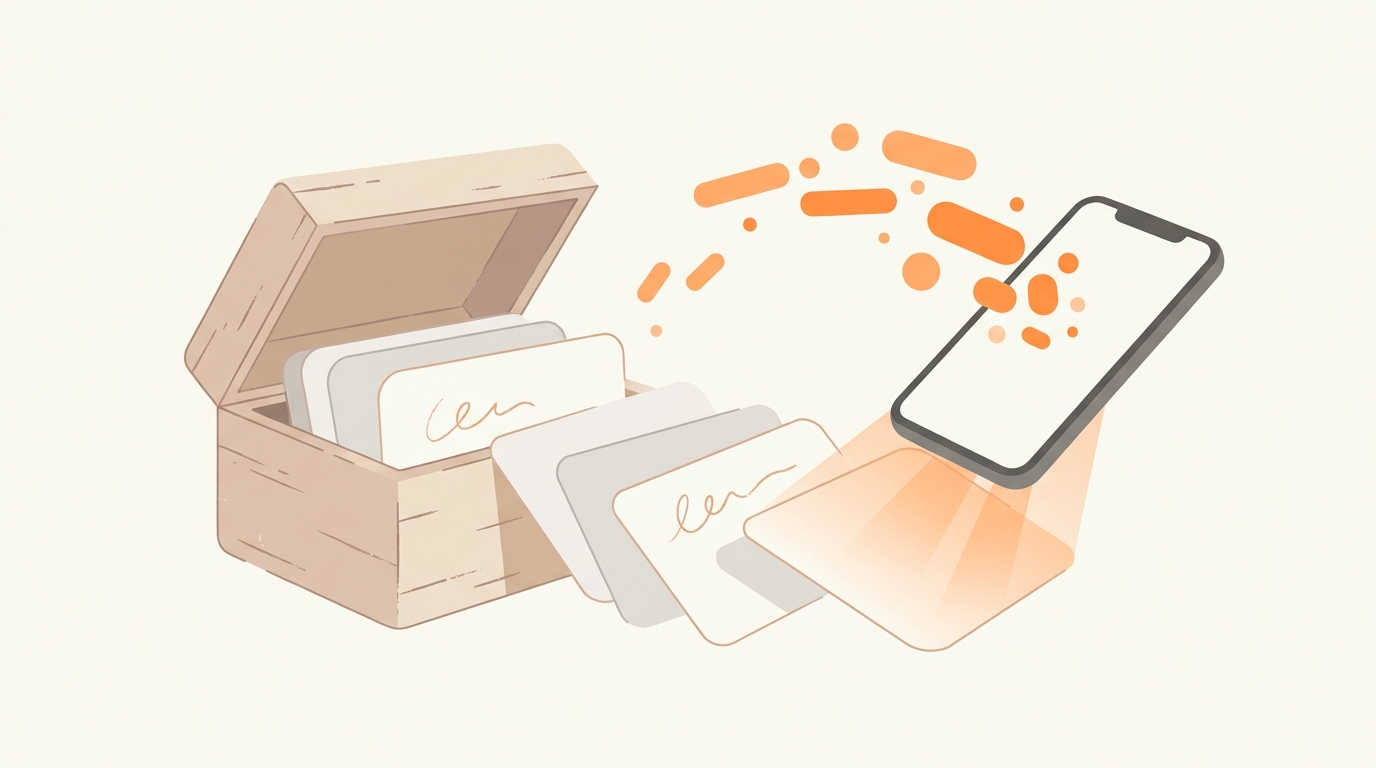
You can also keep a copy of every card in CookEase: tap Save to my cookbook in the card maker, or take a photo of a printed or handwritten card and it becomes a recipe with its ingredients and steps separated (here is how). From there you can change the servings, build a grocery list and cook from your phone. Your first 5 saves are free.
Every recipe card, on every device.
Save the cards you print, and find any recipe in seconds when you are at the store or at the stove.