Start a sign-up sheet
Free, and nobody needs an account: you get a link to share, and guests add their name and what they are bringing.
Pick the occasion, name your potluck and say about how many people are coming. The list of what to bring fills itself in with a count for each kind of dish, and you can rename, add or remove anything. Tap Start my sheet and you get a link to send to your guests. They add their name and what they are bringing, everyone sees what is still needed, and nobody has to make an account, you included.
The short answer
- Start a sheet at the top of this page: name the potluck, say about how many people are coming, and share the link it gives you. Guests add their name and what they are bringing, and nobody needs an account or an app.
- The sheet shows everyone what is still needed, such as 2 more side dishes and 1 dessert, so you do not end up with five bags of chips and no main dish.
- Guests can mark a dish vegetarian, vegan, gluten-free, dairy-free, nut-free or contains nuts, and add a link to the recipe.
- Prefer paper? Print the blank sheet on this page for a general potluck, Thanksgiving, Friendsgiving, Christmas, an office potluck or a cookie exchange. It fits one letter-size page.
- A sheet stays online until 60 days after the event, then it is removed. The host can close it or delete it sooner.
What your guests see
The link opens a page like this one on any phone or computer. What is still needed sits at the top, each kind of dish shows how many are covered, and every guest can add a dish in a few taps. Dietary notes show next to each dish, so a guest with an allergy can see at a glance what is safe to put on their plate.
Example sheet
Friendsgiving at Maya's
Saturday, November 21, 6 pm
Still needed: Side dishes (2), pies and desserts (1) and drinks (1).
Turkey and mains
2 of 2Roast turkey and gravy
Maya
Mushroom wellington
Dev
VegetarianCovered
Side dishes
2 of 4Mashed potatoes
Priya
VegetarianGluten-freeGreen bean casserole
Jordan
2 more needed
Pies and desserts
1 of 2Pecan pie
Sam
Contains nuts1 more needed
Drinks
1 of 2Sparkling cider
Alex
1 more needed
Printable potluck sign-up sheet
For the break room door, the church hall or the fridge, paper still works best. Pick a sheet below, type the name and date on it if you like, and tap Print this sheet. Each one fits a single letter-size page with a section for every kind of dish and three columns: name, what they are bringing and dietary notes. To save it as a PDF, choose Save as PDF in the print window, or download the blank PDF. A sheet you started online prints too, with the dishes already filled in: open it and tap Print.
Potluck
Sign-up sheet: add your name and what you are bringing.
Main dishes
| Name | Bringing | Dietary notes |
|---|---|---|
Side dishes
| Name | Bringing | Dietary notes |
|---|---|---|
Salads
| Name | Bringing | Dietary notes |
|---|---|---|
Desserts
| Name | Bringing | Dietary notes |
|---|---|---|
Drinks
| Name | Bringing | Dietary notes |
|---|---|---|
Plates, cups and ice
| Name | Bringing | Dietary notes |
|---|---|---|
Free from cookeaseapp.com/resources/potluck-sign-up-sheet
How the online sign-up sheet works
- 1
Start the sheet
Fill in the form at the top of this page. The date, time, place and a note for your guests are optional. It takes about a minute. - 2
Share the link
Copy the link and paste it in your group chat, a text or an email. On a phone, Share opens your usual apps. - 3
Guests add their dish
Each guest types their name, picks where the dish goes, says what it is, and can tick dietary notes or add a link to the recipe. No account, no app. - 4
Everyone sees what is needed
The top of the sheet lists what is still open, and the sheet warns a guest who types a dish someone is already bringing. - 5
Change it any time
Guests can change or remove their own dish from the browser they signed up with. You get a private host link that lets you edit the sheet, remove any dish and close sign-ups.
Sheets do not stay online forever. A sheet is removed 60 days after the date of the event, or 90 days after you made it if it has no date, and you can delete it sooner from the host tools. Nothing on a sheet is shown in search results.
What to put on a potluck sign-up sheet
A potluck goes wrong in two ways: everyone brings the same thing, or nobody brings the plates. A good sheet prevents both by naming the kinds of food you need and how many of each, before anyone signs up.
- The basics. The name of the event, the date and time, and where it is.
- A section per kind of dish. Main dishes, side dishes, salads, desserts and drinks cover most potlucks. Add appetizers or bread if your crowd likes them.
- How many of each. One dish per guest or household is a simple place to start, and it is what the form on this page uses. Give the biggest share to main dishes and sides.
- The things that are not food. Plates, cups, forks, napkins, serving spoons and ice. Put them on the sheet so they are somebody's job.
- Dietary notes. A column where each person can write vegetarian, gluten-free or contains nuts.
- A note from the host. What you are making yourself, whether there is oven or fridge space, and anything guests should know, like two vegetarians at the table.
Works for people who are not in the room
- Paper sheet
- Sheet by link
Guests see what is still needed
- Paper sheet
- Only at the sheet
- Sheet by link
Guests can change their dish later
- Paper sheet
- Cross it out
- Sheet by link
Needs a phone or computer
- Paper sheet
- Sheet by link
Good for
- Paper sheet
- One office, one hallway
- Sheet by link
- Family and friends in different places
| Paper sheet | Sheet by link | |
|---|---|---|
| Works for people who are not in the room | ||
| Guests see what is still needed | Only at the sheet | |
| Guests can change their dish later | Cross it out | |
| Needs a phone or computer | ||
| Good for | One office, one hallway | Family and friends in different places |
Thanksgiving and Friendsgiving potluck sign-up sheet
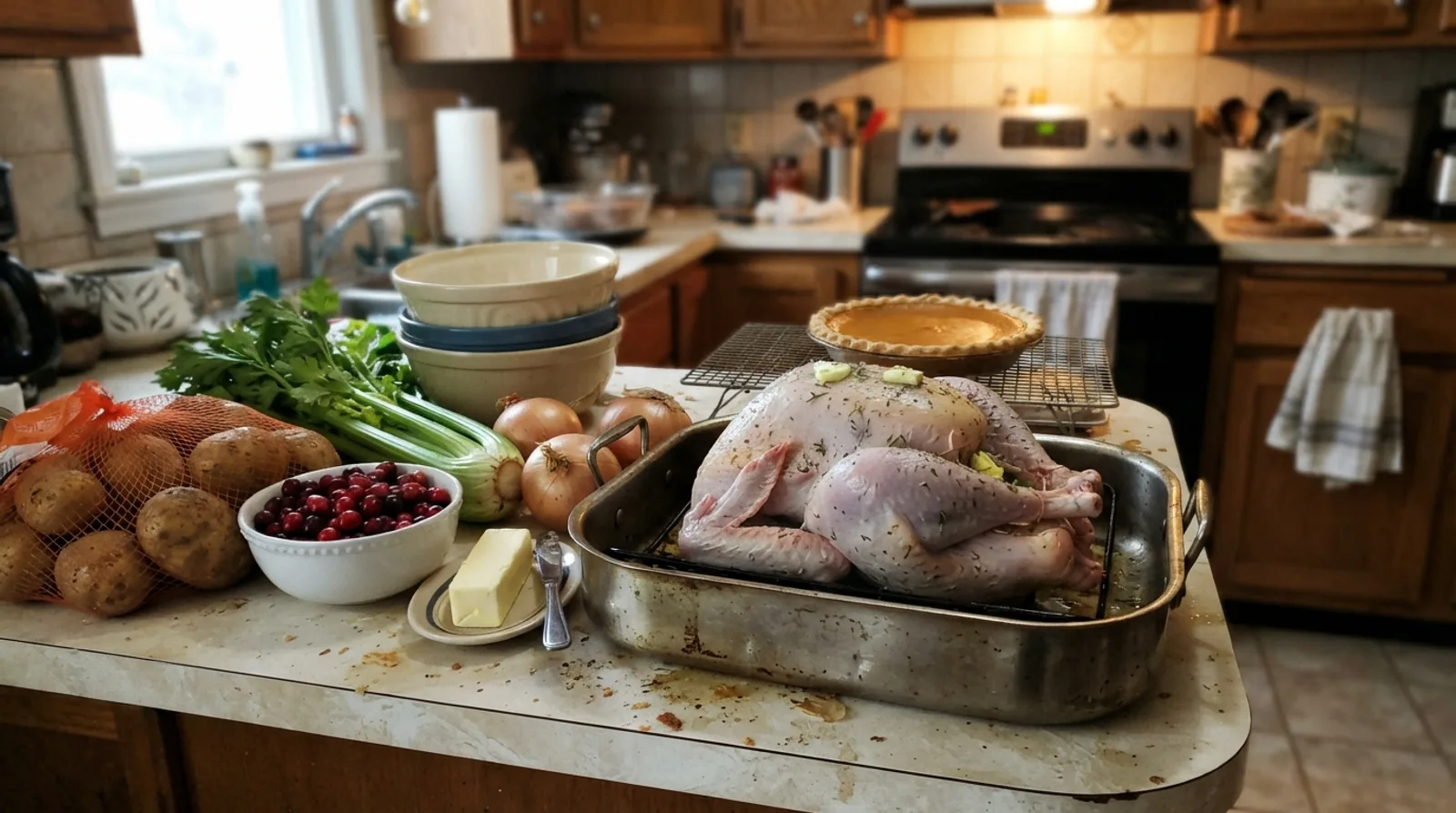
At a Thanksgiving potluck the host usually roasts the turkey and makes the gravy, and everything else is up for grabs. The Thanksgiving sheet has sections for the turkey and other mains, side dishes, salads and vegetables, rolls and bread, pies and desserts, drinks, and plates and ice, with most of the room given to sides, because that is what a Thanksgiving table is mostly made of. The Friendsgiving sheet swaps the salads and bread for appetizers and gives drinks more room.
Put your own name on the turkey line first, so nobody wonders. If you are the one cooking it, our guide to how much turkey per person gives the size to buy, and the Thanksgiving dinner planner works out when to thaw it, when it goes in the oven and how to fit the sides around it.
Christmas and holiday potluck sign-up sheet
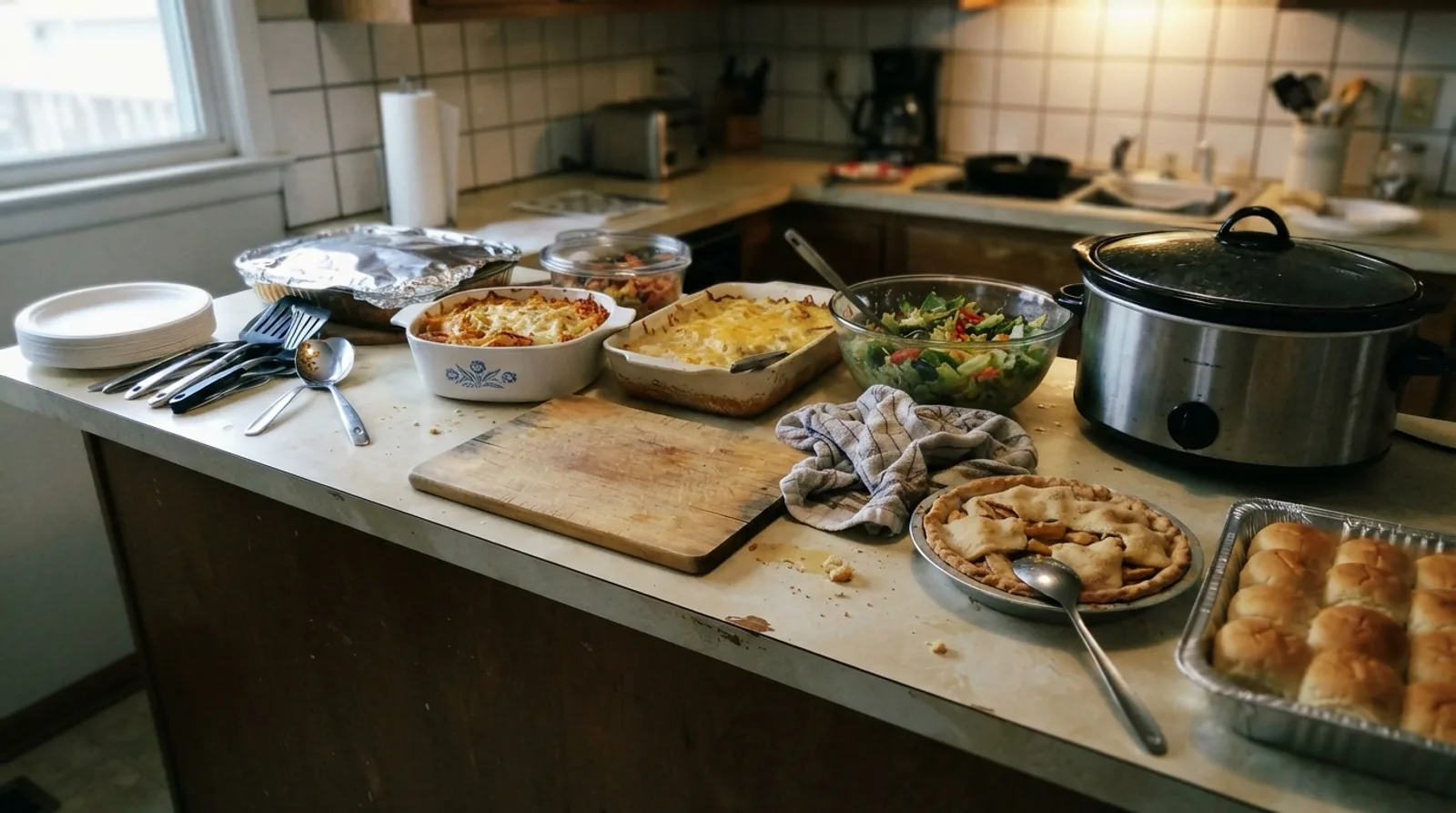
A Christmas or holiday potluck leans on appetizers and sweets more than Thanksgiving does, so the Christmas sheet has sections for main dishes, appetizers, side dishes, cookies and desserts, drinks, and plates and ice. If you are making the main dish yourself, write it on the sheet before you share it; the guides to how much ham per person and prime rib cooking time size it for your guests.
Office potluck sign-up sheet
An office potluck has two extra problems: people sign up at their desks, not in one room, and most of the food has to travel and sit until lunch. Send the link in the team chat and print the same sheet for the break room for anyone who prefers a pen. The office sheet gives plates, forks and napkins their own section with more than one line, since an office kitchen rarely has enough. In the note, say where the outlets are for slow cookers and whether there is fridge space.
Cookie exchange sign-up sheet
At a cookie exchange, also called a cookie swap, every guest bakes a big batch of one kind of cookie and trades with everyone else, so each person goes home with a mixed box. The sheet matters more here than at any other potluck, because six plates of the same chocolate chip cookie is the one way a cookie exchange fails. The cookie exchange sheet has one long section for cookies, one line per baker, plus drinks and boxes or bags for carrying cookies home.
- Say in the note how many cookies each person should bring, so the count is the same for everyone.
- Ask bakers to add the link to their recipe on the sheet. People will ask for it.
- Ask everyone to tick Contains nuts when it applies, and to bring a small card naming the cookie.
Allergies and food safety at a potluck
At a potluck nobody knows what is in anyone else's dish, which is hard on a guest with a food allergy. The FDA names nine major food allergens: milk, eggs, fish, crustacean shellfish, tree nuts, peanuts, wheat, soybeans and sesame. Ask guests to use the dietary notes on the sheet, and on the day put a small card by each dish that lists any of the nine it contains.
Leftovers are part of the fun. Bring containers, or ask guests to, and see how long food lasts in the fridge before you eat the potato salad on day five.
Keep the recipes people ask for
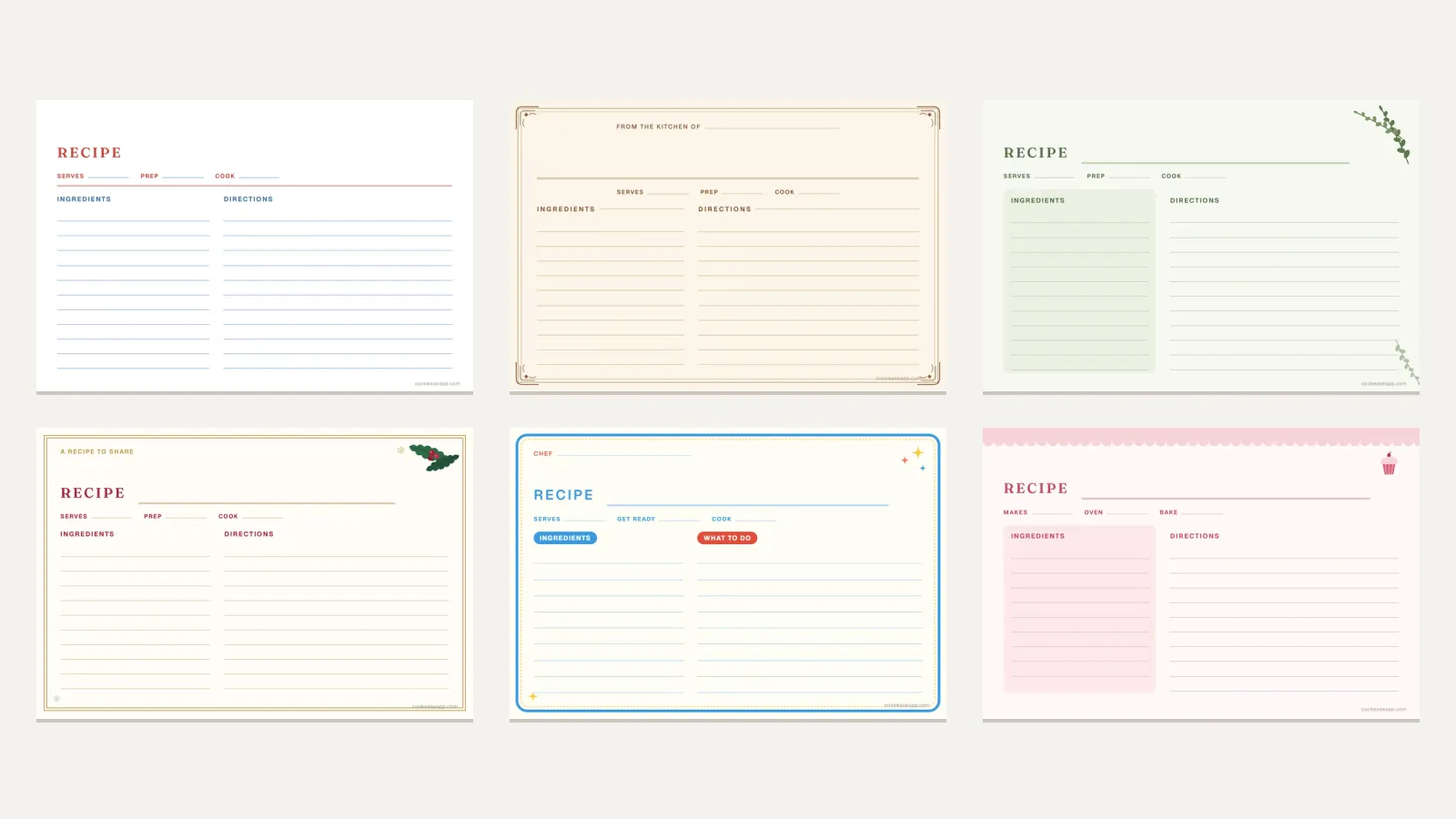
Every potluck ends with someone asking for a recipe. When guests add a recipe link to their dish, it shows on the sheet for everyone. If the recipe you are making came from a website or a video, CookEase saves it from the link with the ingredients and steps written out, so it is on your phone when you cook it and still there next year (how saving a recipe works). A free account comes with 5 free saves, and you can share any of them as a link to put on the sheet. For a handwritten family recipe, the printable recipe cards are a nice thing to set next to the dish.
Bringing a dish? Keep the recipe.
Save recipes from any website or video, scale them for a crowd, and get one grocery list for everything you are cooking.