
Digital Hoarding vs. Digital Cooking: Organizing Your Recipe Mess in 2026
Are your recipes scattered across screenshots, bookmarks, and loose papers? Learn the modern way to consolidate your culinary life into one searchable, stress-free digital cookbook.
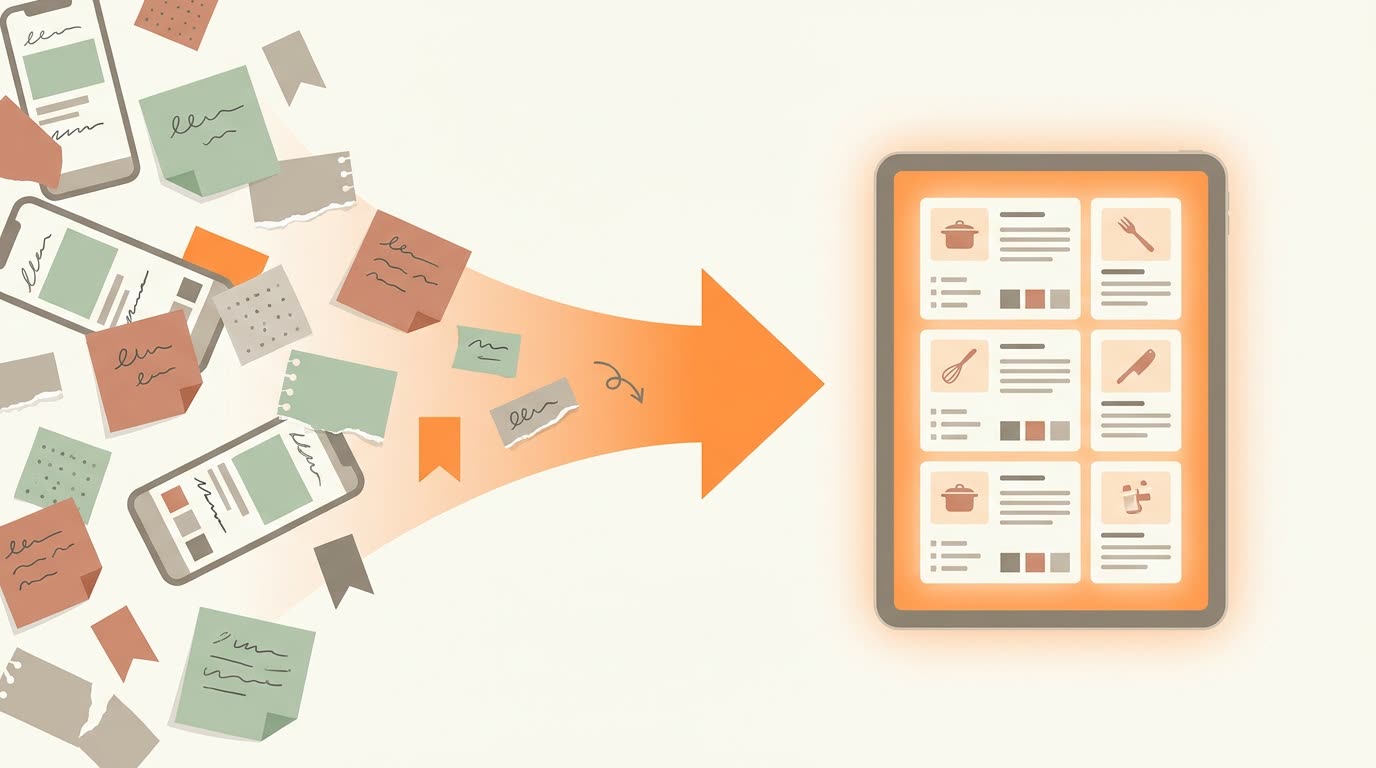
We all have that "folder of shame." It’s full of screenshots of Instagram recipes, Pinterest links that lead to 404 error pages, and photos of grandma’s index cards that are blurry and impossible to read.
Digital hoarding isn't cooking. If you spend more time searching for a recipe than you do chopping vegetables, your system is broken. In 2026, creating a cohesive, searchable digital cookbook isn't just about tidiness - it's about reclaiming your time in the kitchen.
The "Screenshot Graveyard" Problem
The most common way we save recipes today is also the worst: screenshots. An image of text is not searchable. You can't type "chicken" into your photo gallery and reliably find that specific curry recipe you saved three months ago.
And a screenshot is frozen in place. You can't edit it, add your own notes, or send its ingredients to a grocery list. CookEase solves this by turning those static images into living recipes.
The Power of AI Auto-Tagging
In the old days, organizing recipes meant manually typing out tags: "Dinner," "Healthy," "Italian." Nobody has time for that.
Modern recipe organizers use AI to read the recipe for you. When you save a dish into CookEase, it automatically detects:
- Cuisine Type: (e.g., Thai, Mediterranean)
- Dietary Attributes: (e.g., Gluten-Free, Vegan)
- Time Commitments: (e.g., Under 30 Mins)
This means your library is organized from day one, without you lifting a finger.
From Static PDF to Editable Text
Many of us have PDF cookbooks or scans of magazine clippings. While digital, they are rigid. You can't cross off ingredients as you shop, and you can't edit the instructions if you find a better way to cook the dish.
A true digital organizer reads these pages for you and turns them into real text. This transforms a flat document into a living recipe that you can edit and annotate with your own notes.
The "Cooking Mode" Difference
The final piece of the puzzle is actually cooking. A folder of bookmarks doesn't help you when your hands are wet. A dedicated app provides a "Cooking Mode" - a simplified, high-contrast view that keeps your screen awake.
Pro Tip: Don't try to organize everything at once. Start by saving the 5 recipes you cook most often. Once you see the value of having them searchable and ready to cook from, you'll naturally want to add the rest.
Turn your chaos into a cookbook
Stop scrolling through screenshots. Start cooking with clarity.
Get Organized Now