Scan Recipes From Cookbooks
Last Updated: February 11, 2026
Love your physical cookbooks but hate losing your page? Digitize your favorites so they are searchable, editable, and shareable.
How to Scan
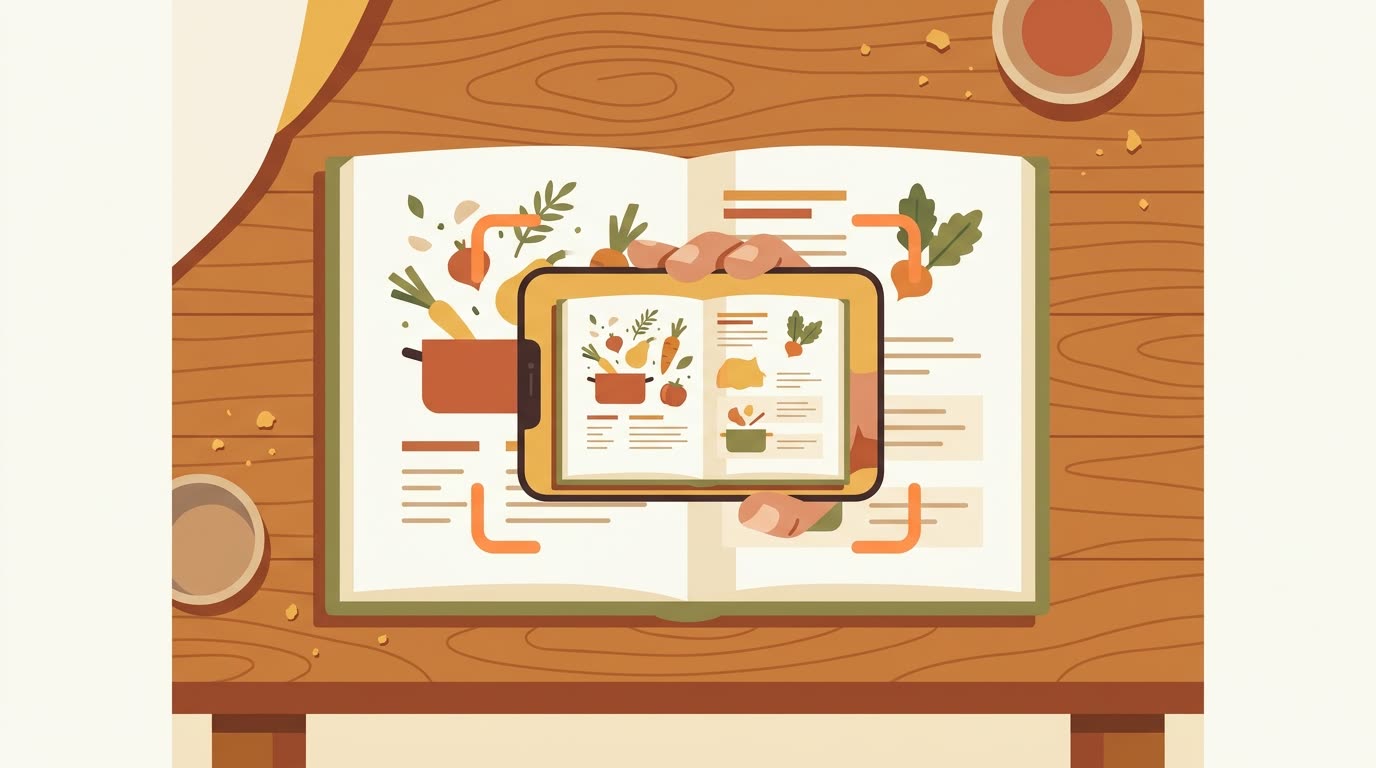
- Lay your cookbook flat on a table.
- On the iPhone app: open the save screen, choose the Scan tab, then Camera, and snap a clear picture of the page.
- On the web app: go to your Dashboard, choose Save a recipe then the Upload File tab, and upload a photo you have already taken (images and PDFs are accepted).
- If the recipe spans two pages, the easiest way is to type or paste the full text with the Paste tool instead, or save each page as its own recipe and combine them with a quick edit.
Once your recipe is saved, you can polish any detail or add your own notes, like "Use less salt" or "Cook for 5 extra minutes."