Save from Screenshots
Last Updated: February 11, 2026
We all take screenshots of recipes on Instagram stories or Facebook posts. Instead of letting them clutter your gallery, save them into CookEase.
Steps
- Take a screenshot of the recipe on your phone.
- Open CookEase and tap Save a recipe.
- Select Upload File.
- Pick the screenshot from your library.
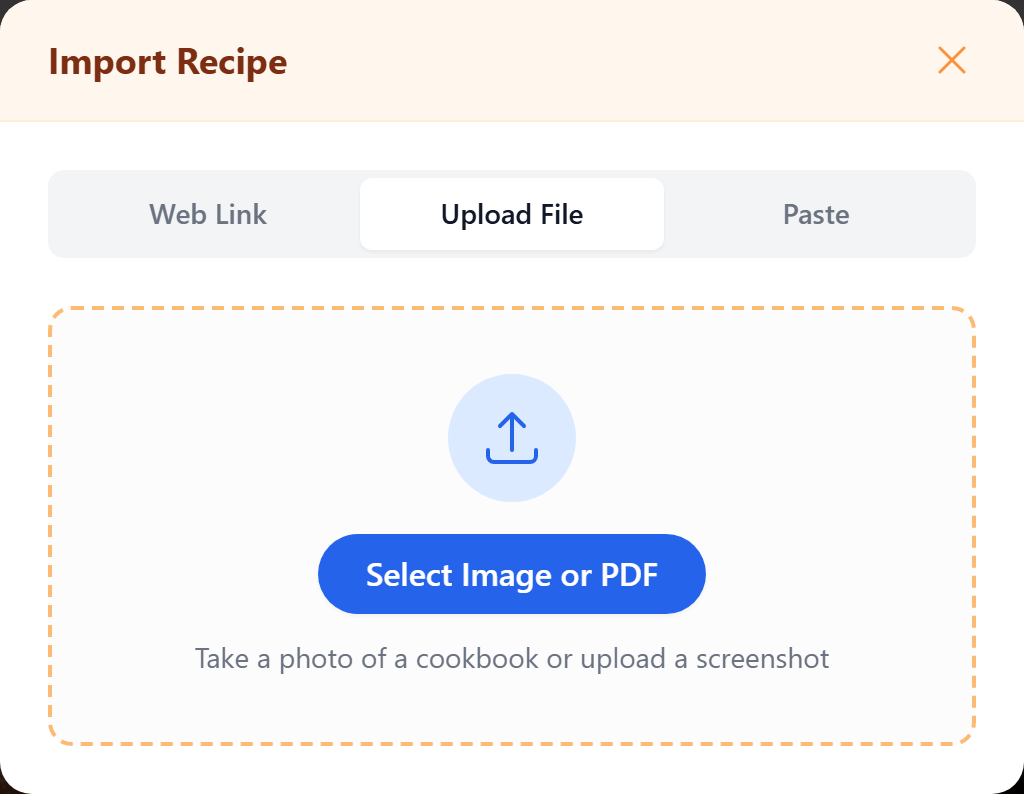
CookEase will read the text, recognize the food in the image, and create a neat recipe card for you.